New article
Recently updated
Re-instating an archived Process

Who is this article for?Users who want to learn about re-instating an archived Process
Access to the Universe module required.
This guide will walk you through the steps of Re-instating an archived Process.
1. Re-instating an archived Process
1.1. Video
1.2. Steps
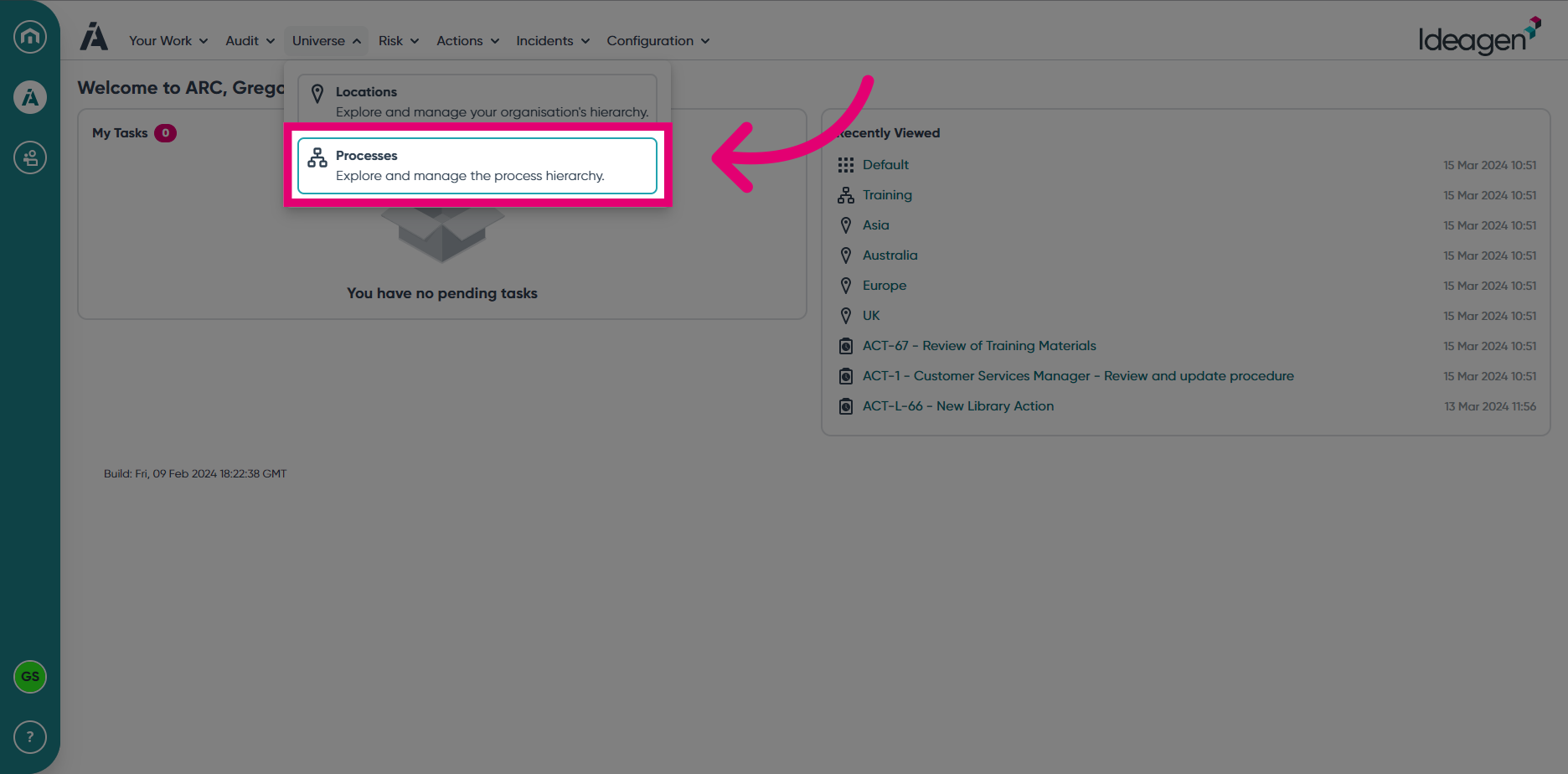
- Access the Universe module.
- Select Processes from the Universe module menu.
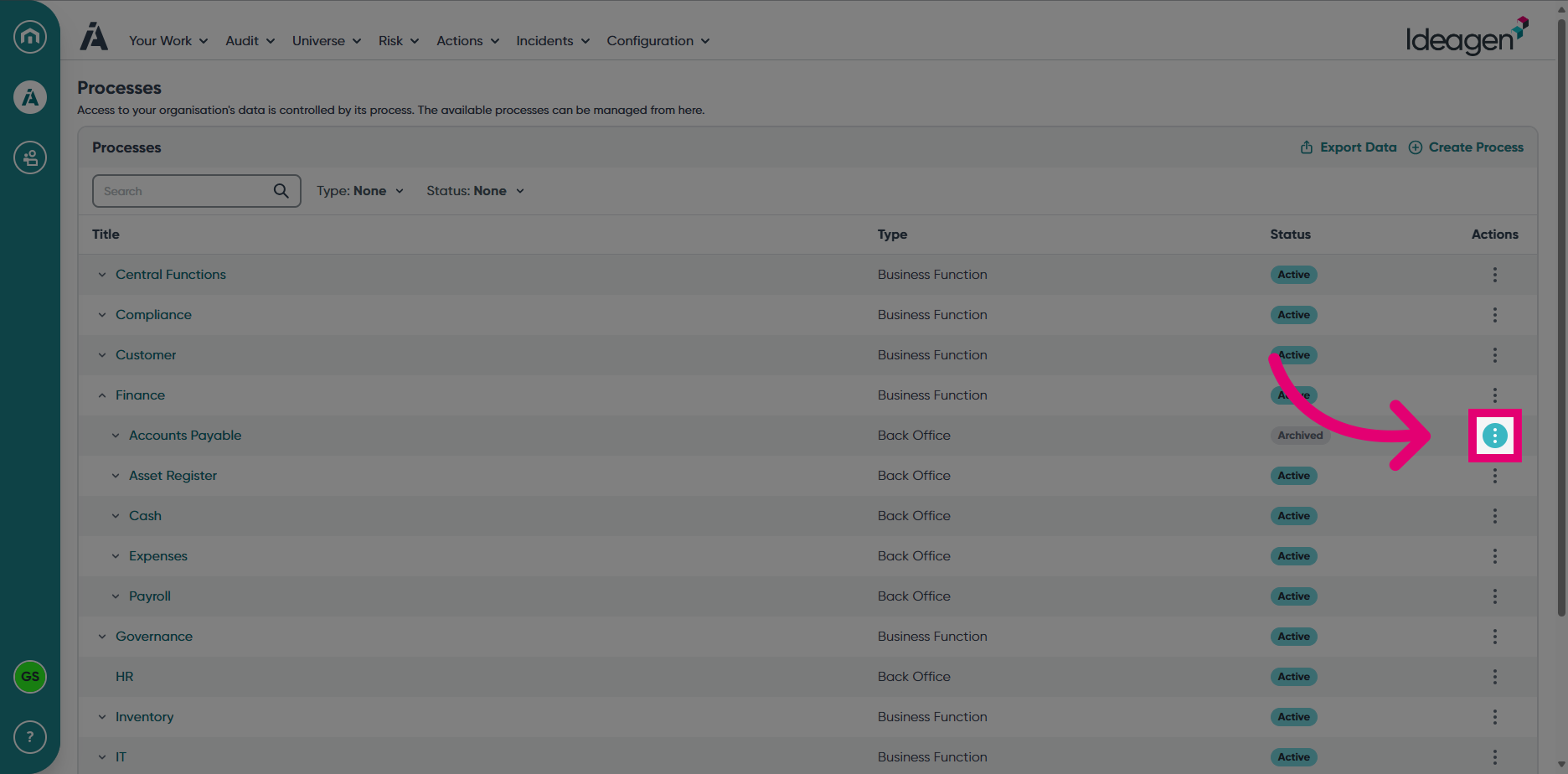
- Locate the Process you with to Re-instate and click the ellipses.
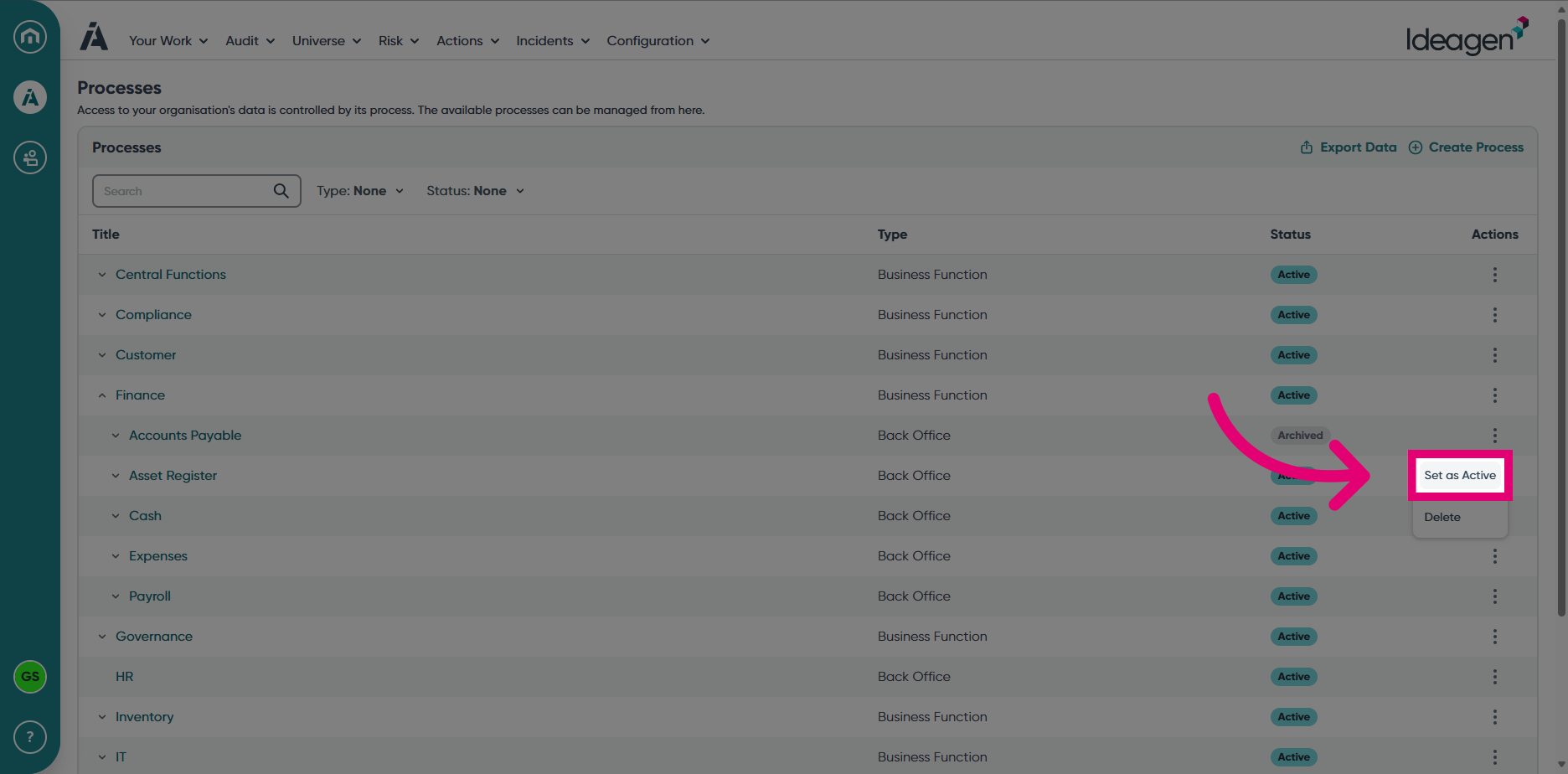
- Choose Set as Active from the displayed options.
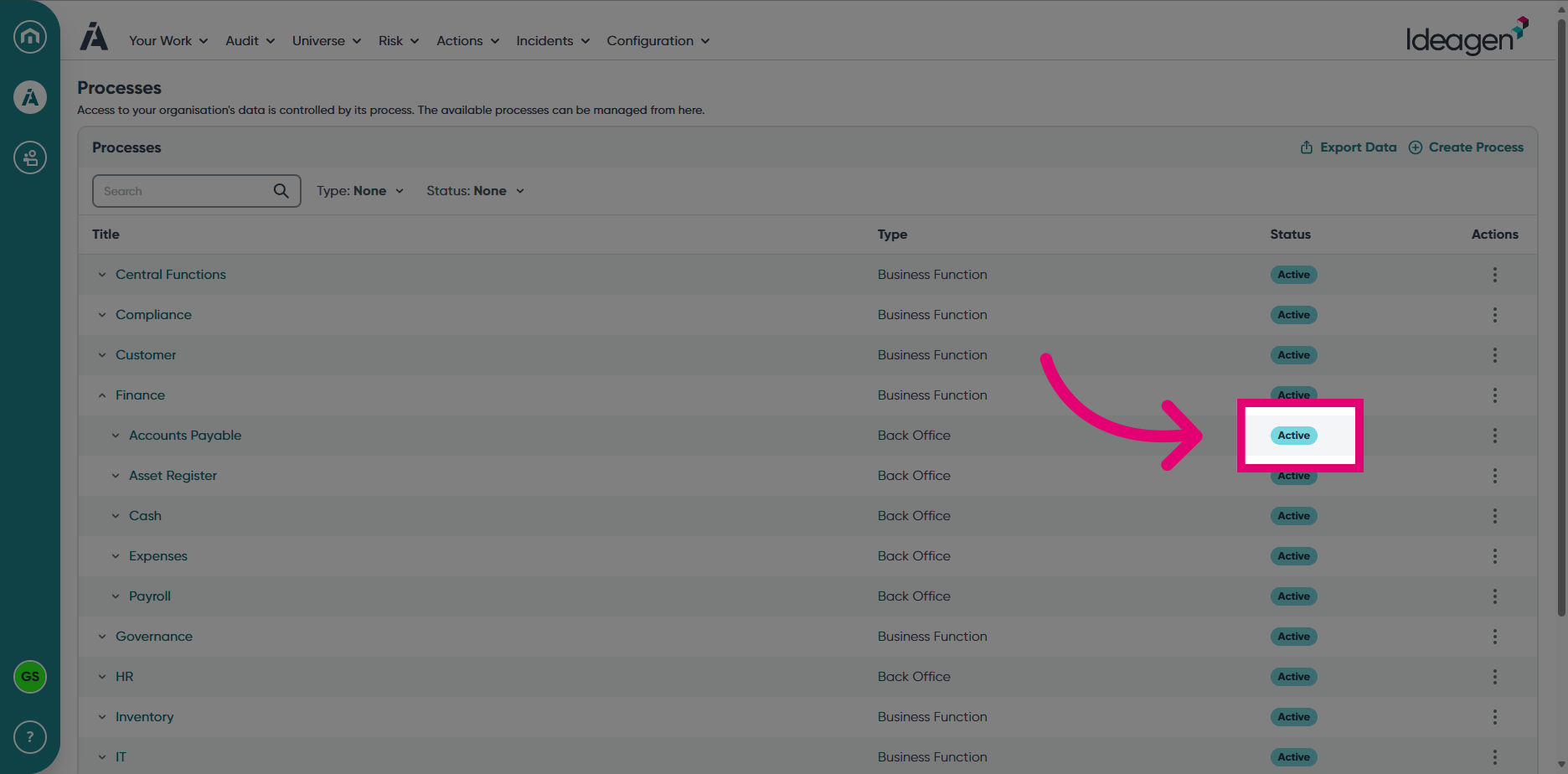
- You can confirm the Process has been re-instated by checking the Status in the Processes view.