New article
Recently updated
Creating a new Library Action

Who is this article for?Users who want to learn about creating a new Library Action.
Access to the Actions module required.
This guide walks you through the steps for creating a new Library Action.
1. Creating a new Library Action
1.1. Video
1.2. Steps
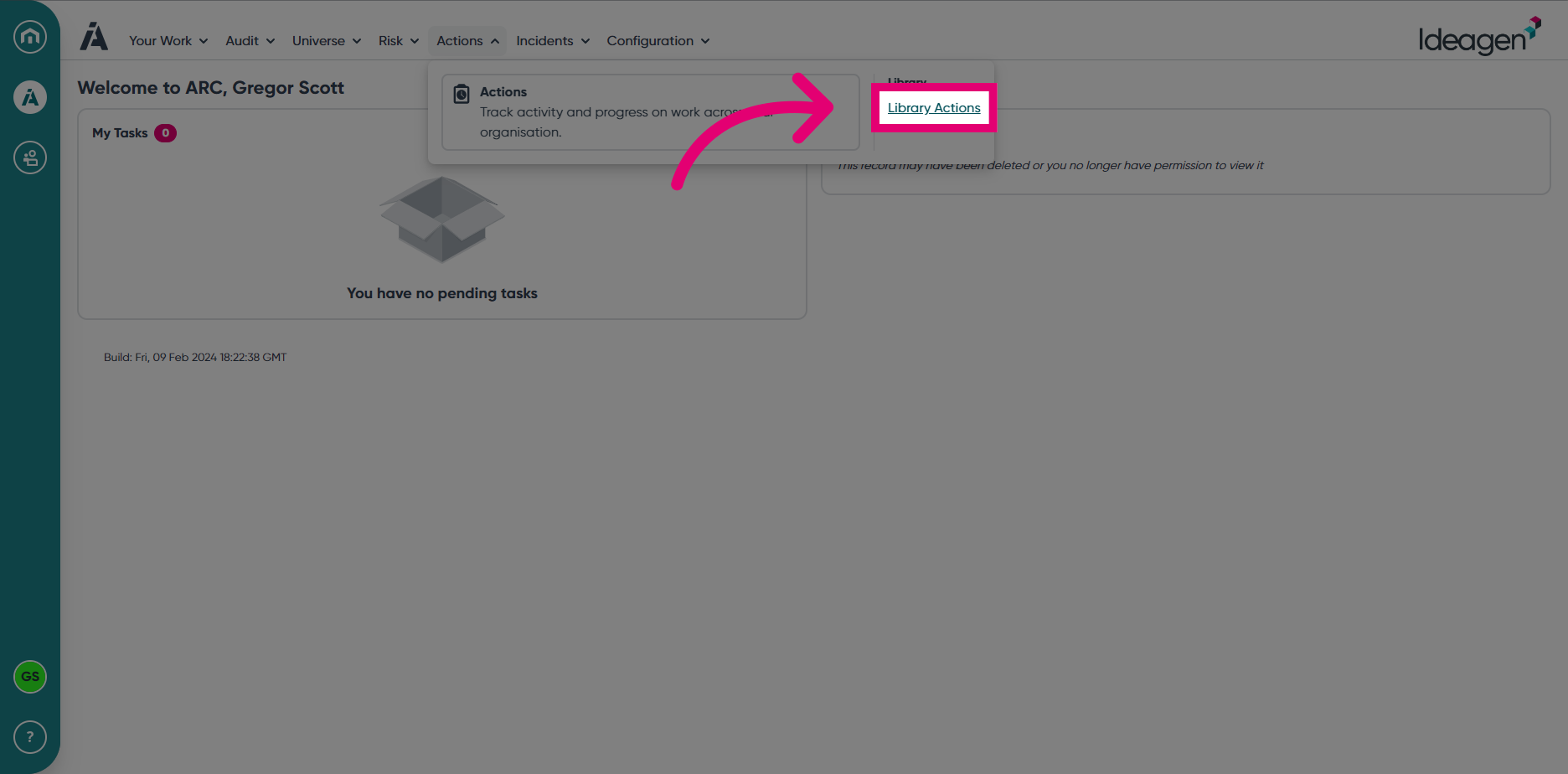
- Open the Actions module.
- Navigate to the Library Actions section.
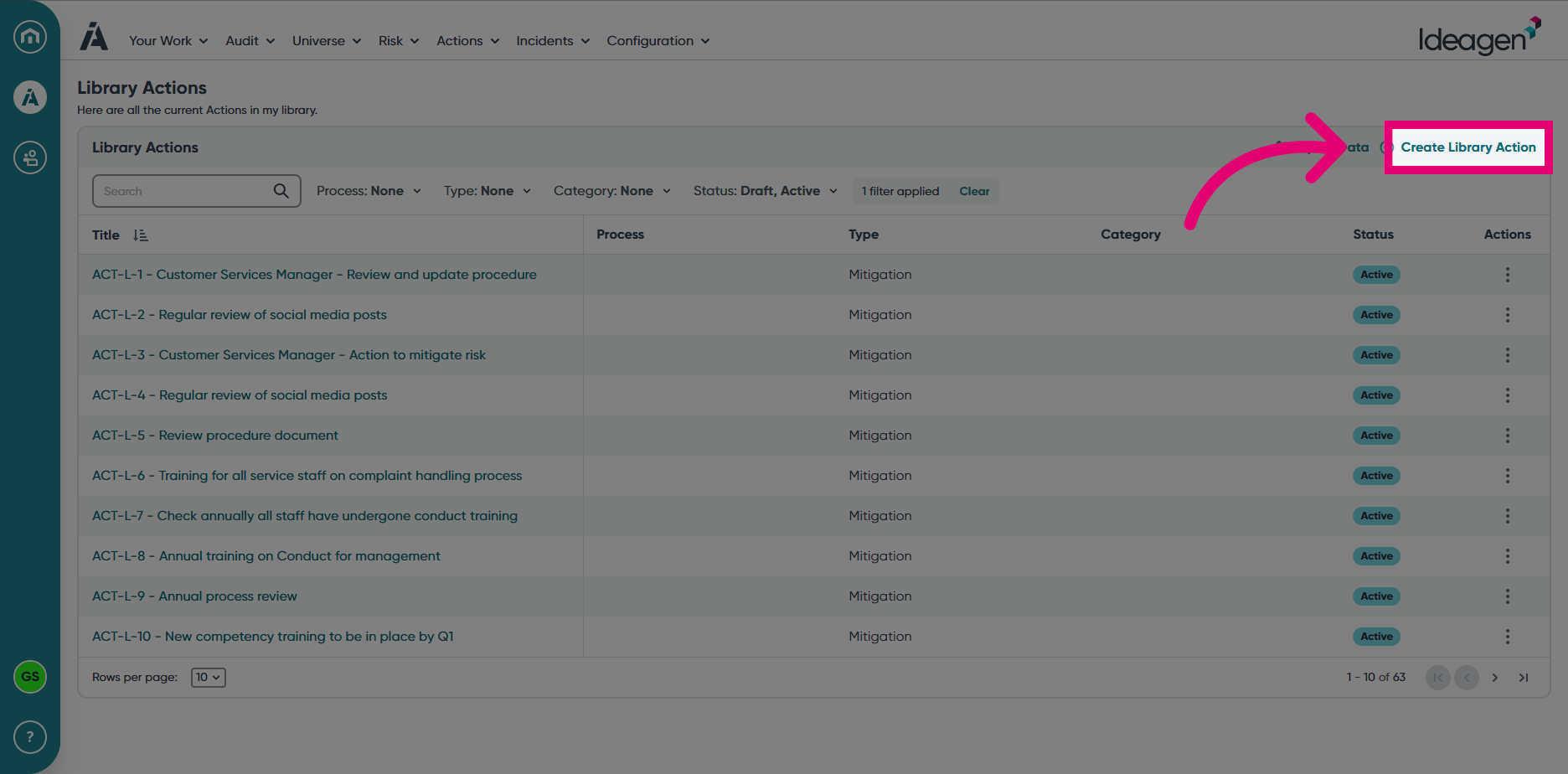
- Select Create Library Action.
- Enter a Title for the Action.
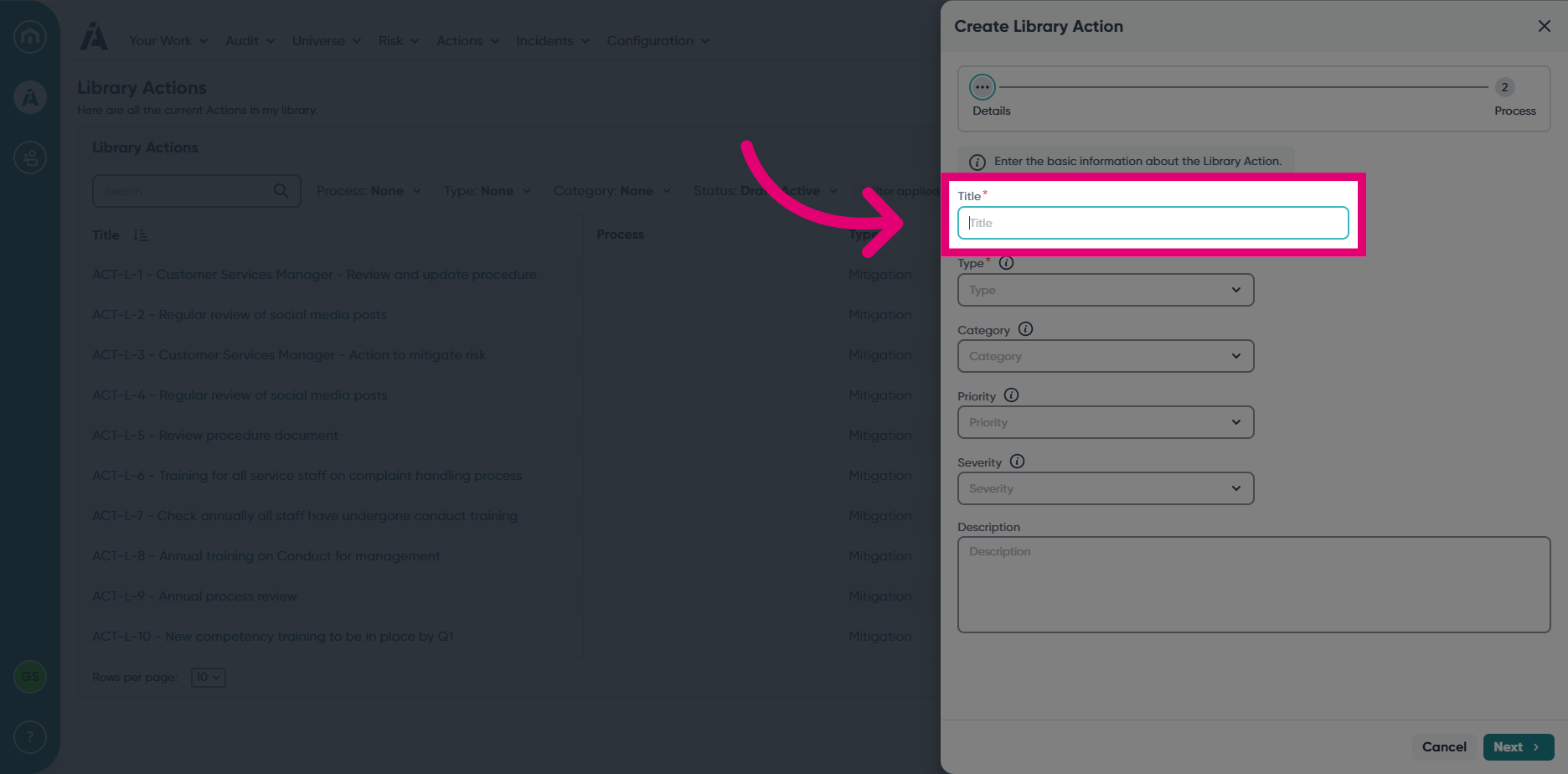
- Select an Action Type.
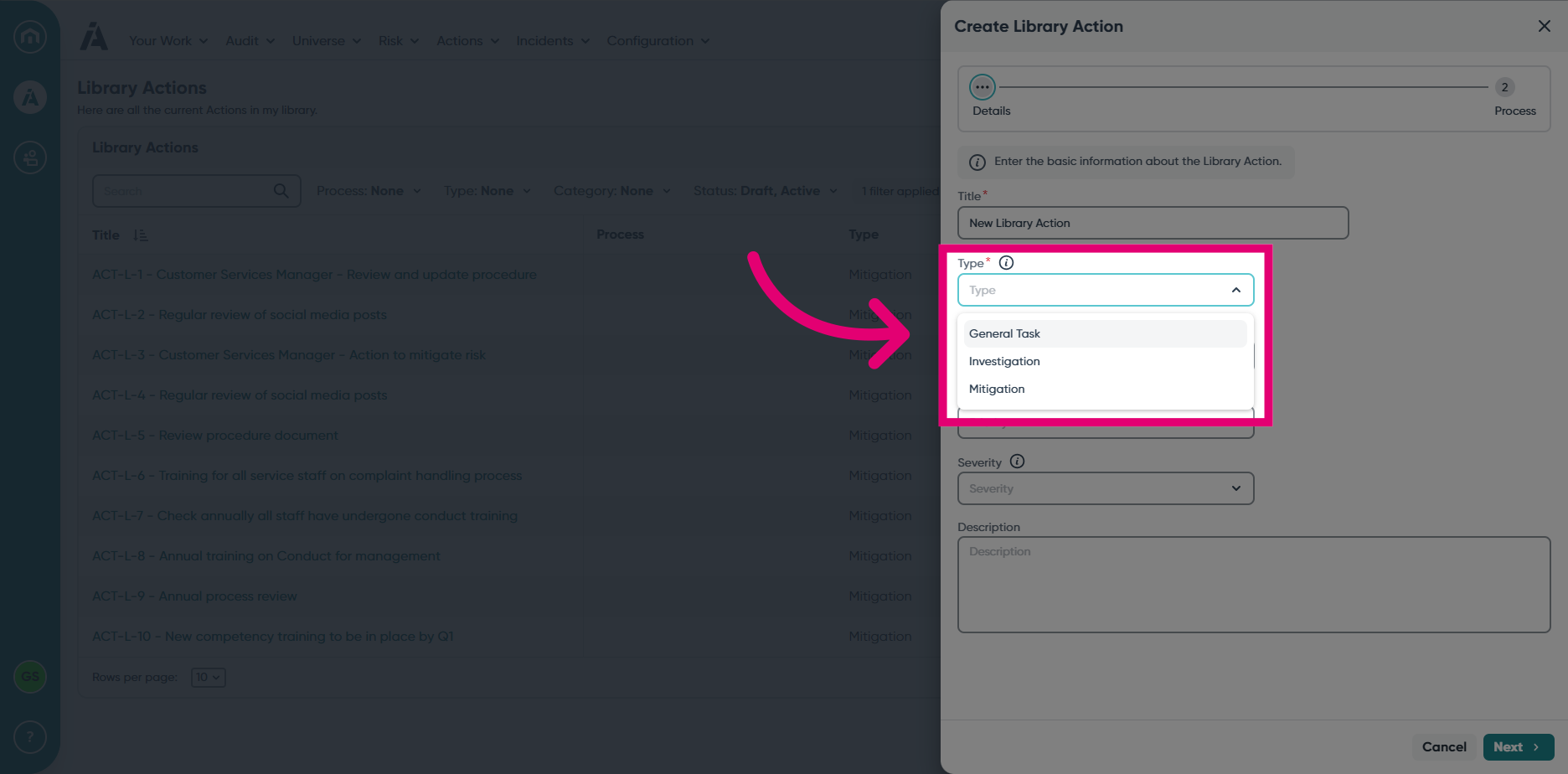
- Choose a relevant Category.
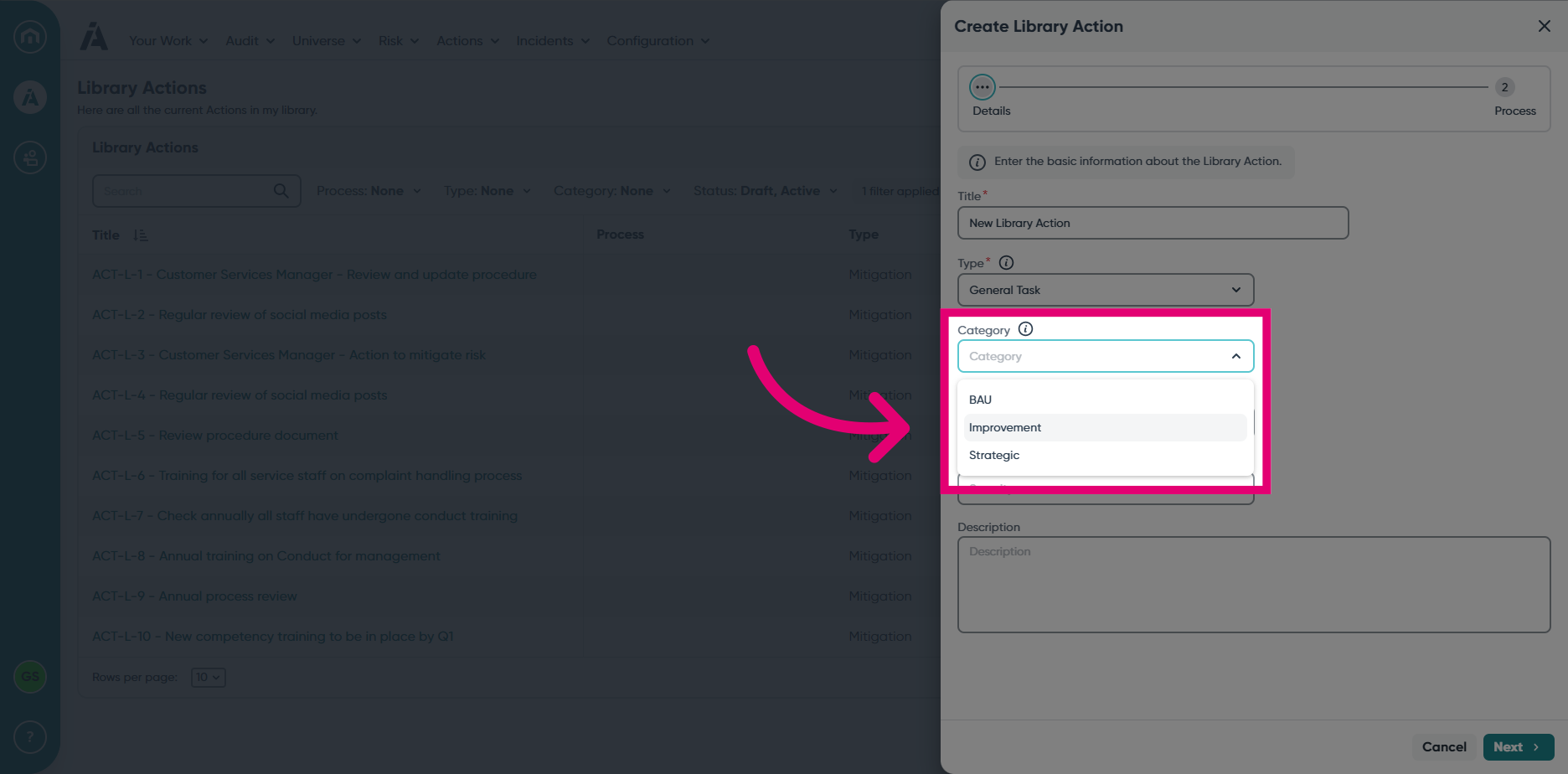
- Assign the desired Priority.
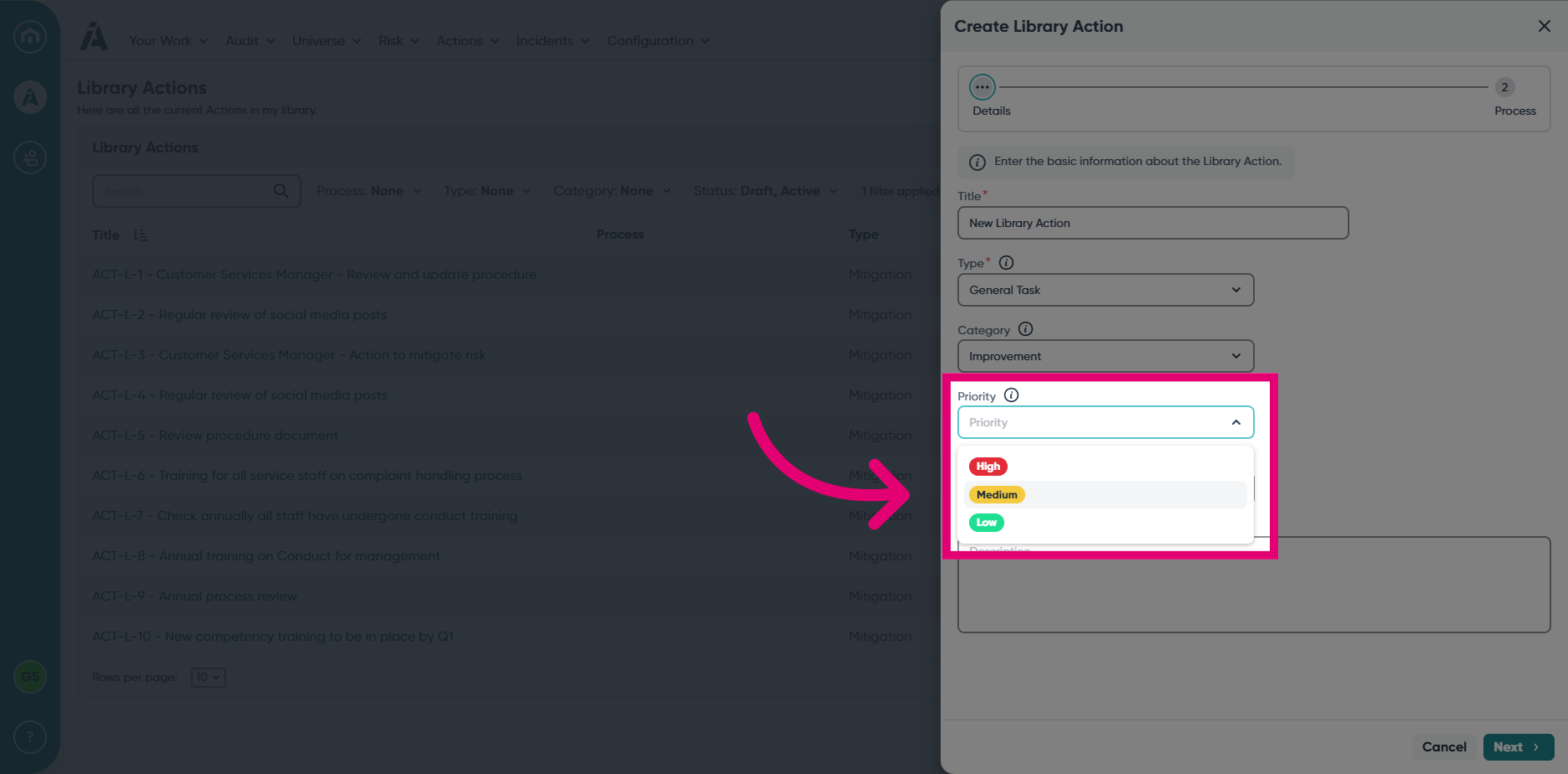
- Select the Severity for the Action.
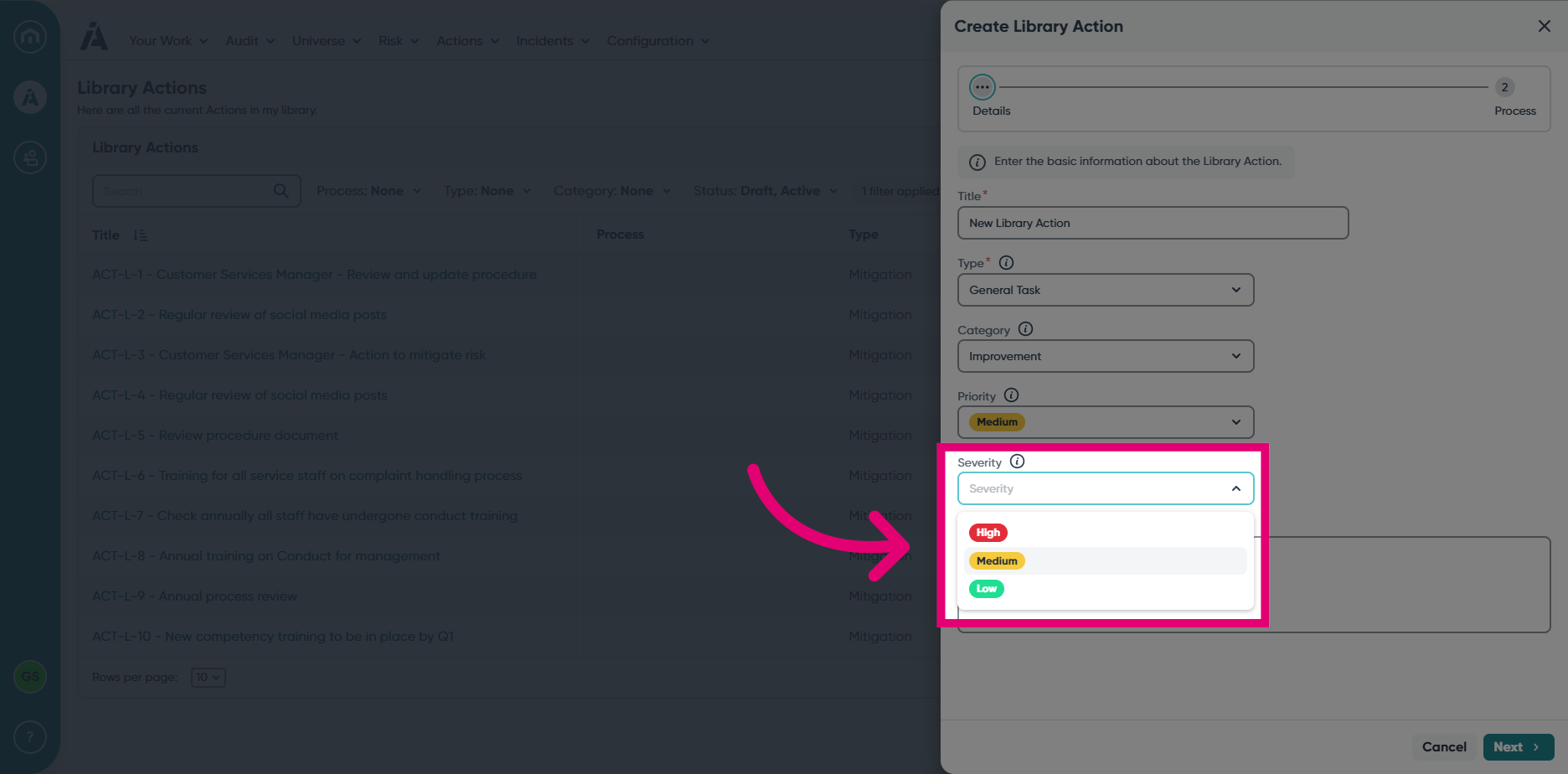
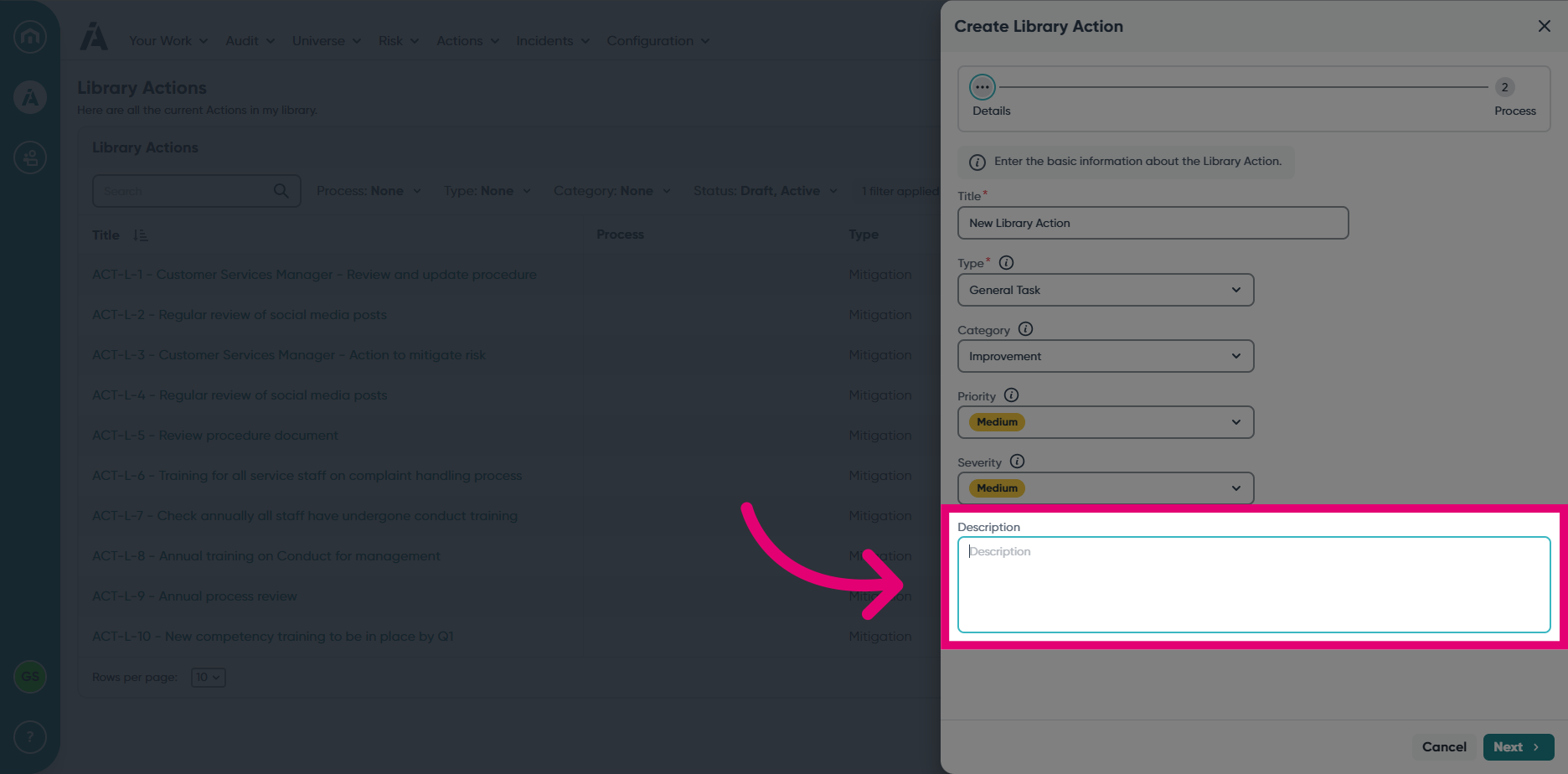
- Enter a concise Description.
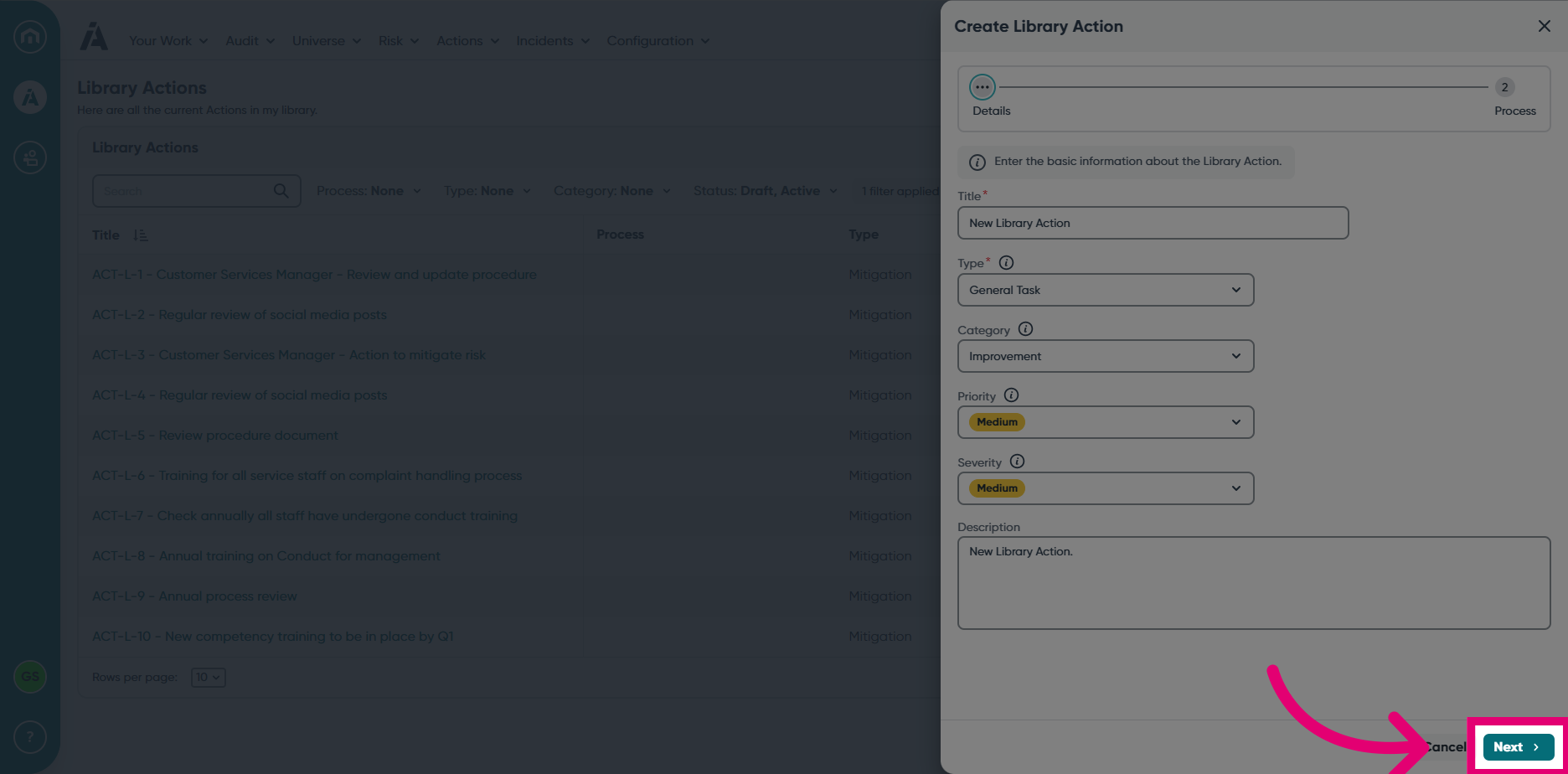
- Click Next.
- Choose a Process from the drop-down list.
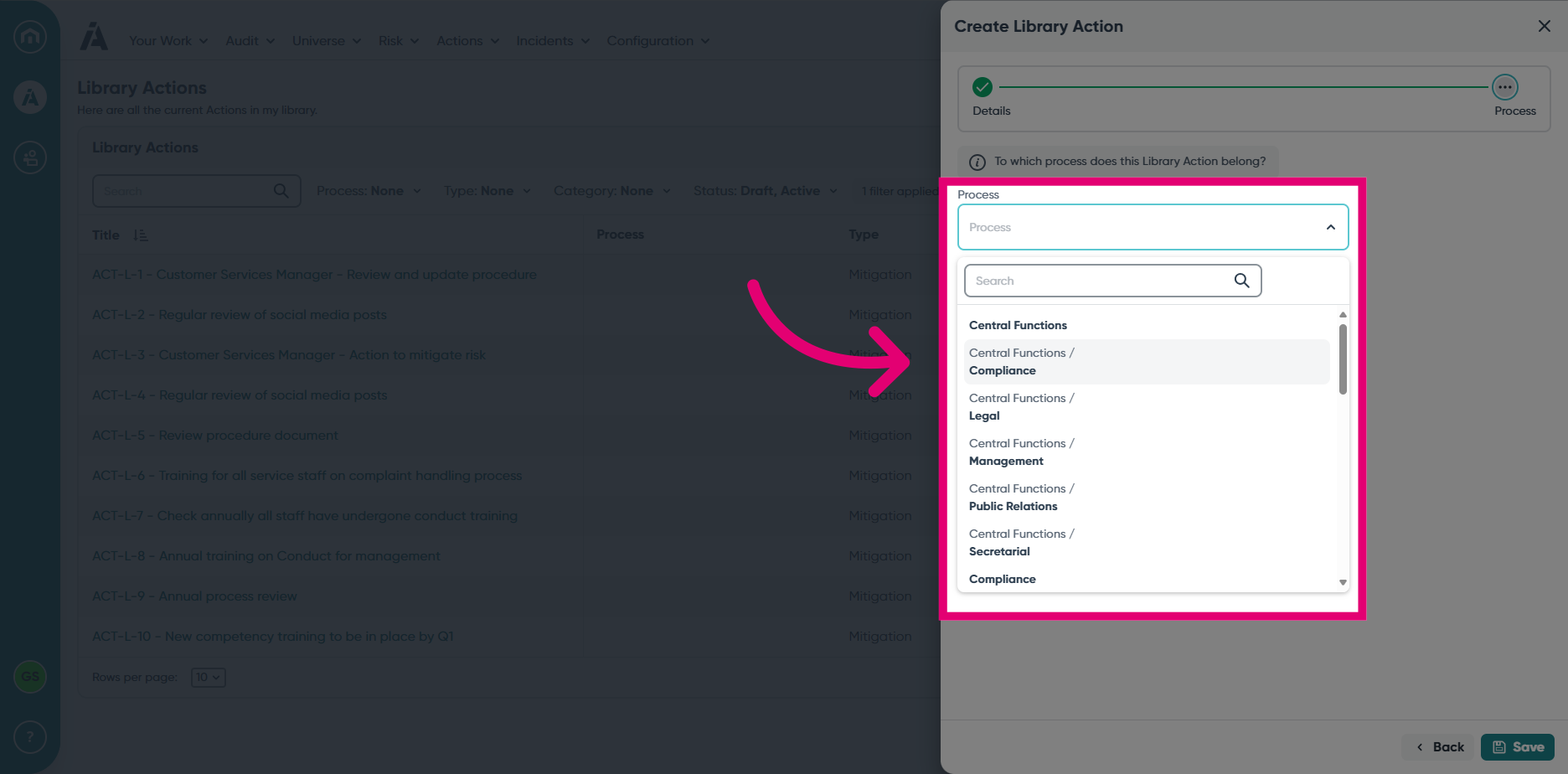
- Save the new Library Action.
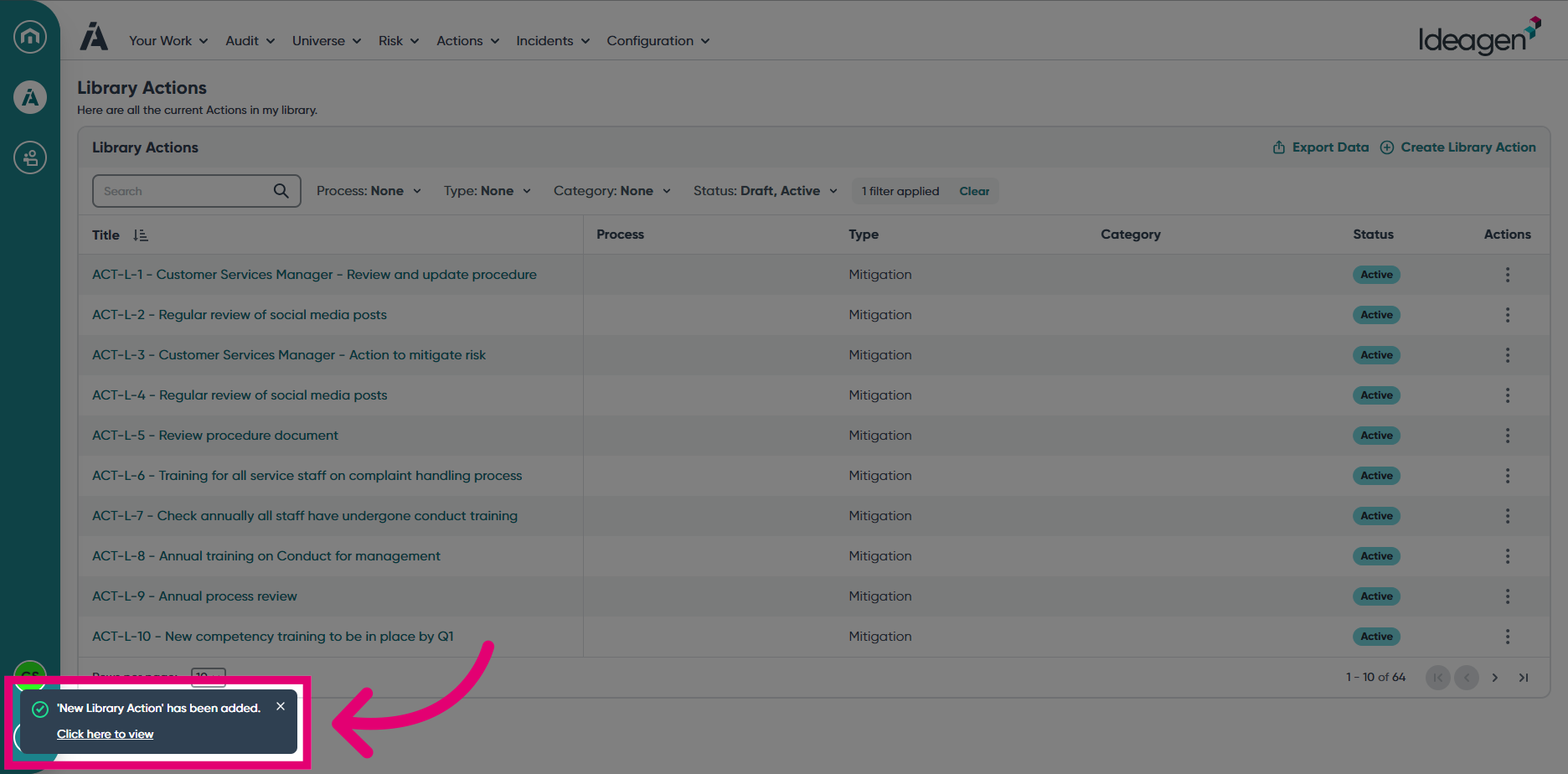
- View the created Library Action by clicking on the pop-up, or manually find it within the Library Actions list.