New article
Recently updated
Creating a Library Incident

Who is this article for?Users who want to learn how to create a library Incident.
No elevated permissions are required.
This guide will walk you through the process of creating a Library Incident.
1. Creating a Library Incident
1.1. Video
1.2. Steps
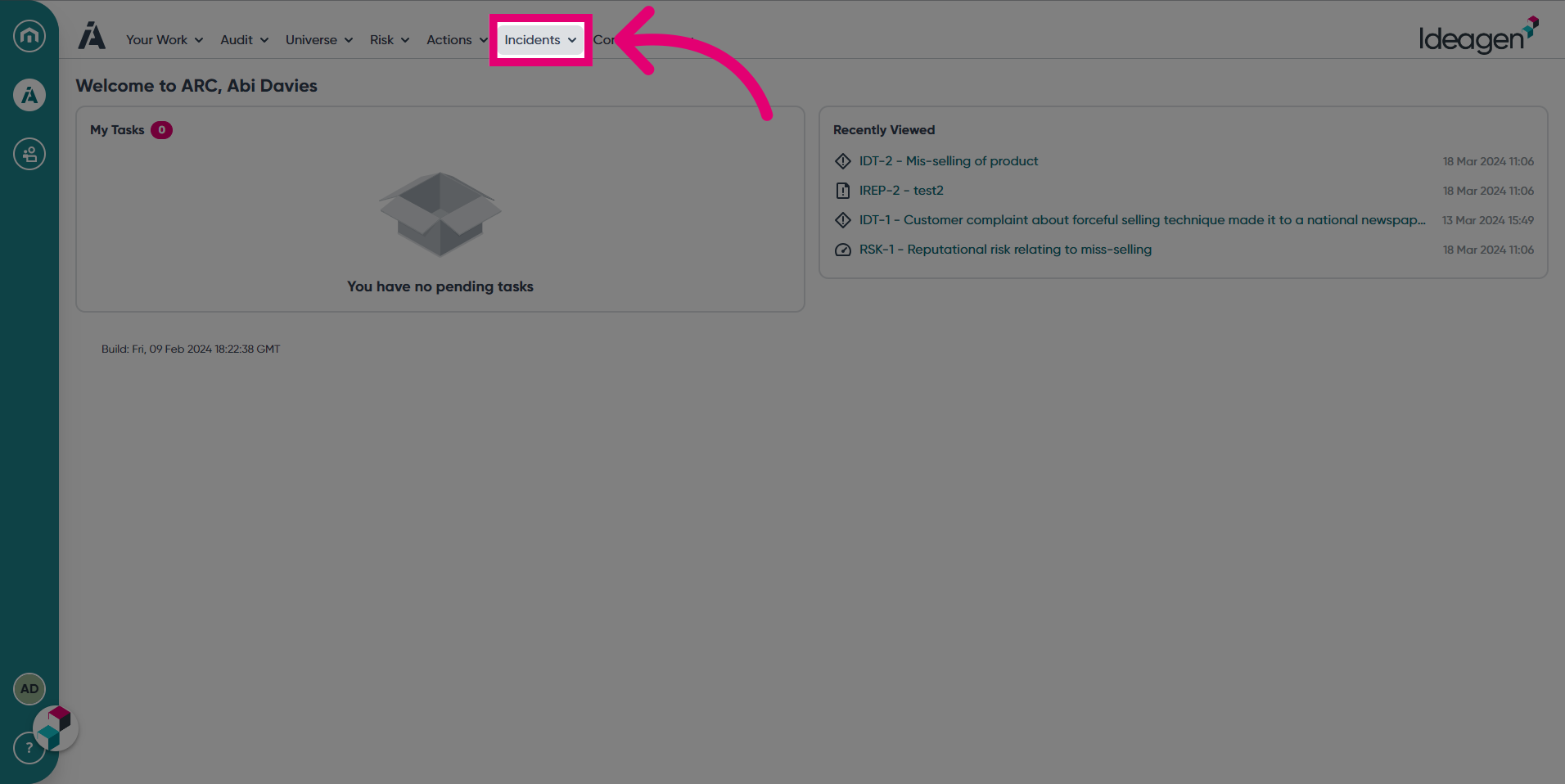
- Access the Incidents module.
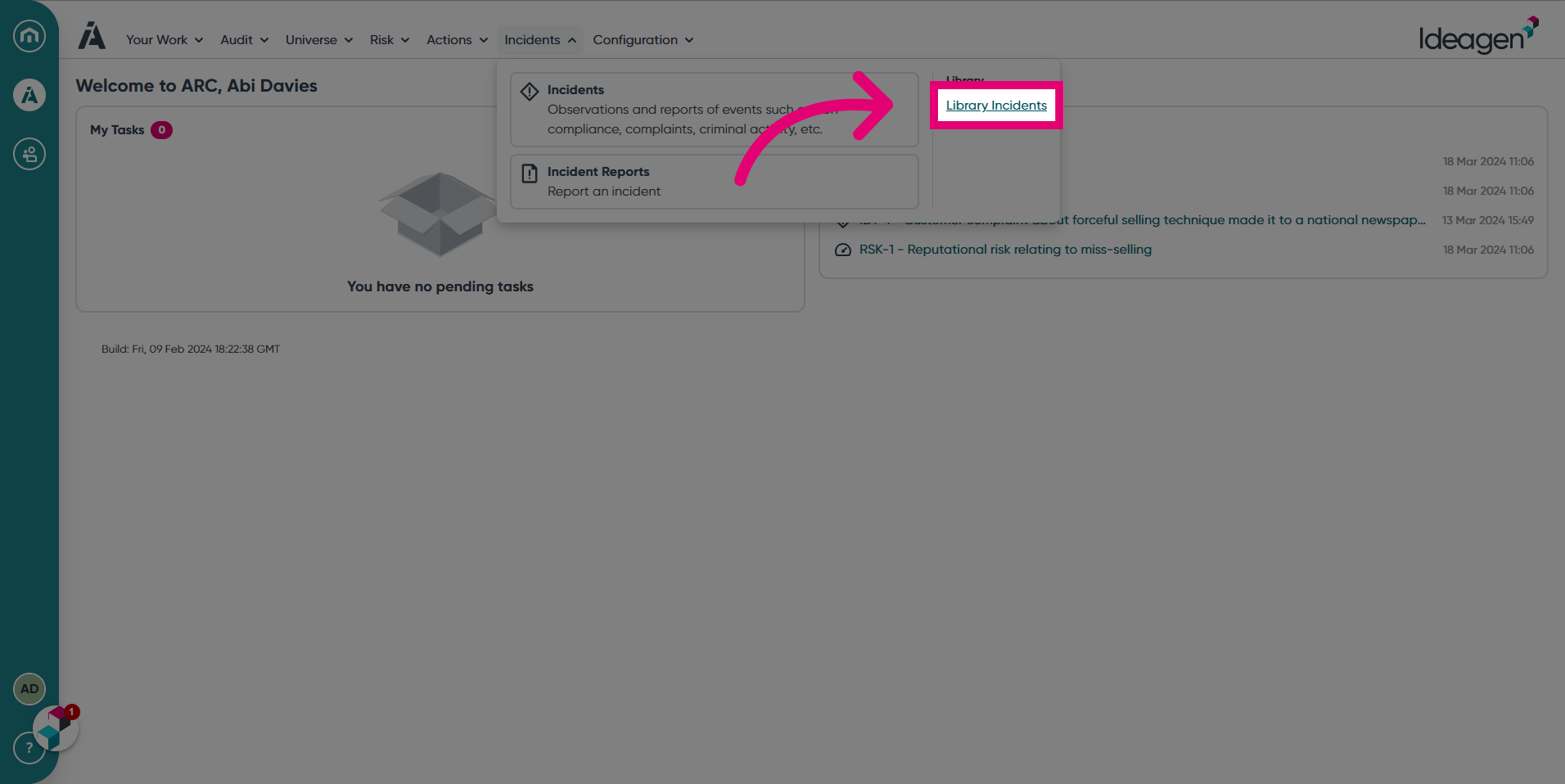
- Click Library Incidents.
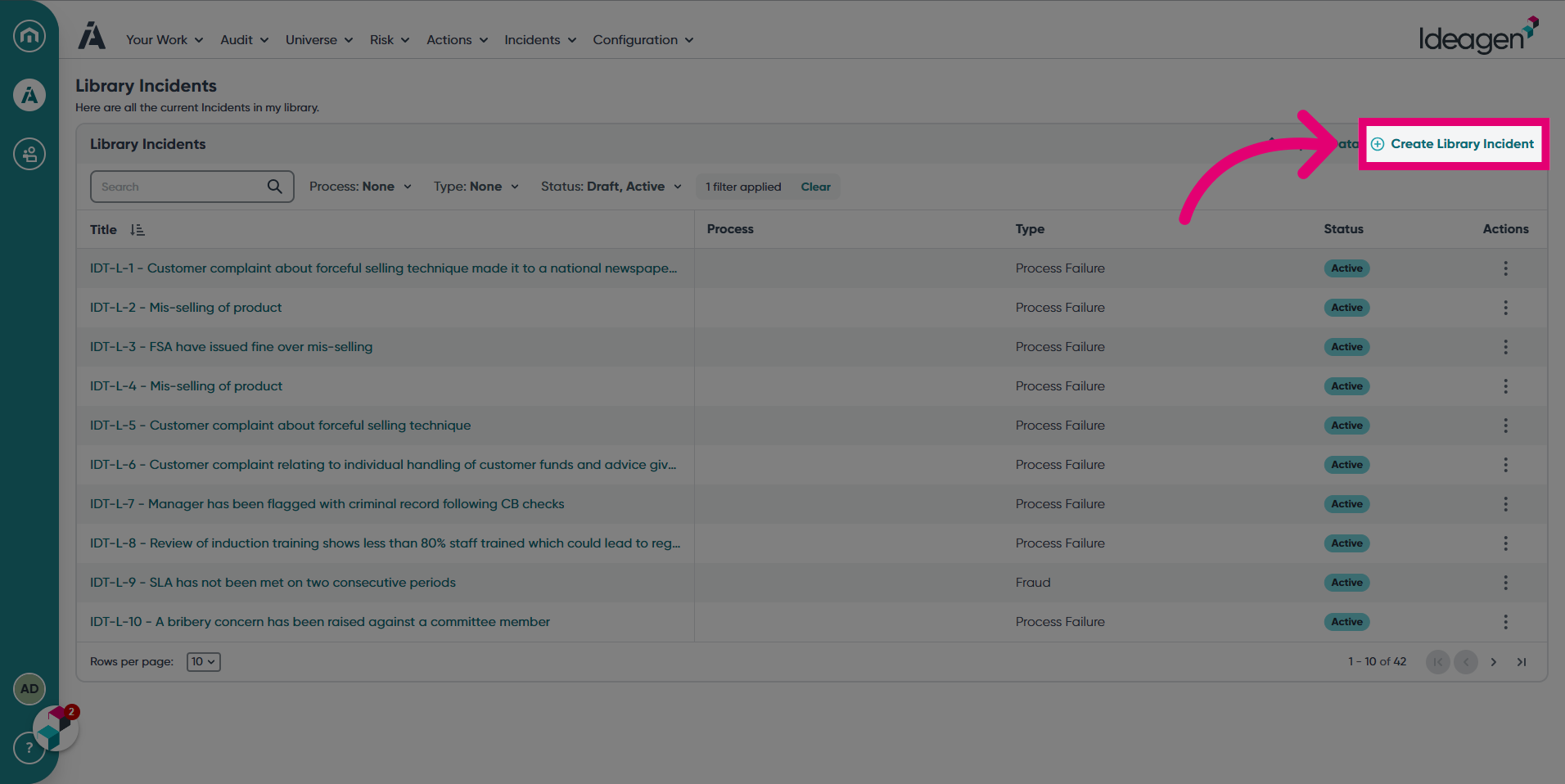
- Click Create Library Incident.
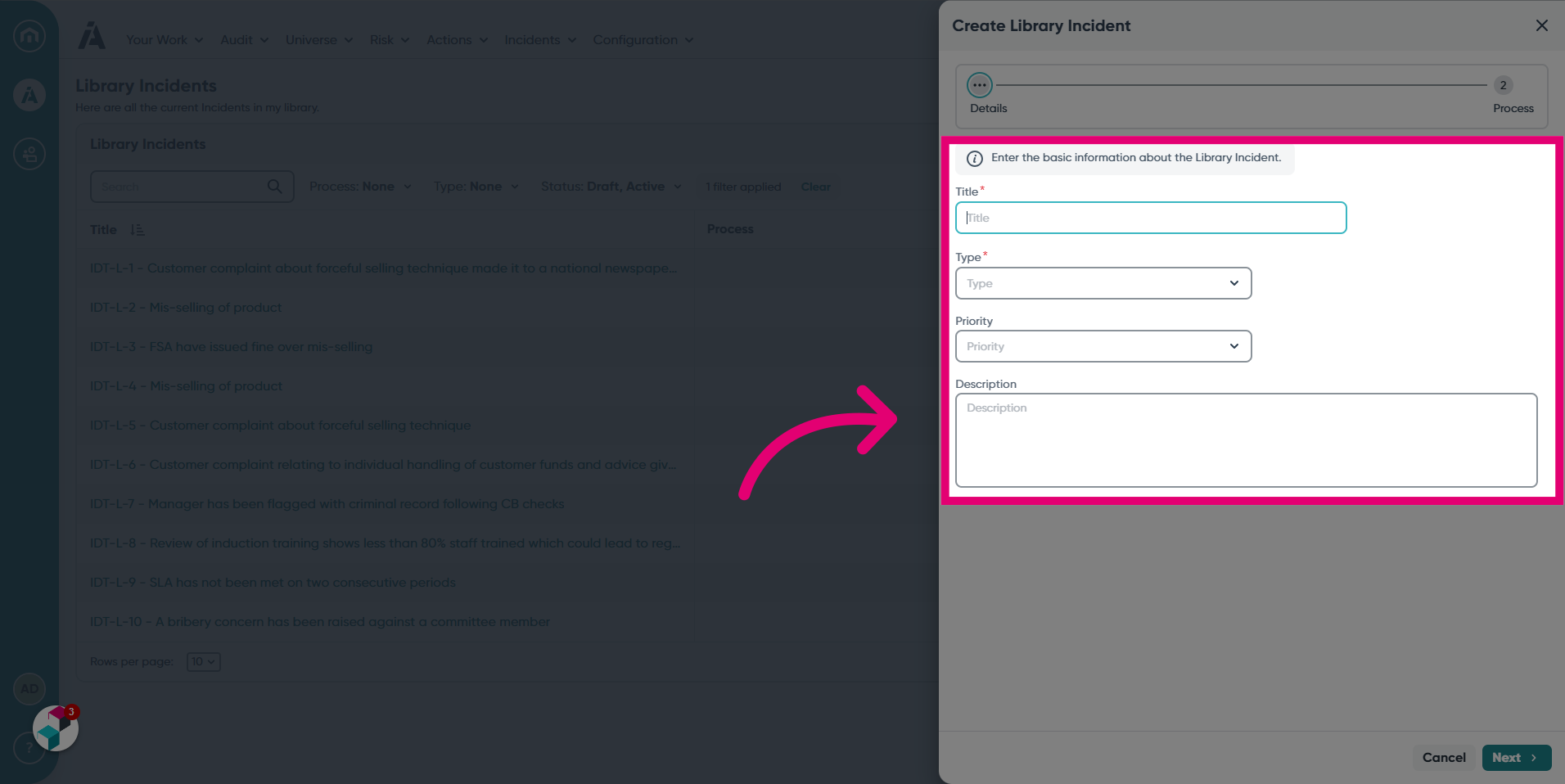
- Enter the basic information about the Library Incident.
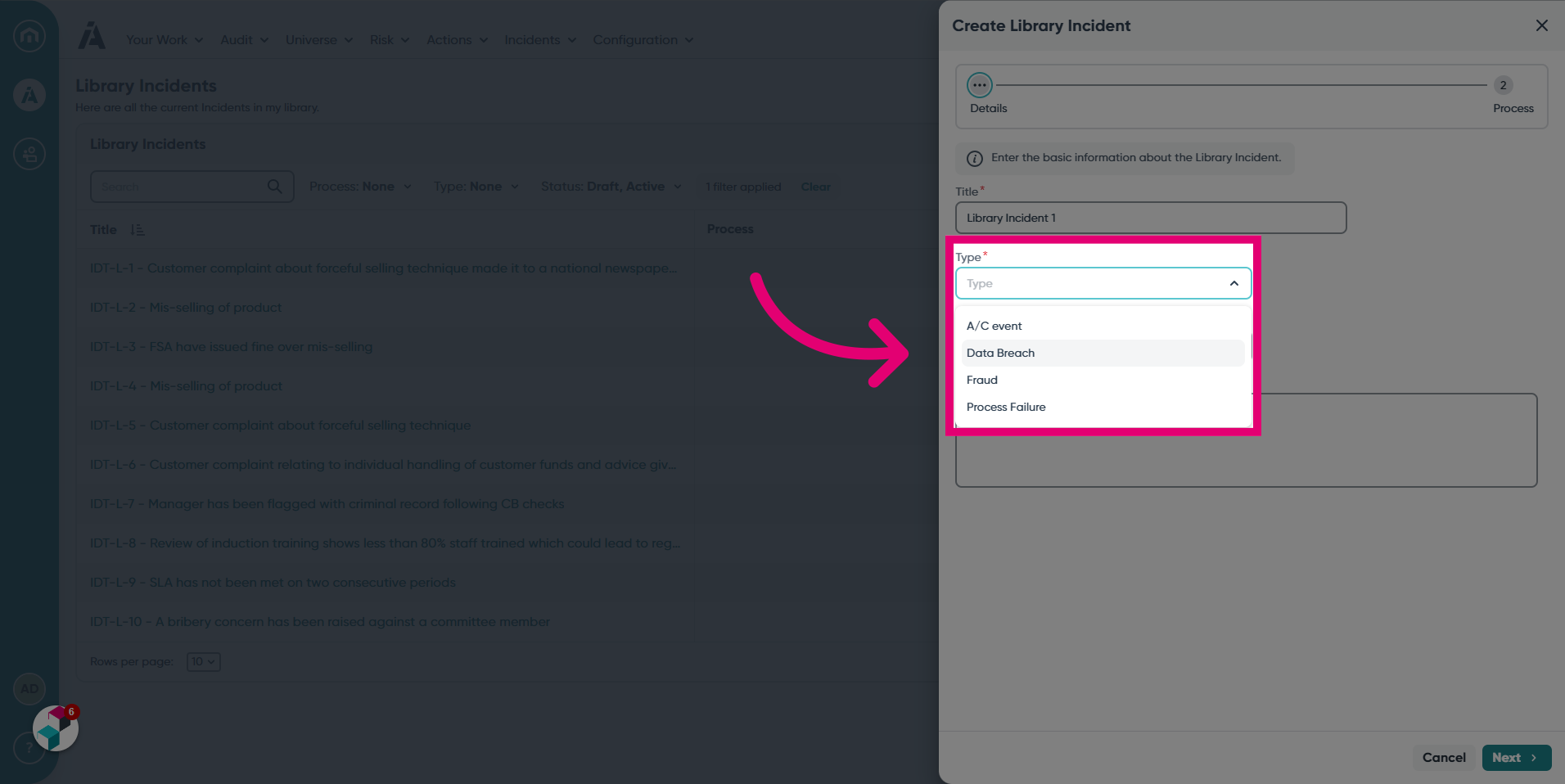
- Choose a Type from the available options.
- Choose a Priority, the options are High, Medium and Low.

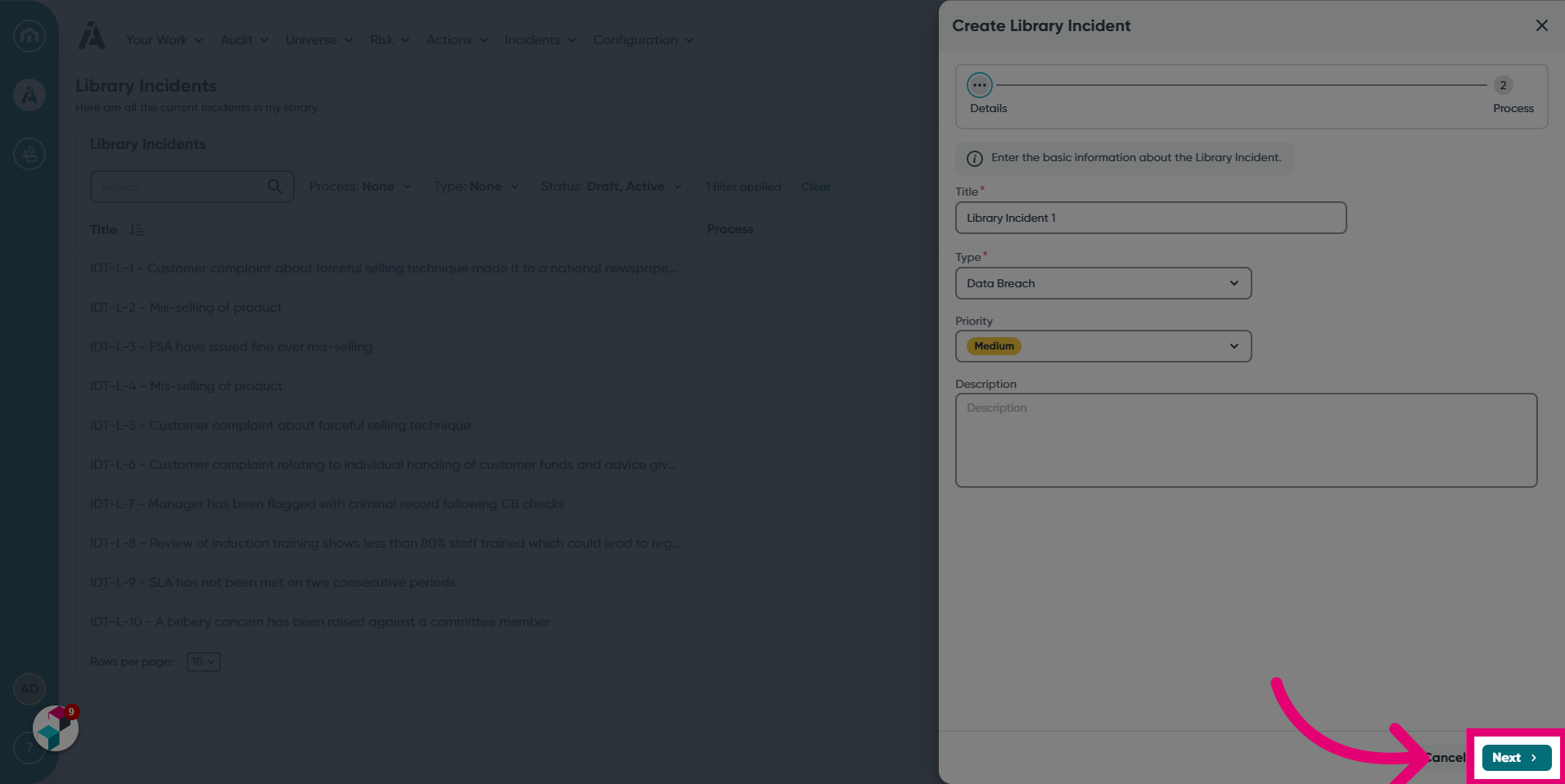
- Click Next once you've finished.
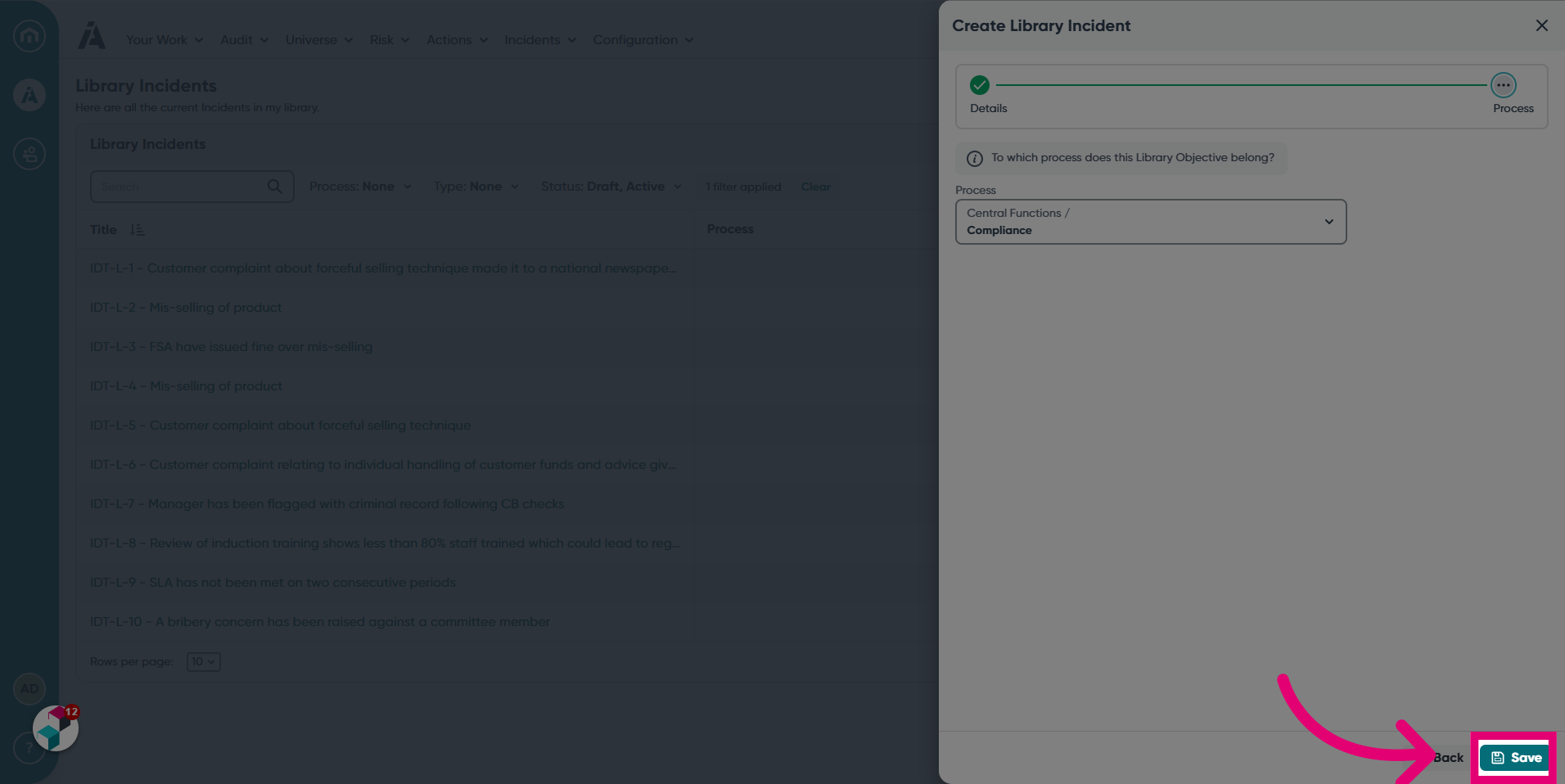
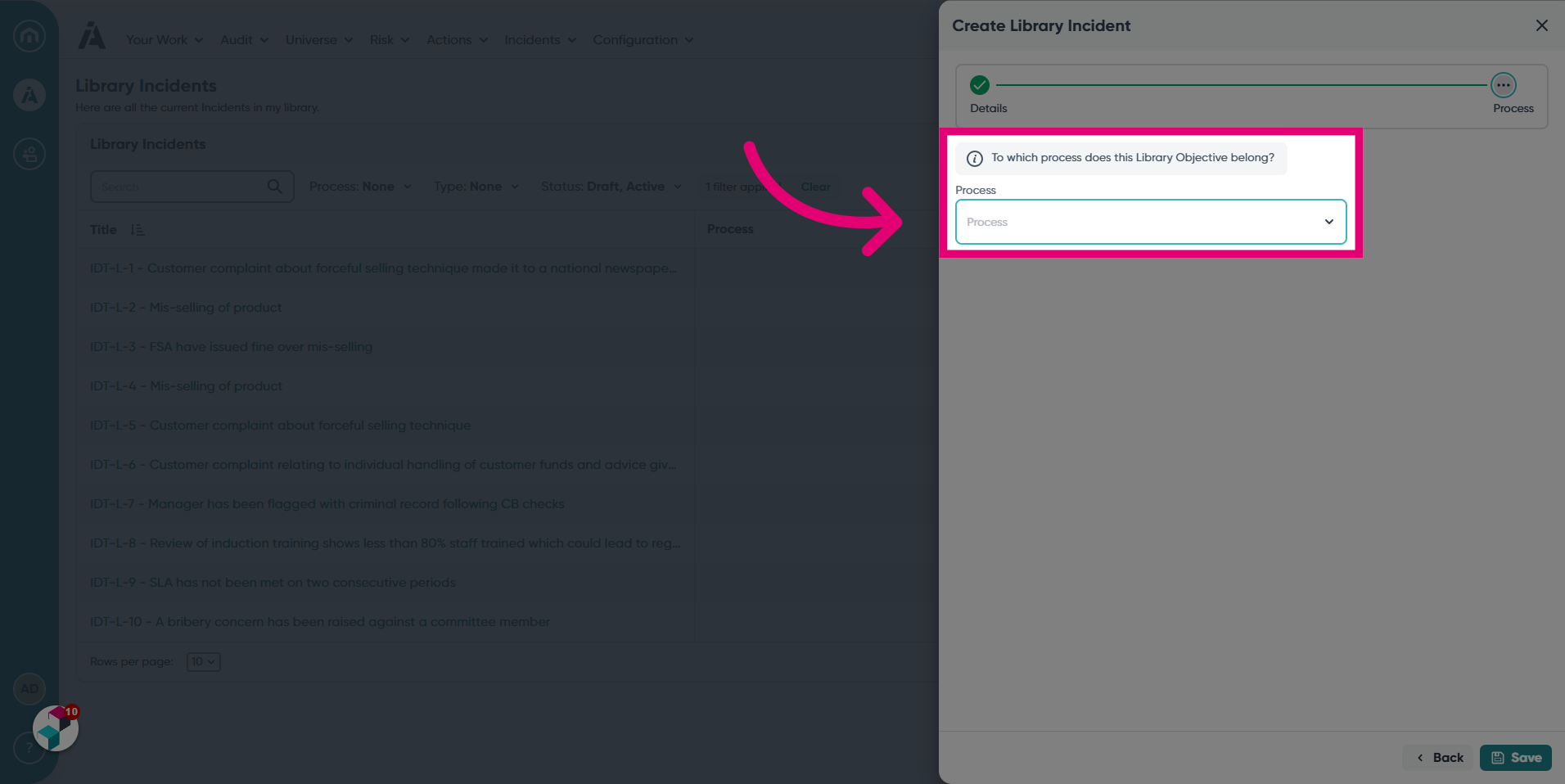
- Select a process in which your Library Incident belongs.
- Click Save.