New article
Recently updated
Creating a Role

Who is this article for?Users who want to learn about creating a Role.
Access to the Configuration module required.
This guide will walk you through the steps of Creating a Role.
1. Creating a Role
1.1. Video
1.2. Steps
- Access the Configuration module.
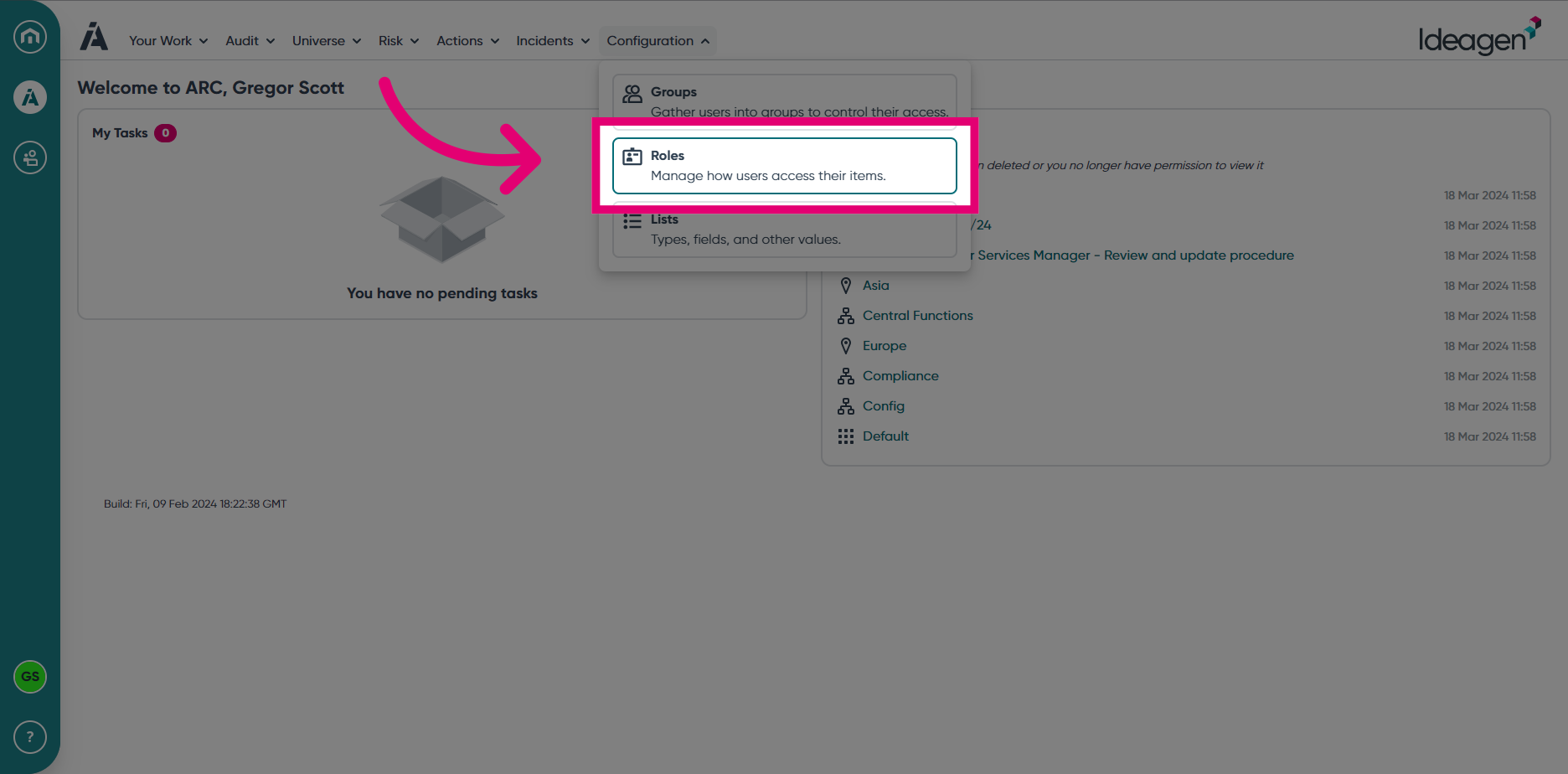
- Select Roles from the Configuration module menu.
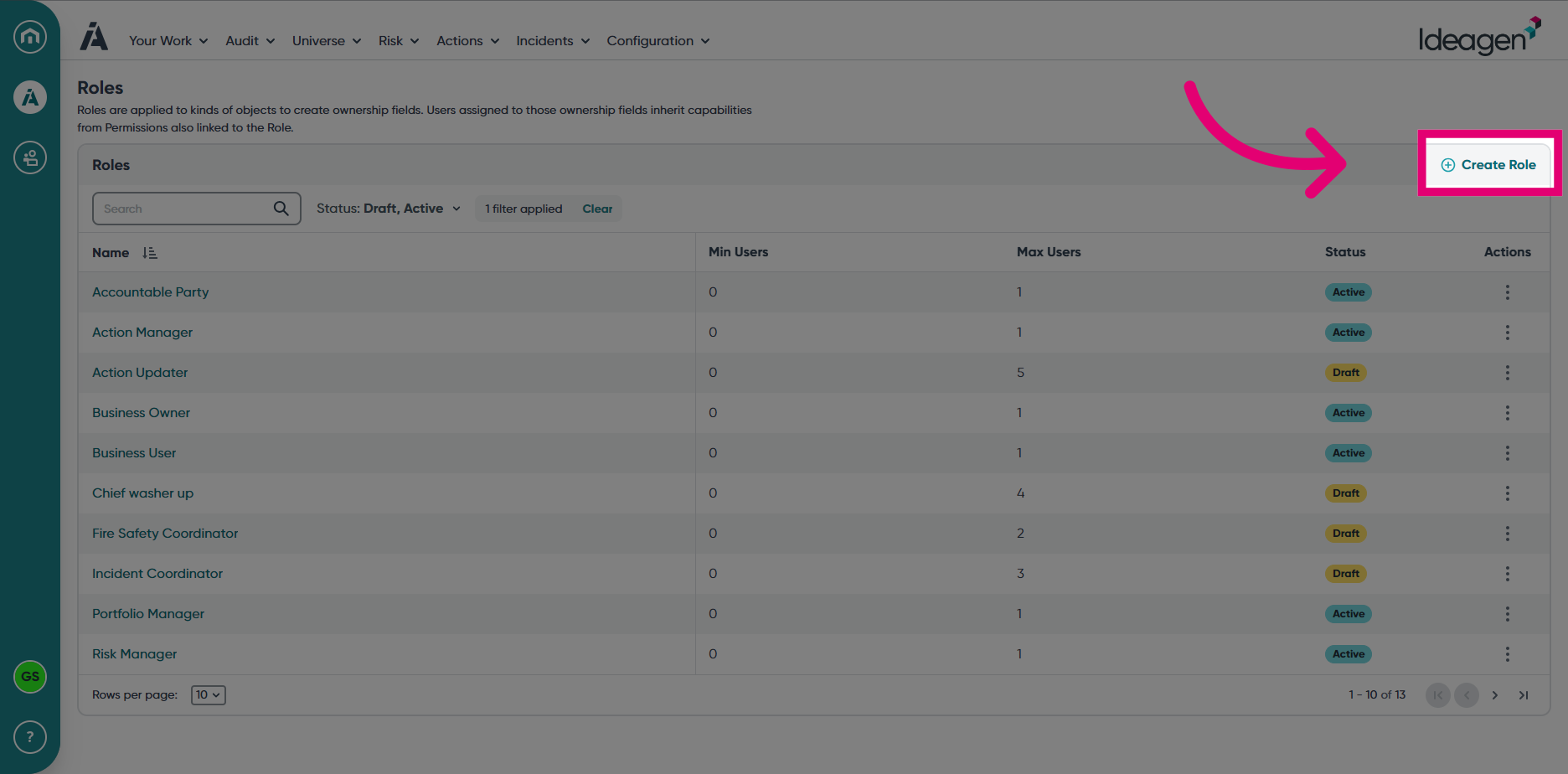
- Choose Create Role.
- Enter a Name for the Role.
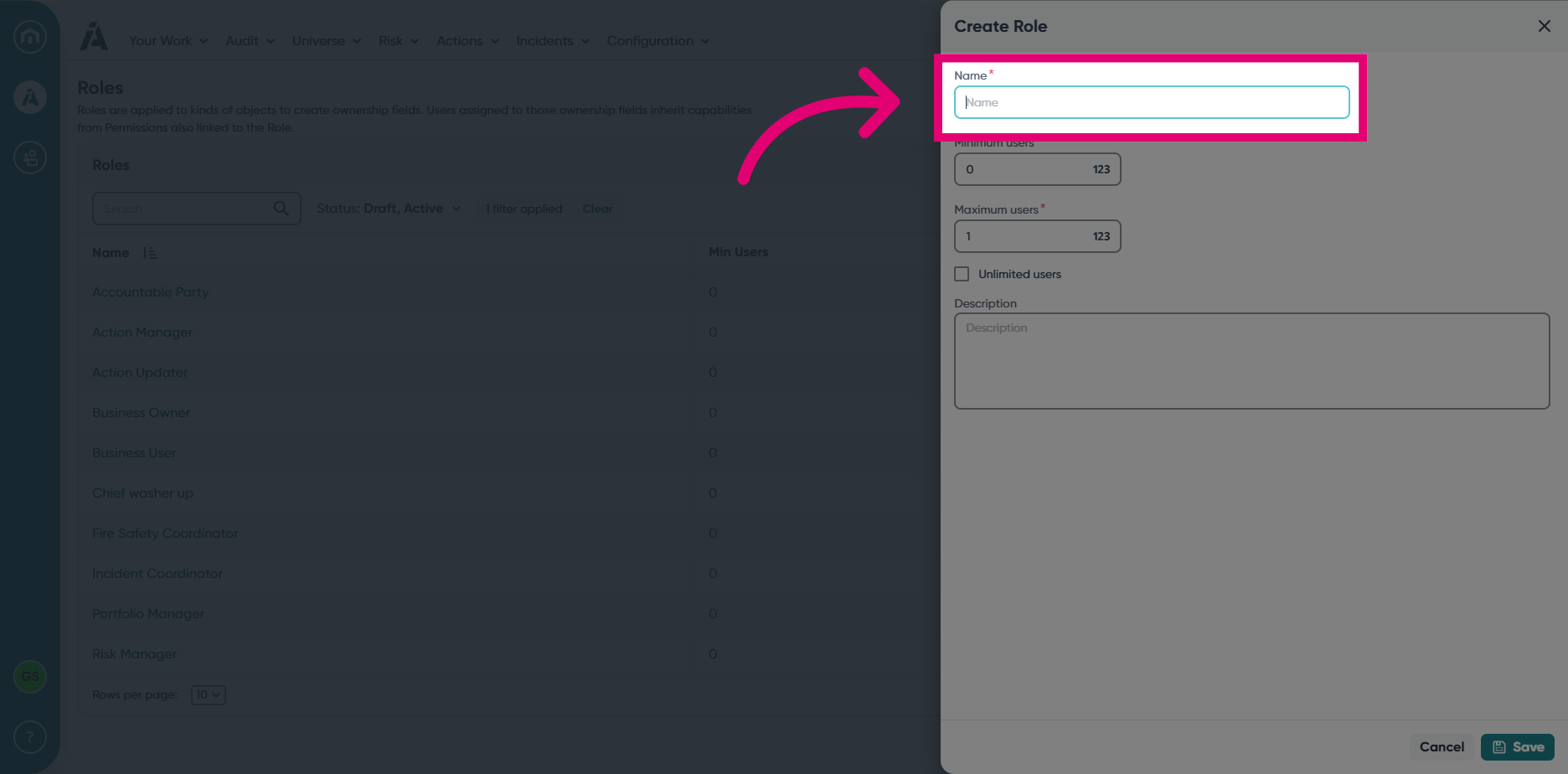
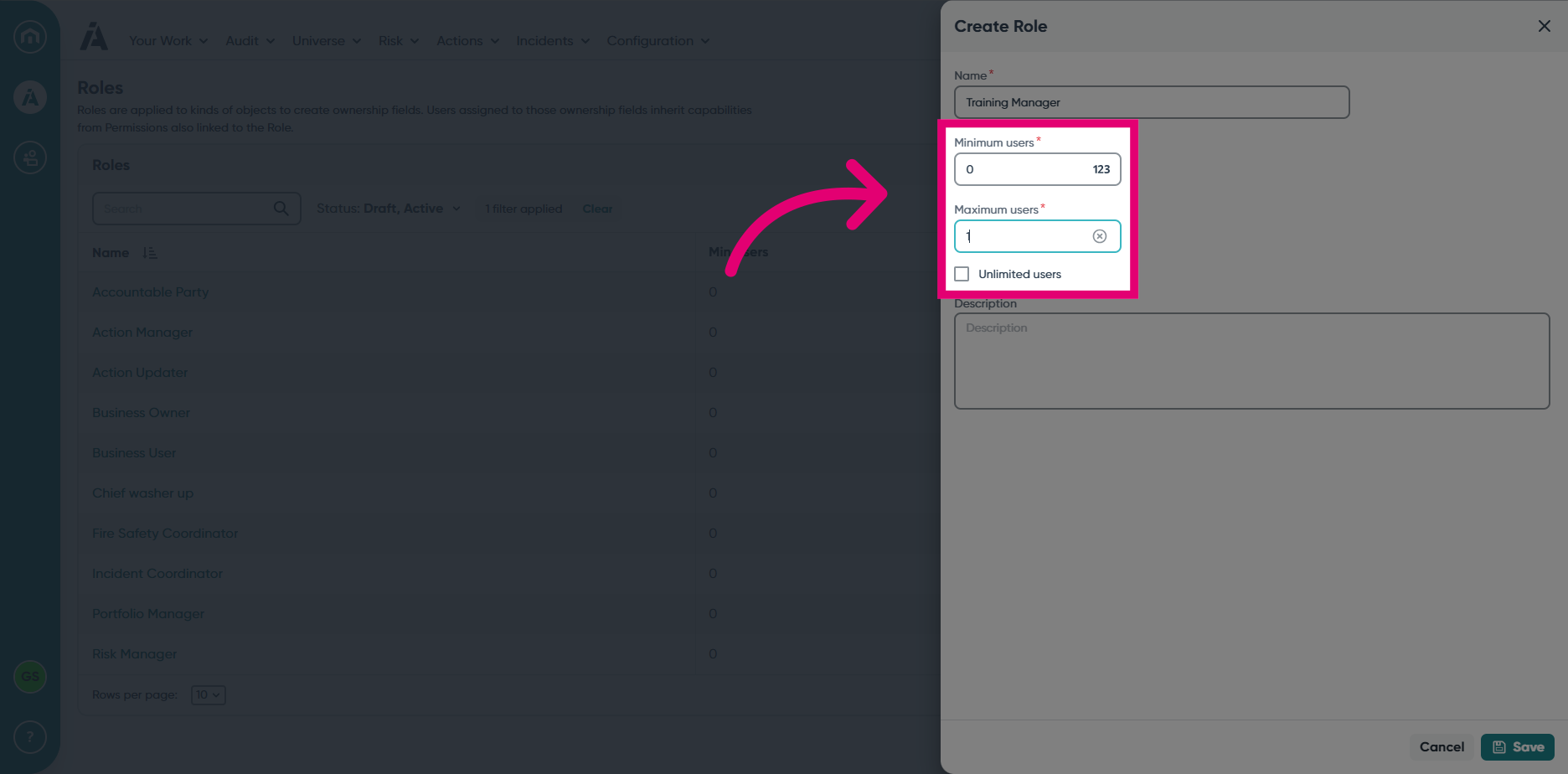
- You can set the Minimum and Maximum number of users that can be assigned to the Role. You can also choose for the role to have unlimited users assigned.
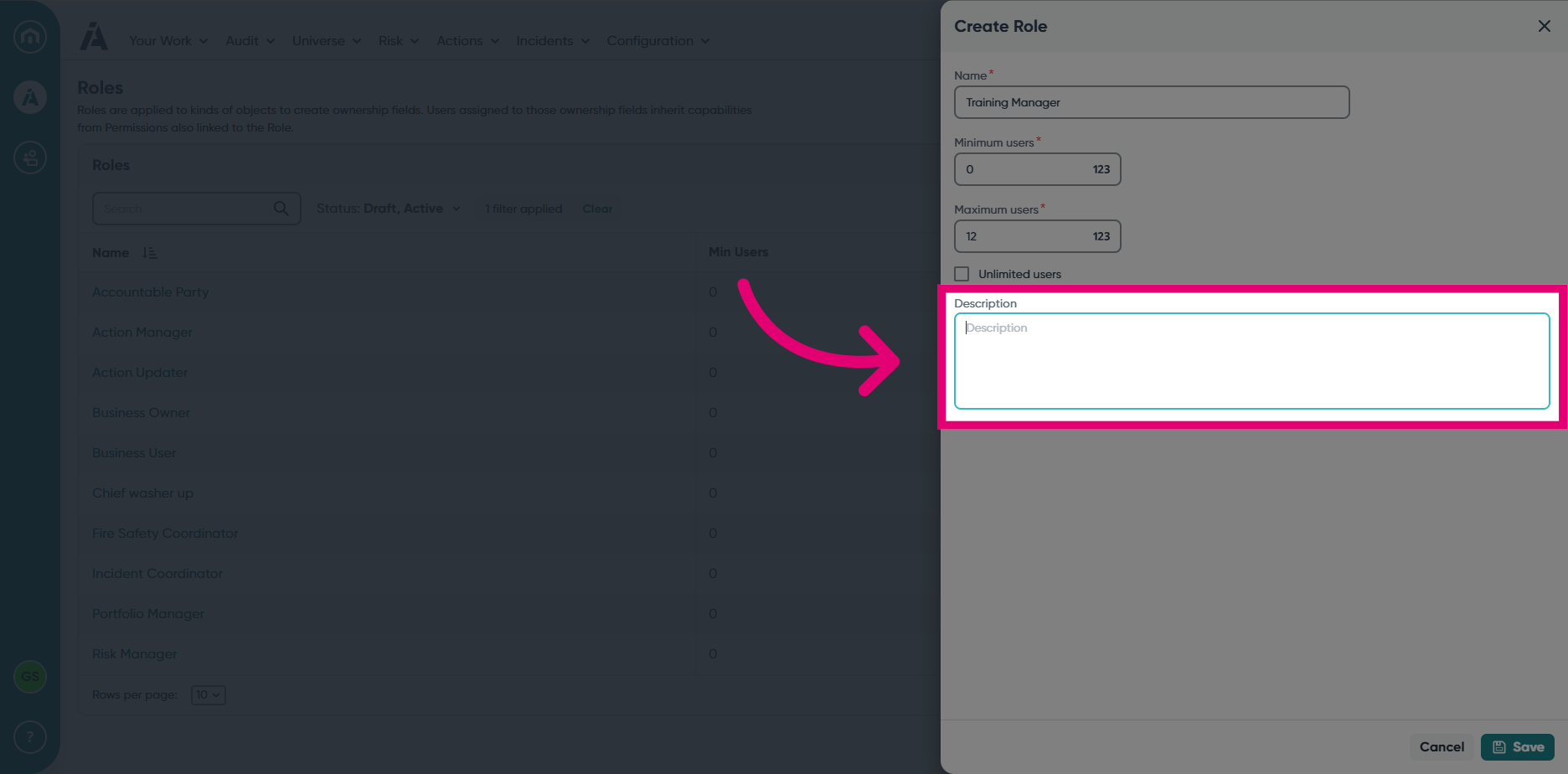
- Enter a Description for the Role.
- Click Save to create the Role.
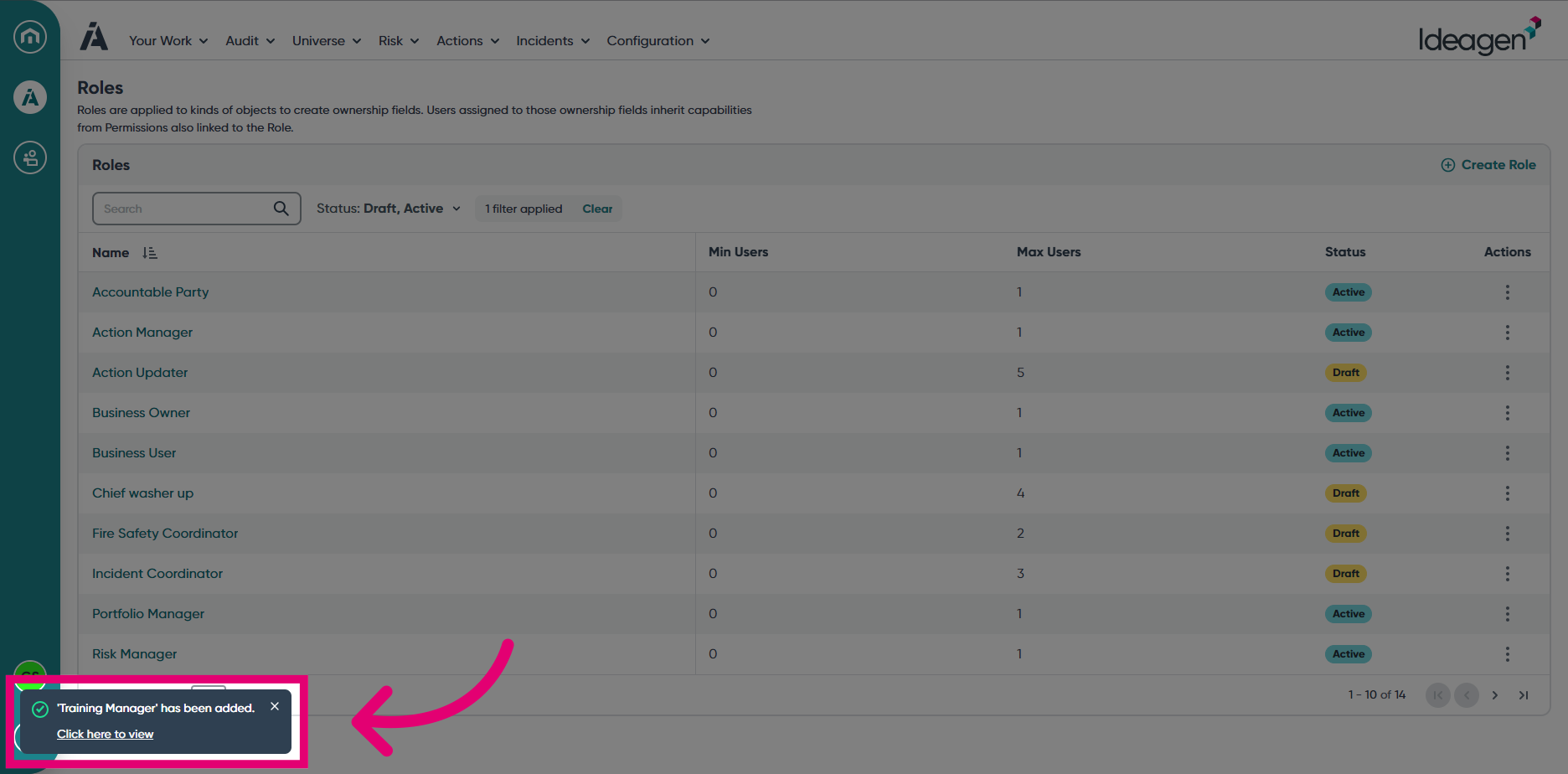
- Click the pop-up to view the Role you just created or locate it manually within the Roles view.