New article
Recently updated
Assigning Permissions to a Role

Who is this article for?Users who want to learn about assigning Permissions to a Role.
Access to the Configuration module is required.
This guide will walk you through the steps of assigning permissions to a Role.
1. Assigning Permissions to a Role
1.1 Video
1.2 Steps
- Access the Configuration module.
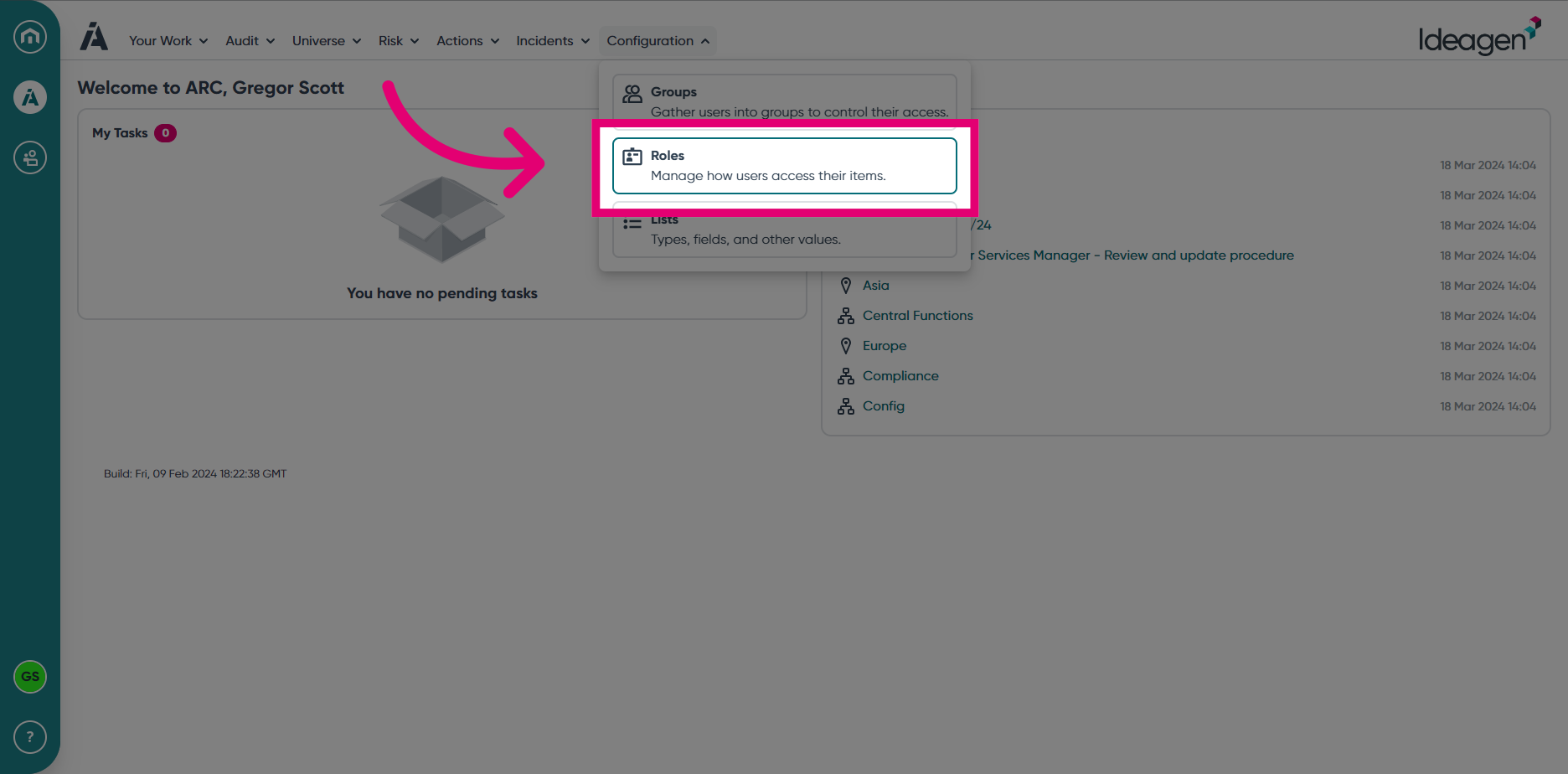
- Select Roles from the Configuration module menu.
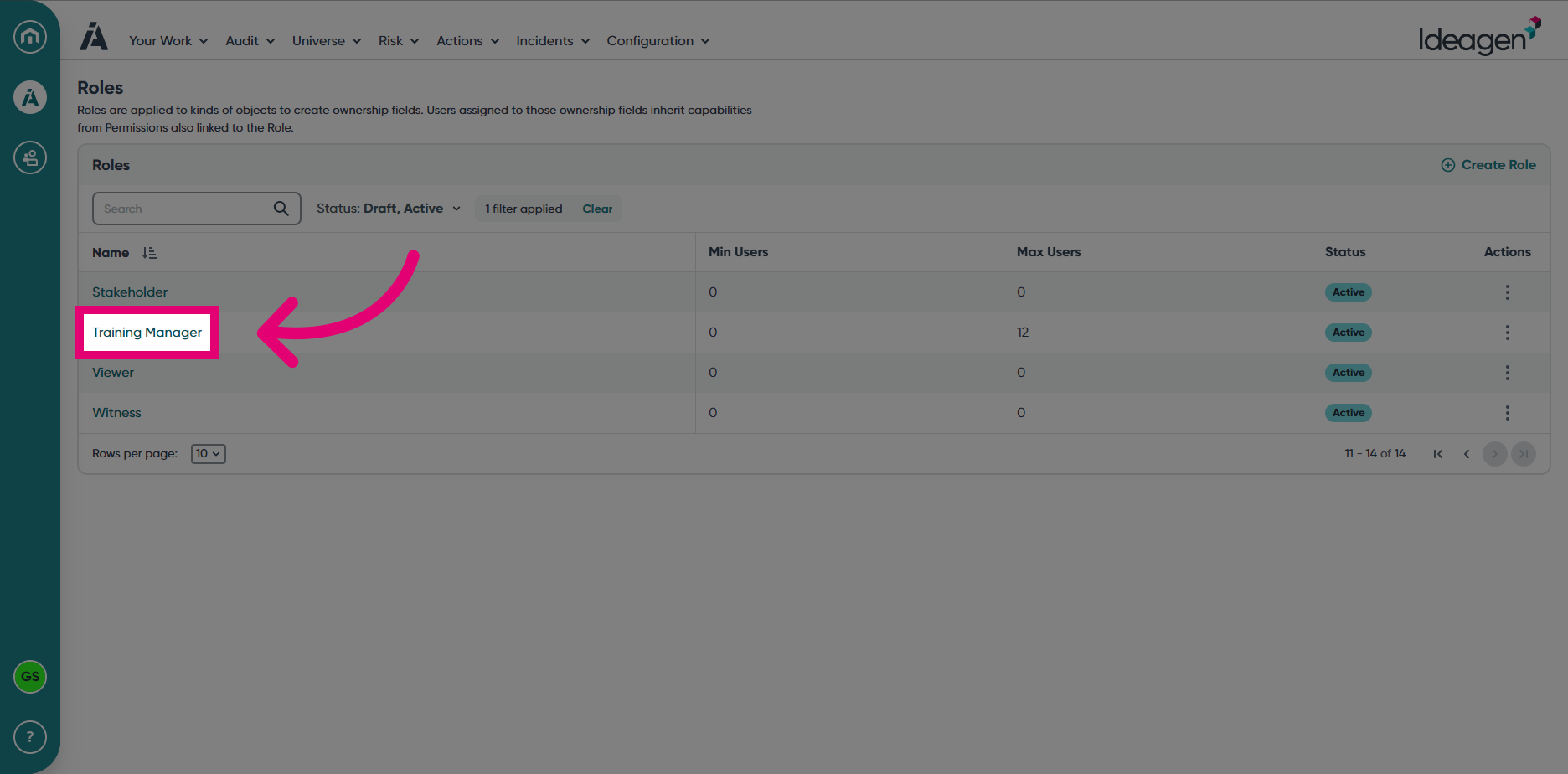
- Open a Role by clicking on the Role name.
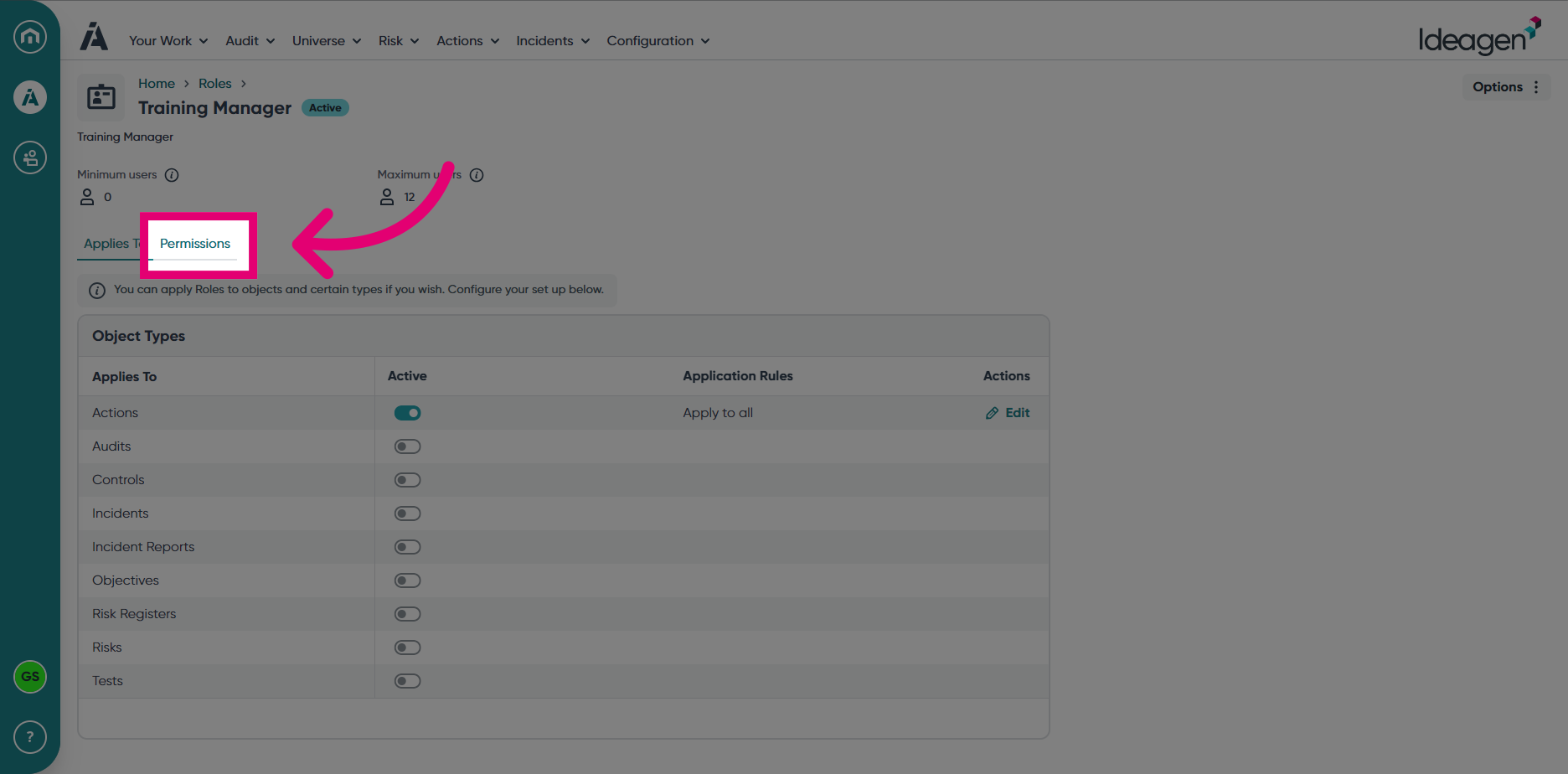
- Click on the Permissions tab.
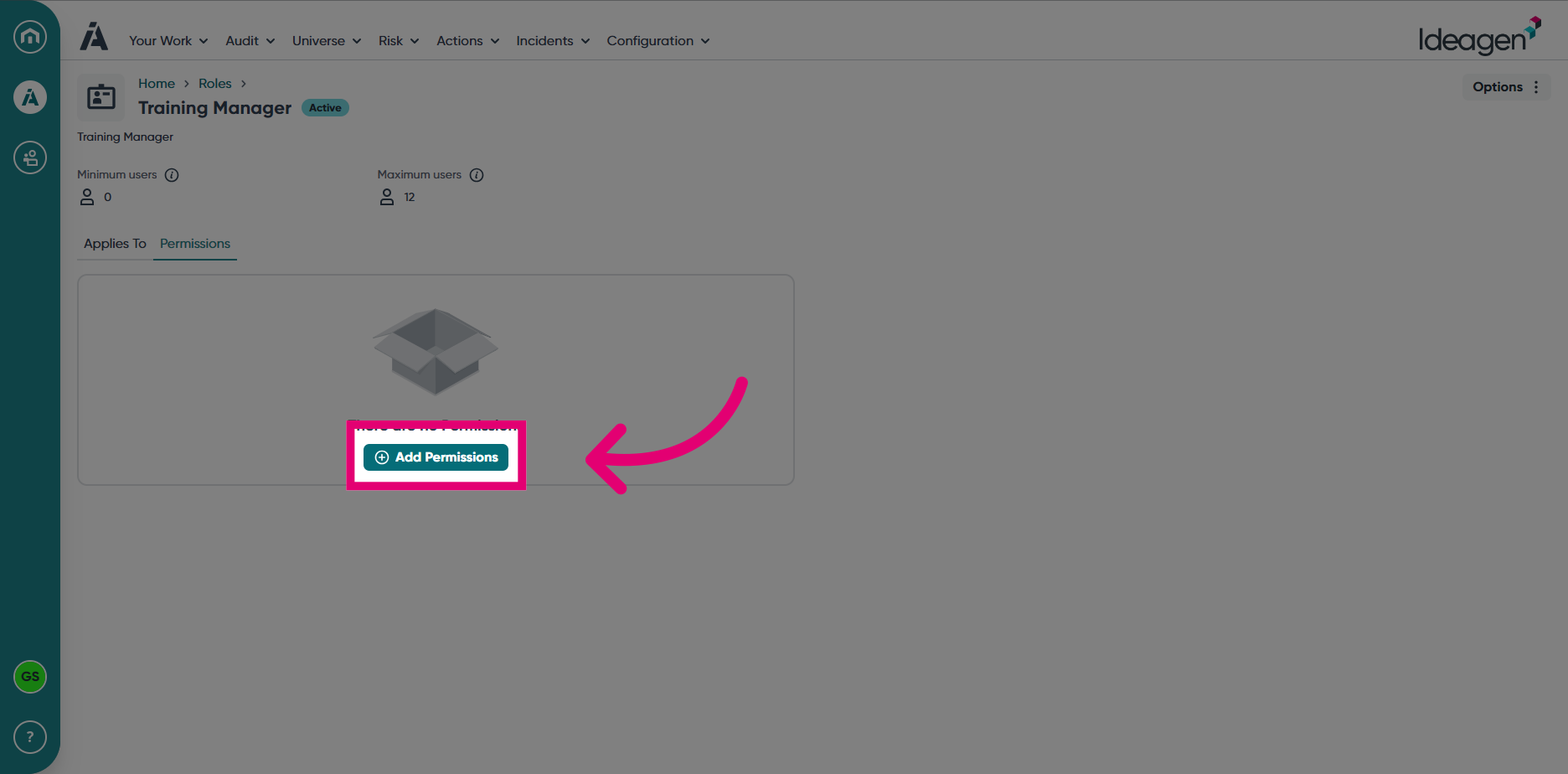
- Choose Add Permissions.
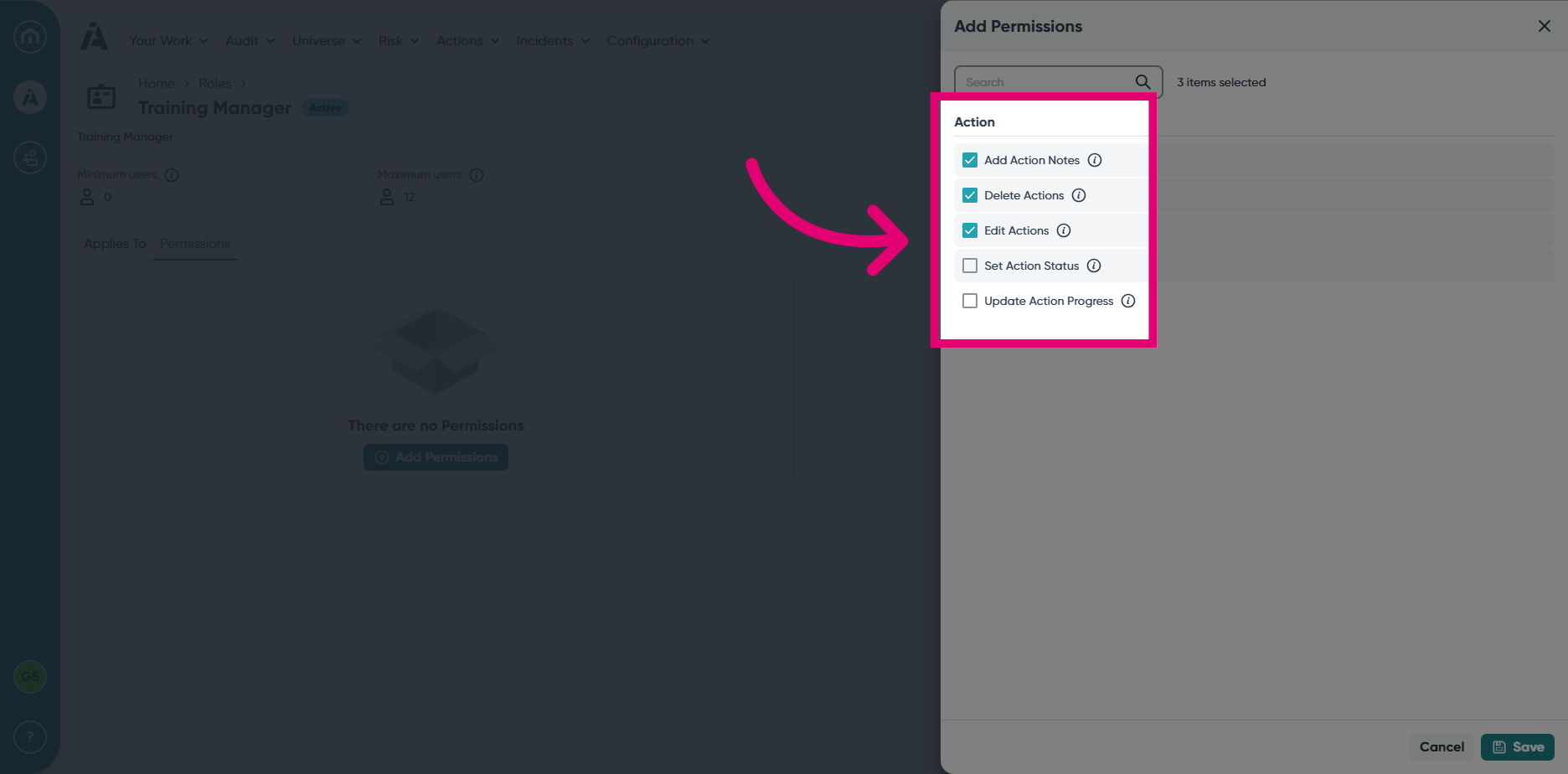
- Add the desired permissions by checking the boxes.
- Click Save.
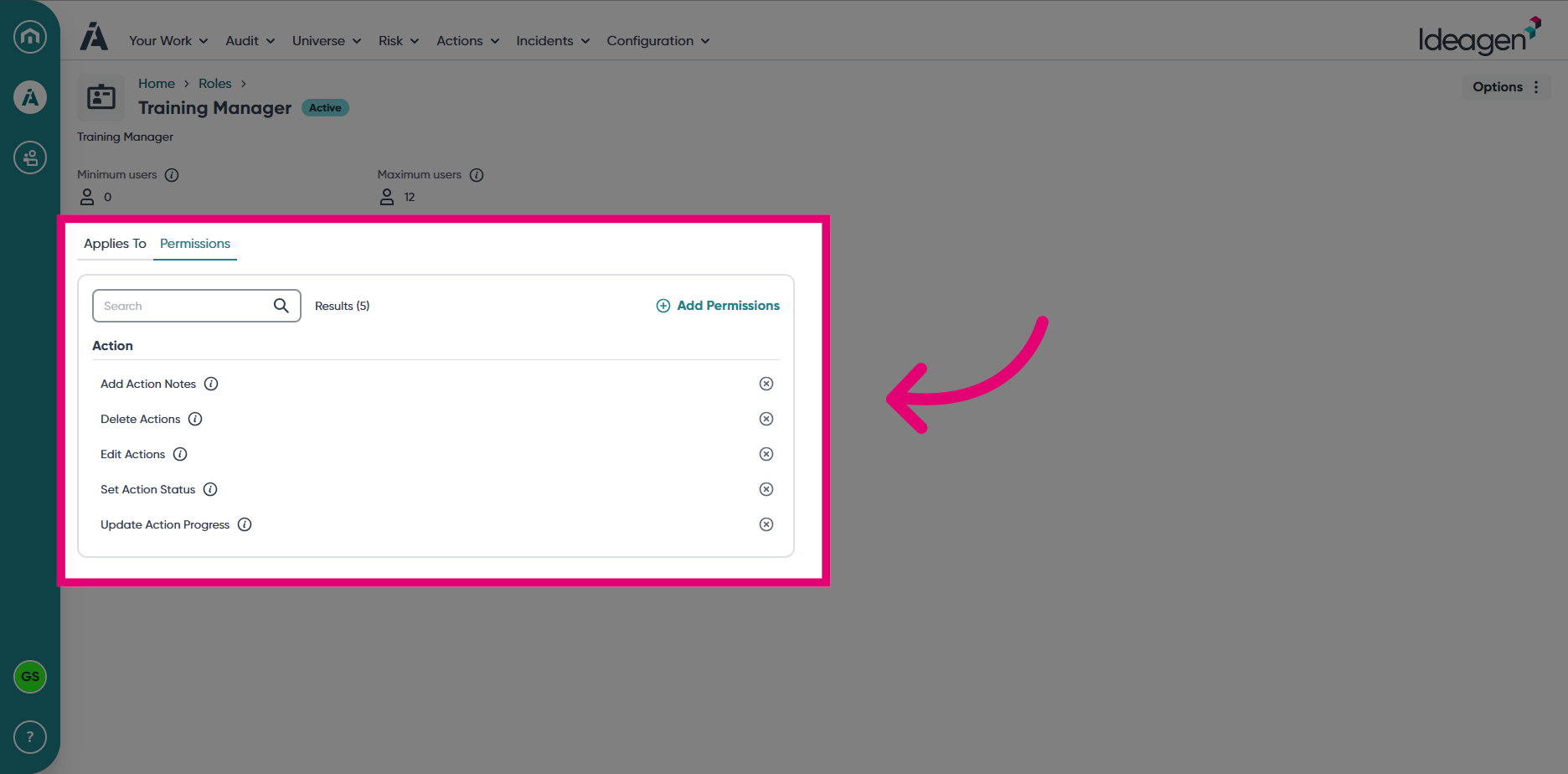
- You will be returned to the Permissions tab, where you can confirm the assigned Permissions.