New article
Recently updated
Exporting Control data

Who is this article for?Users who want to access Control-specific data.
Risk module access is required.
Analysing the effectiveness of Controls to is an important step in maintaining an effective mitigation strategy for Risks within your company. This article shows you how to easily download all data relating to Controls.
1. Creating an export
1.1. Video
1.2. Steps
To export data:
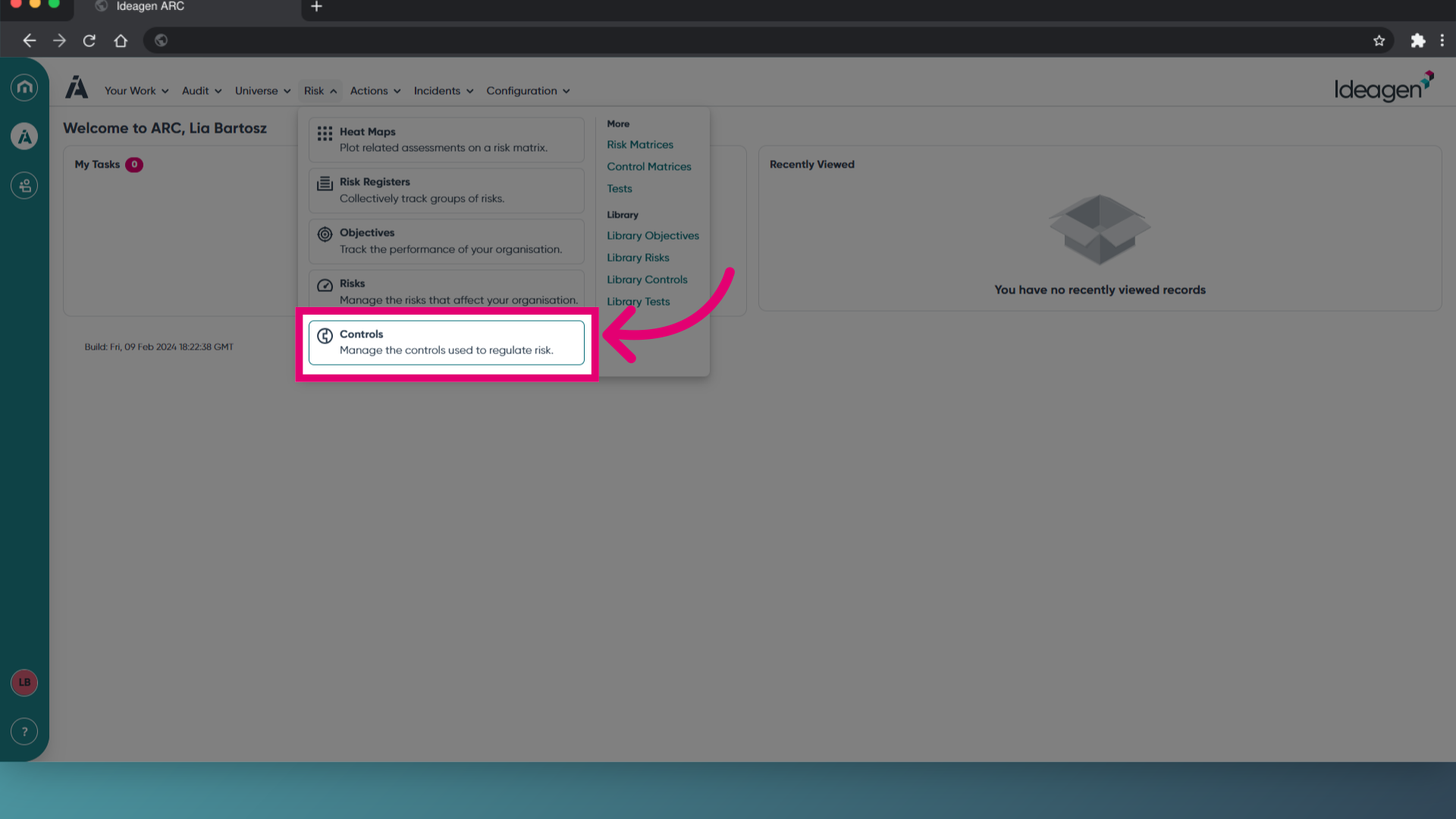
- Access the Risk menu.
- Select Controls.
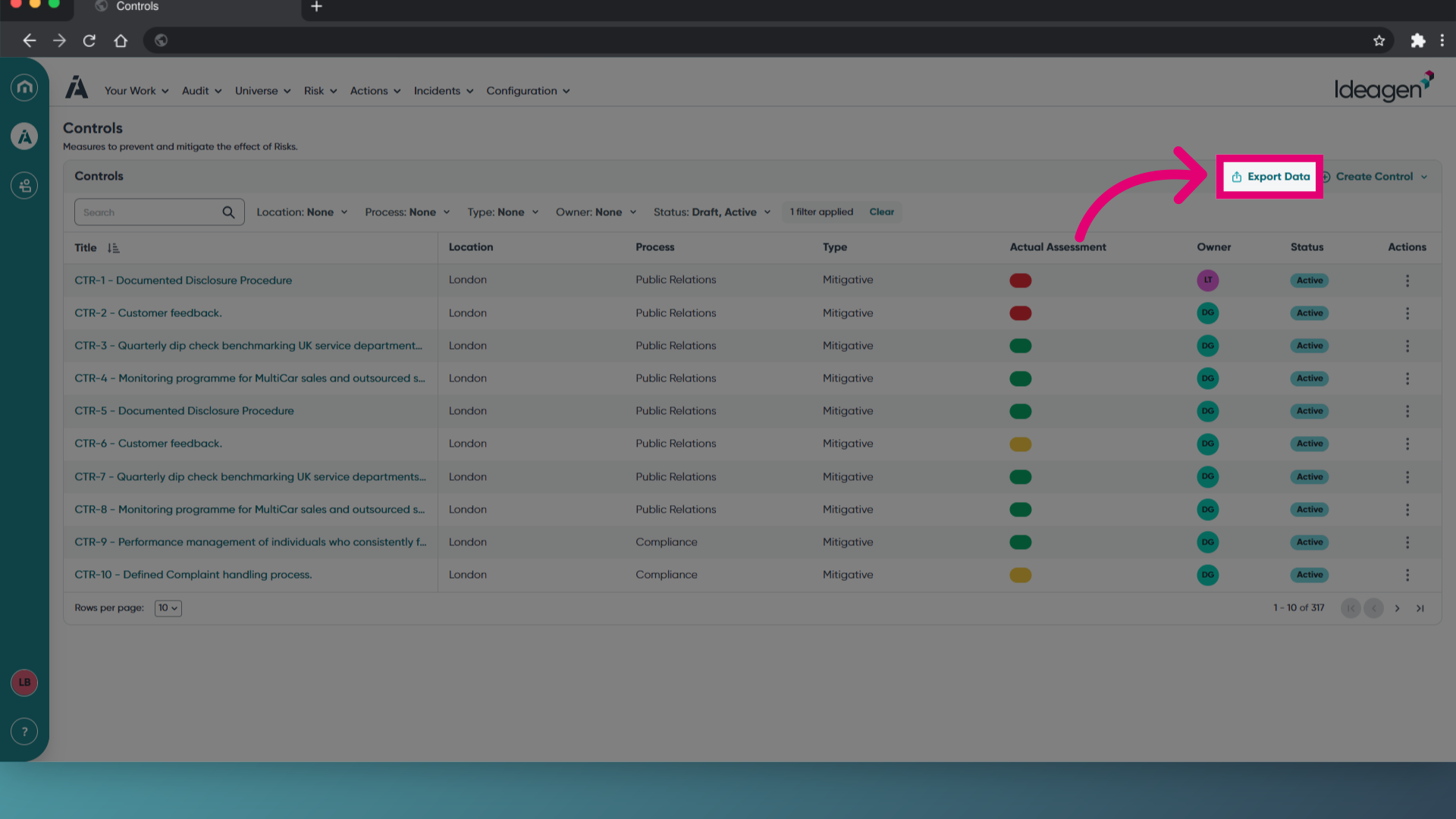
- Click Export Data.
- Enter a File name.
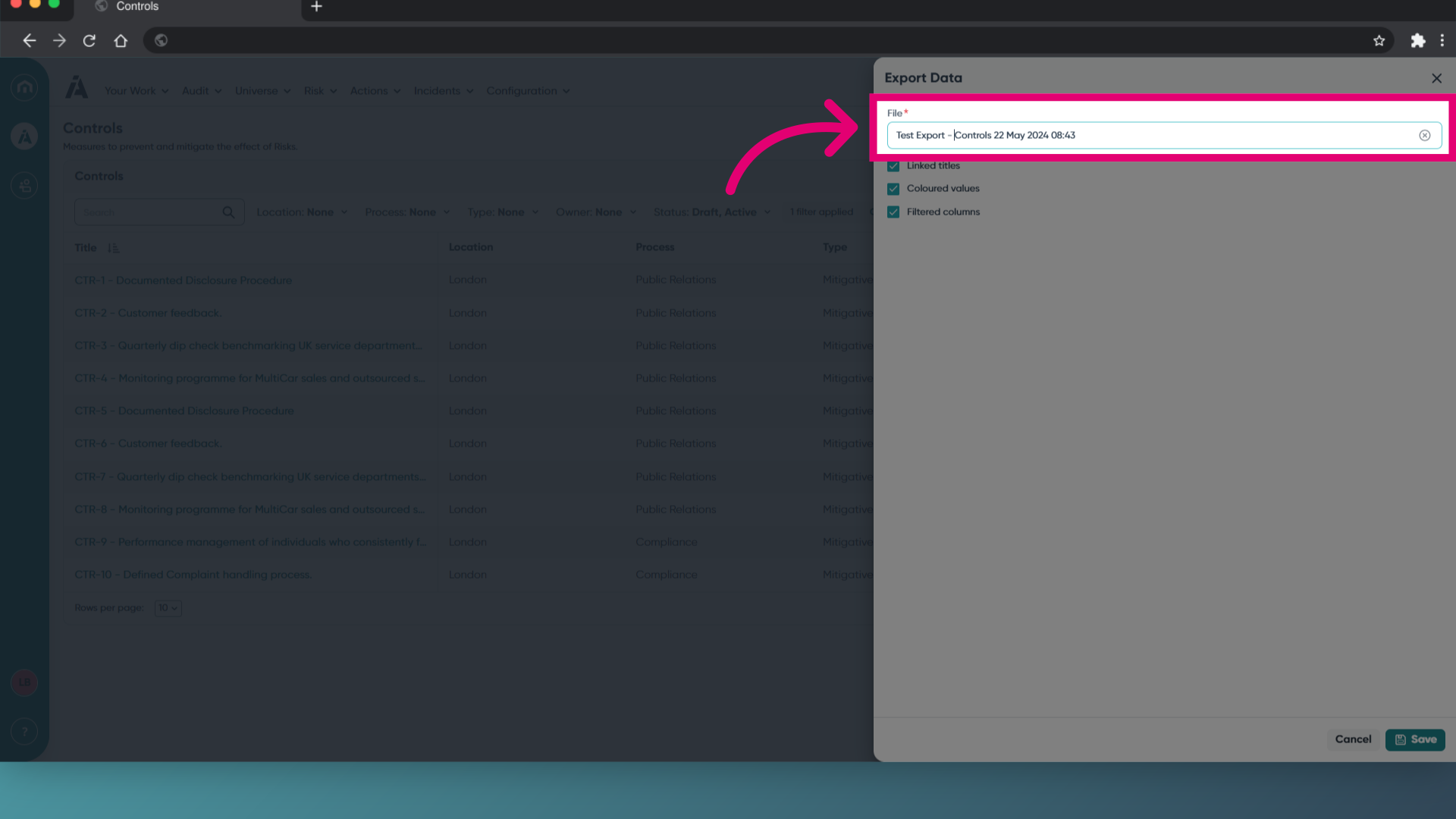
- Tick what you need to include in your data export.
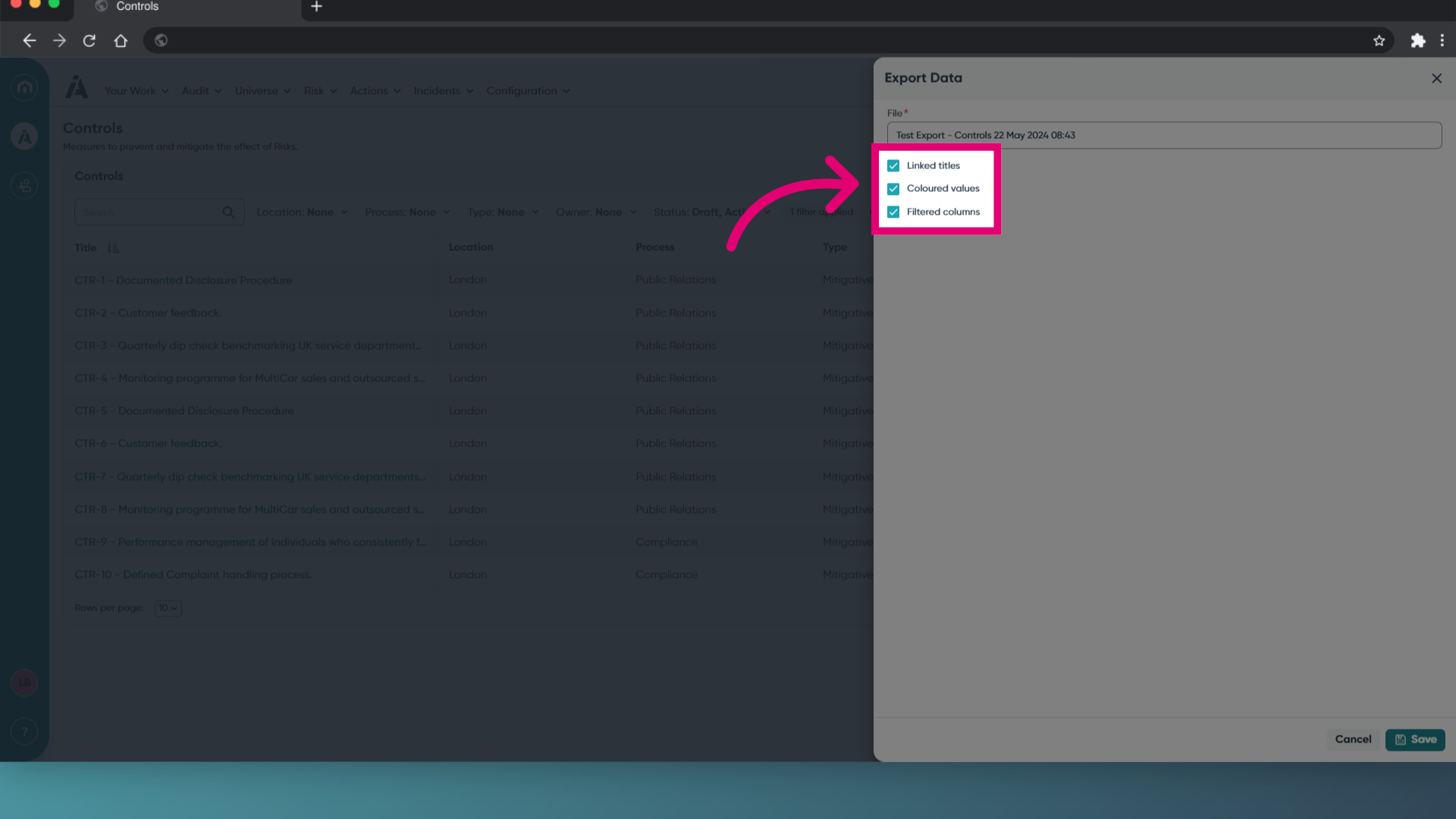
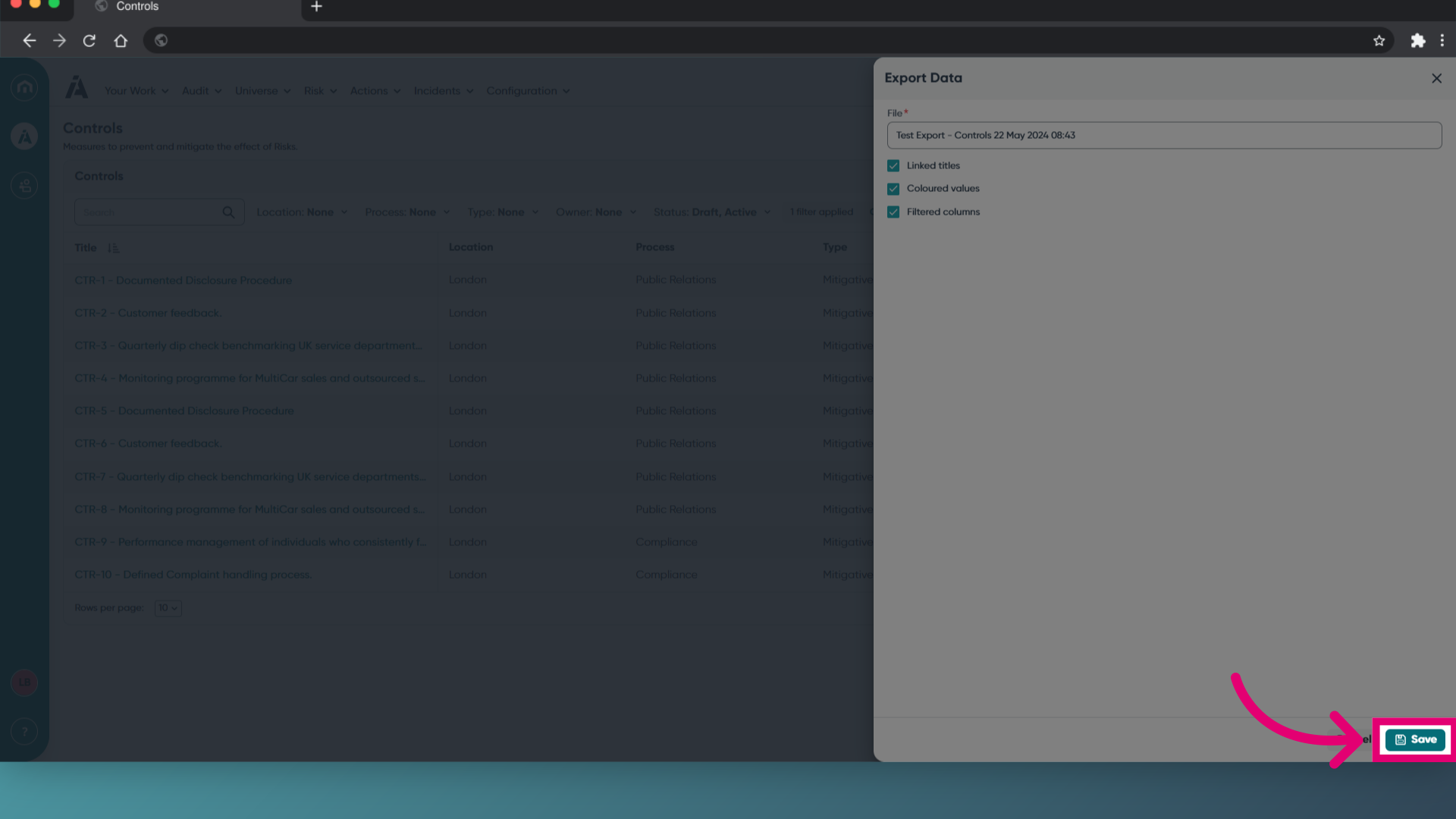
- Click Save.
This will prompt a download in your browser window.