New article
Recently updated
Starting assurances for a control

Who is this article for?
Users responsible for carrying out assurances for controls.
Risk module access is required.
An assurance is a structured check that gives your organisation documented evidence a control is operating as intended.
This article walks you through creating and completing one.
Creating an assurance
Before you start, the control:
- must be Active, and its type must have assurance configured (if there is no Assurance tab on the record, your administrator may have disabled it).
- needs at least one linked test set to contribute to assurance. The assurance is completed by recording results against those tests.
To create an Assurance:
- Access the Risk menu.
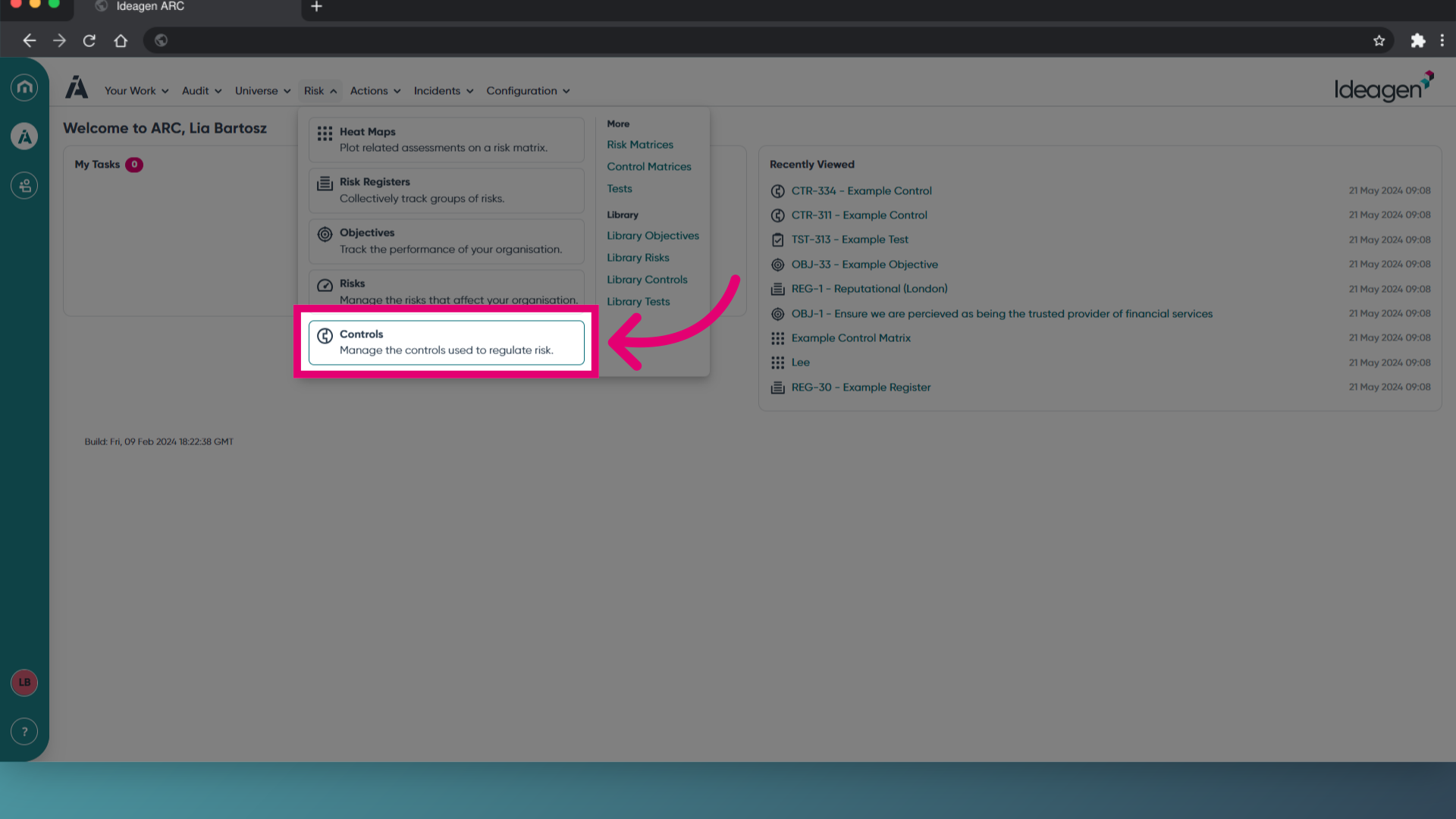
- Select Controls.
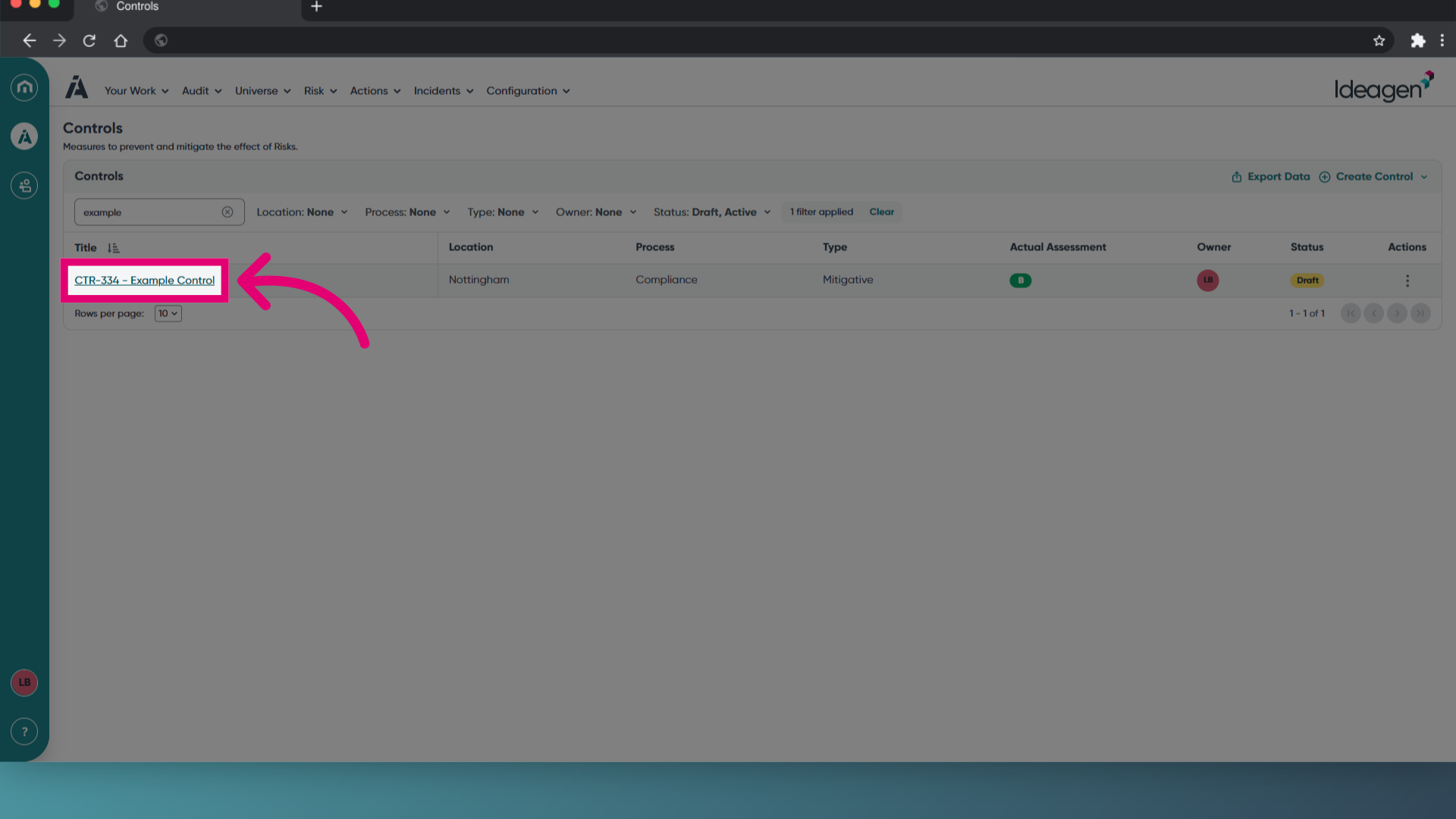
- Open the control record you need to complete an assurance for.
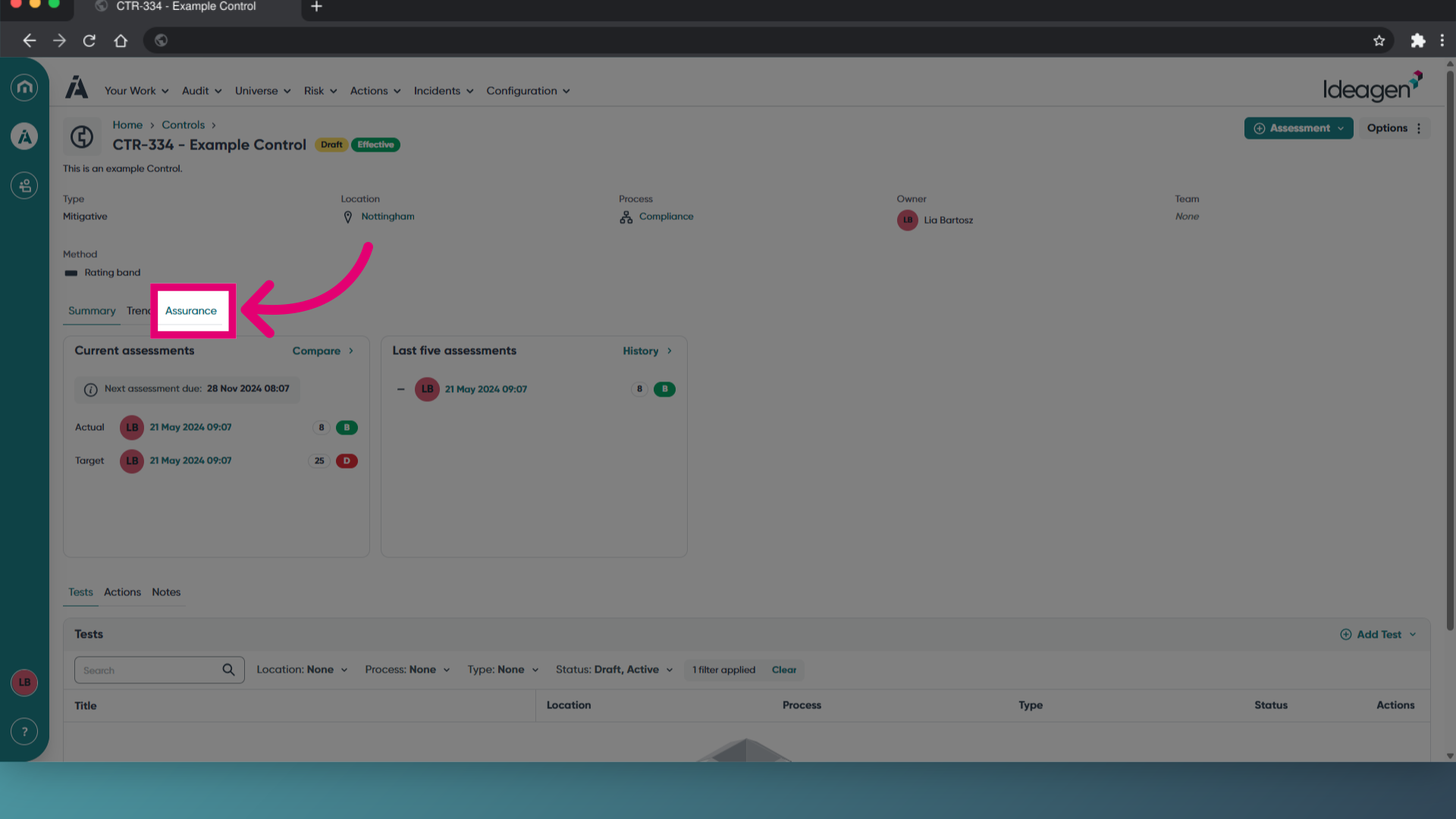
- Switch to the Assurance tab.
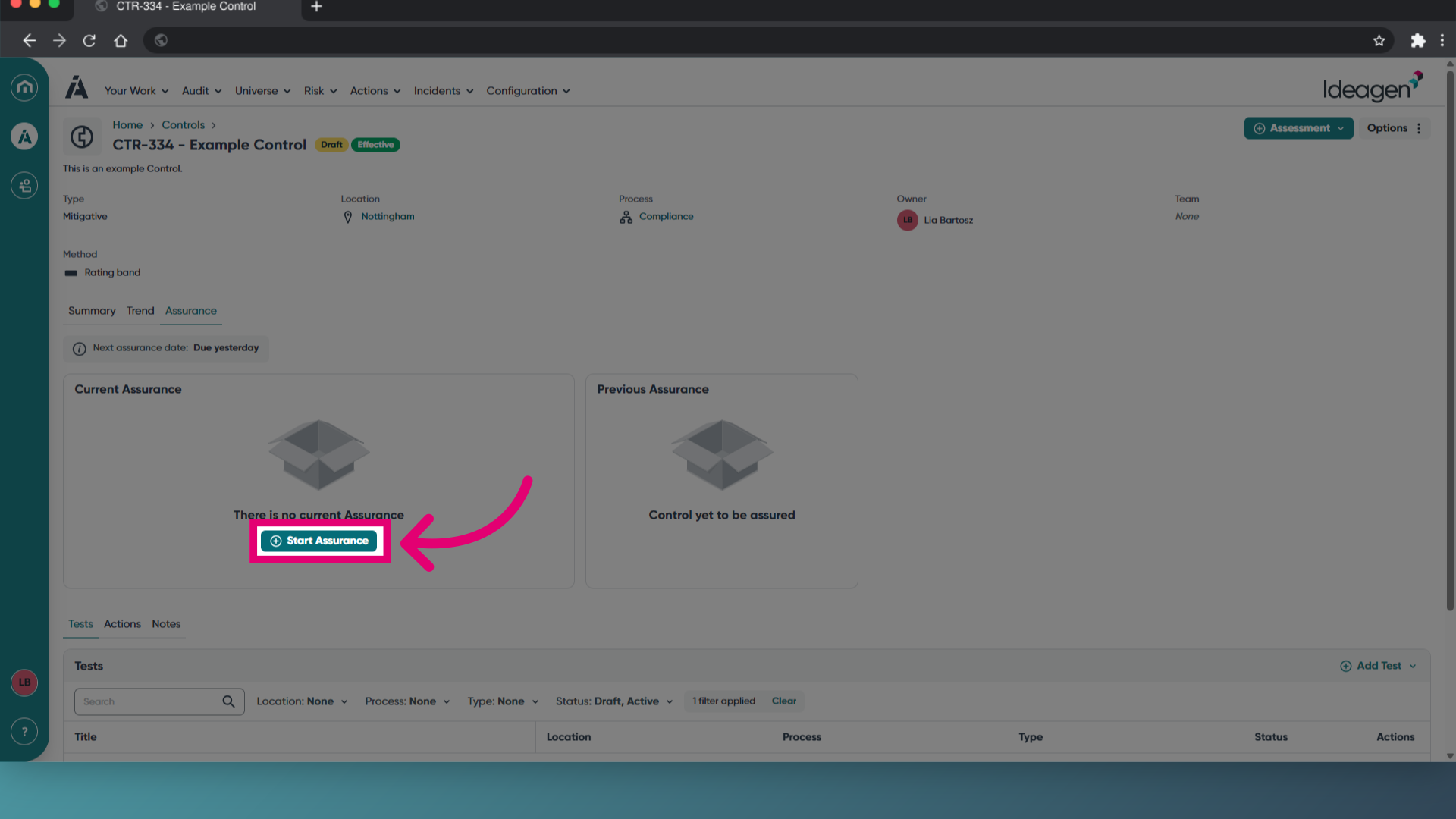
- Click Start Assurance.
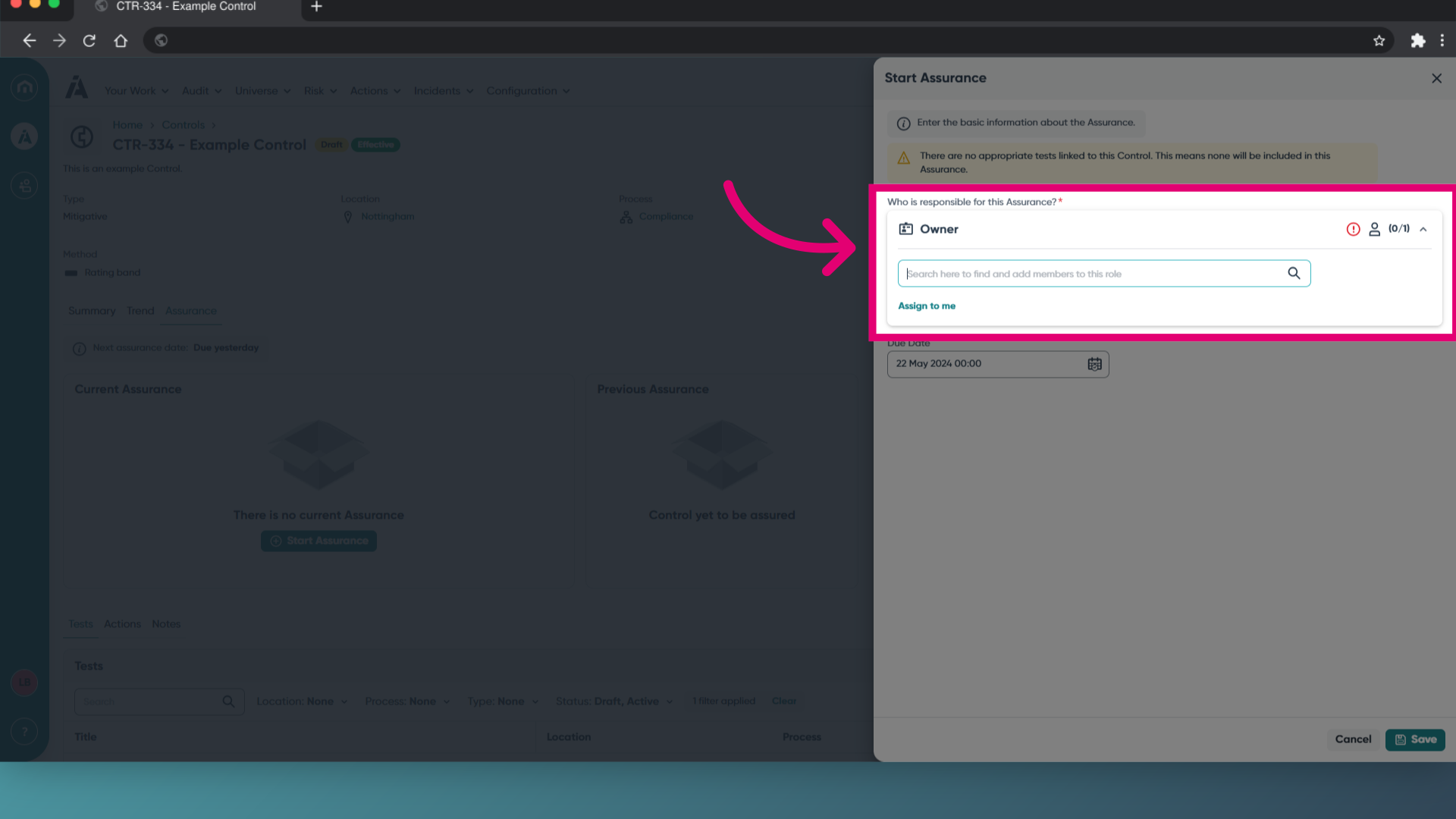
- Add an Owner for the Assurance.
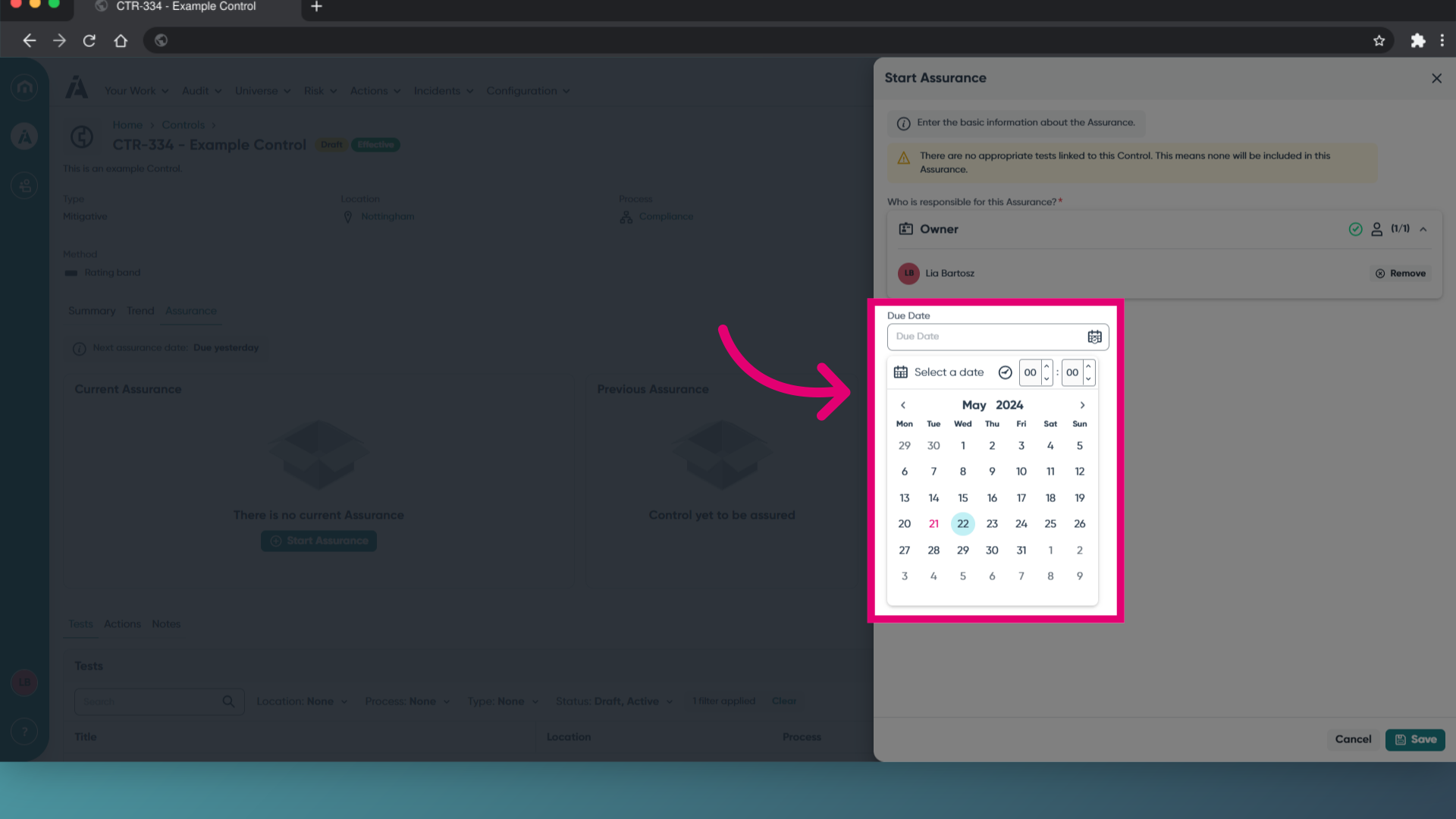
- Set a Due Date.
This is the date the Assurance needs to be completed by. - Click Save.
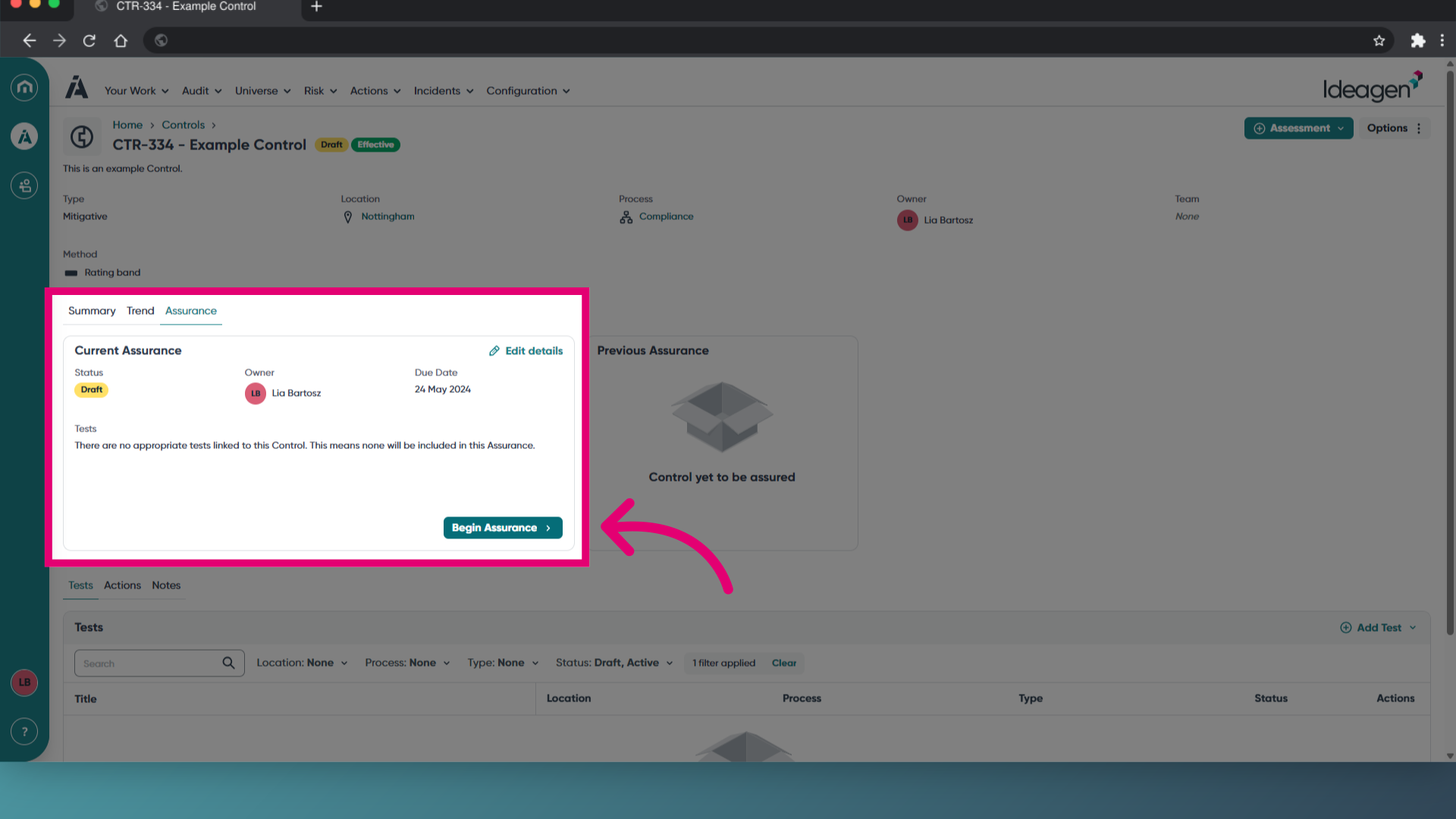
You will be taken back to the control record, where your assurance will be listed in the tab.
Completing an assurance
To complete an assurance:
- Open the assurance.
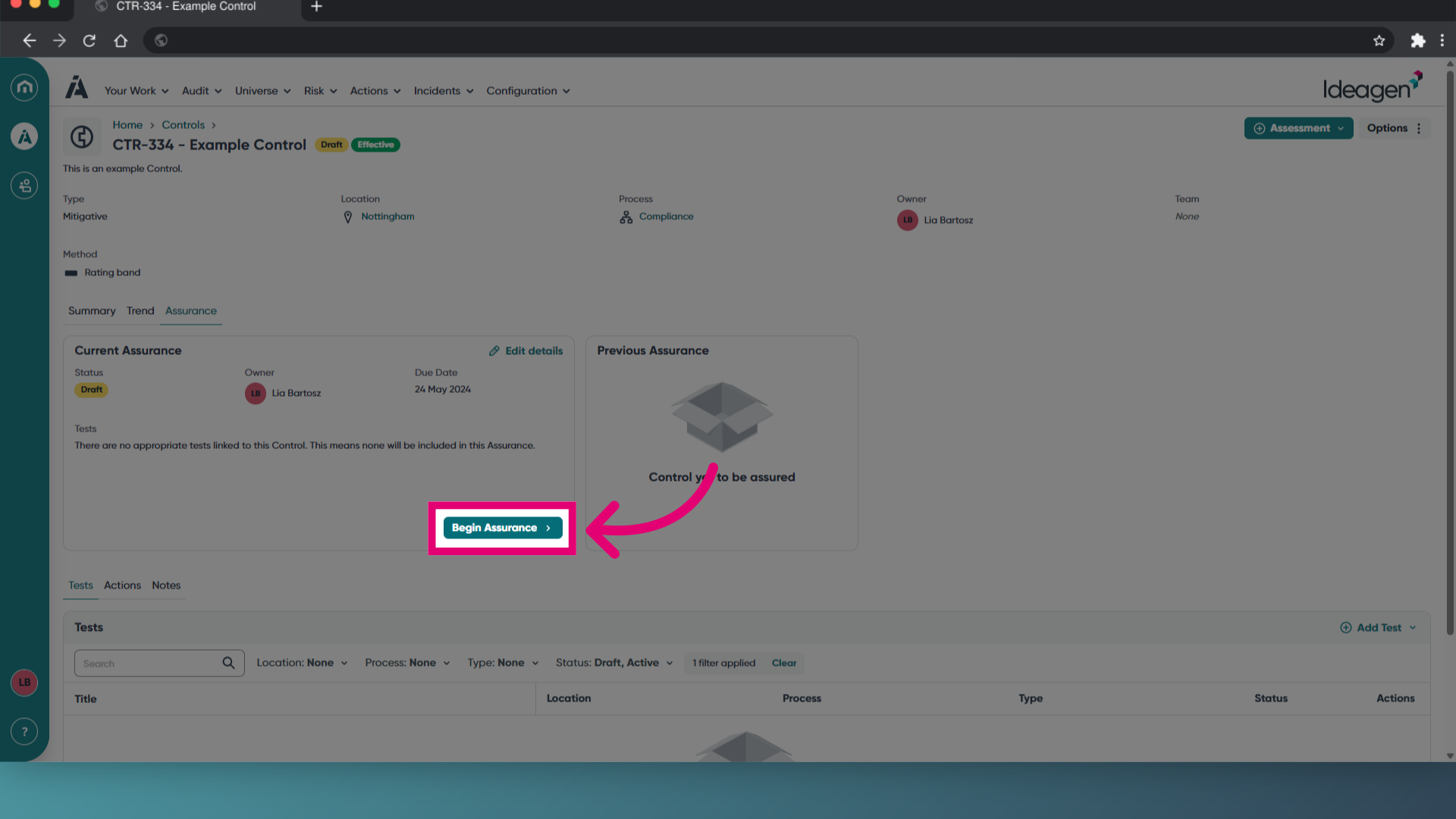
- Click Begin Assurance.
You will only see this button if you are the assigned owner.
- For each linked test, set it as In scope or Out of scope.
- For every in-scope test, record a Test Result (for example Pass, Fail or Partial Pass).
- Add notes or evidence as needed.
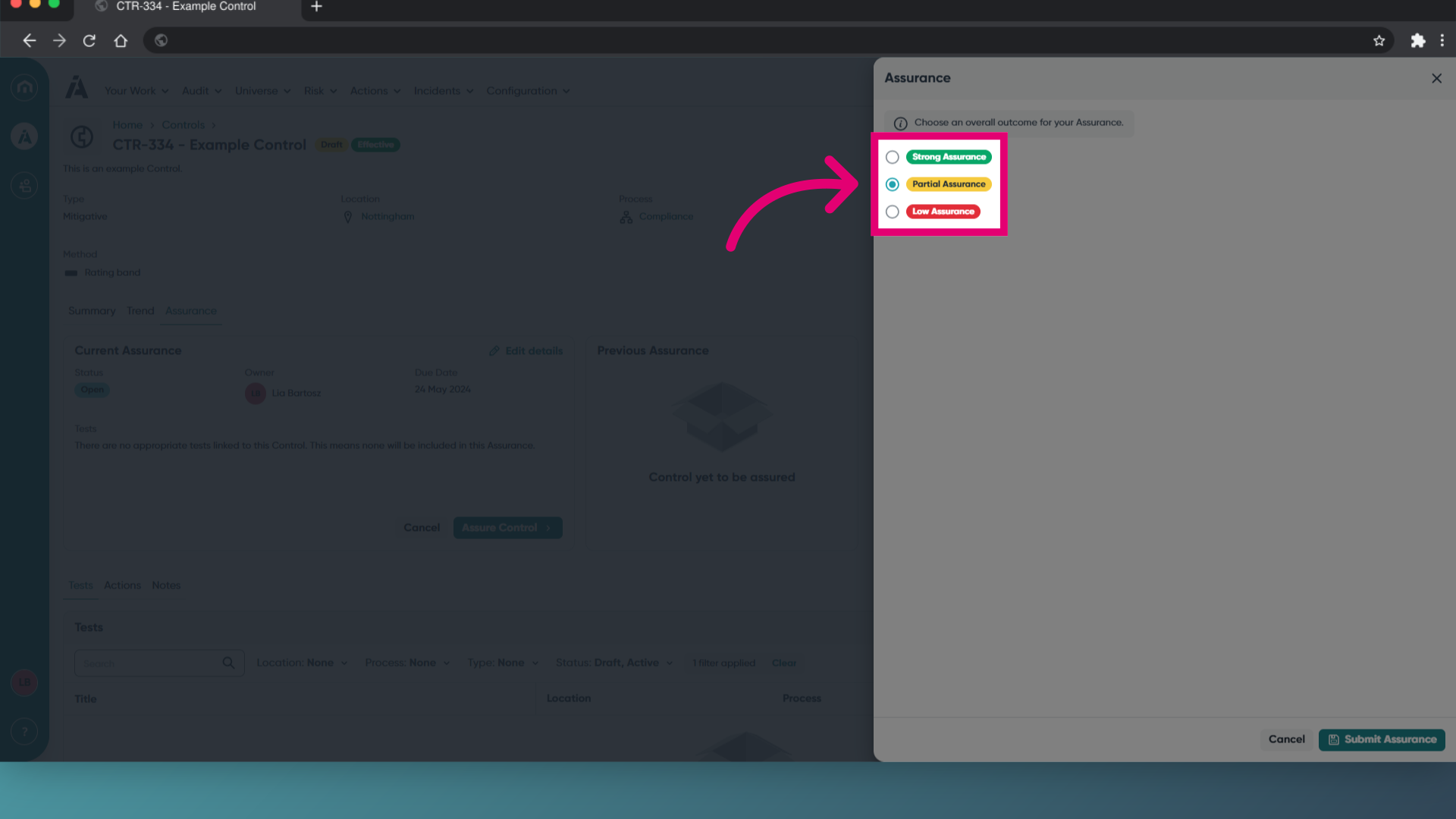
- Once all in-scope tests have results, select an Assurance Outcome.
The available options are configured by your administrator. - Click Submit Assurance.
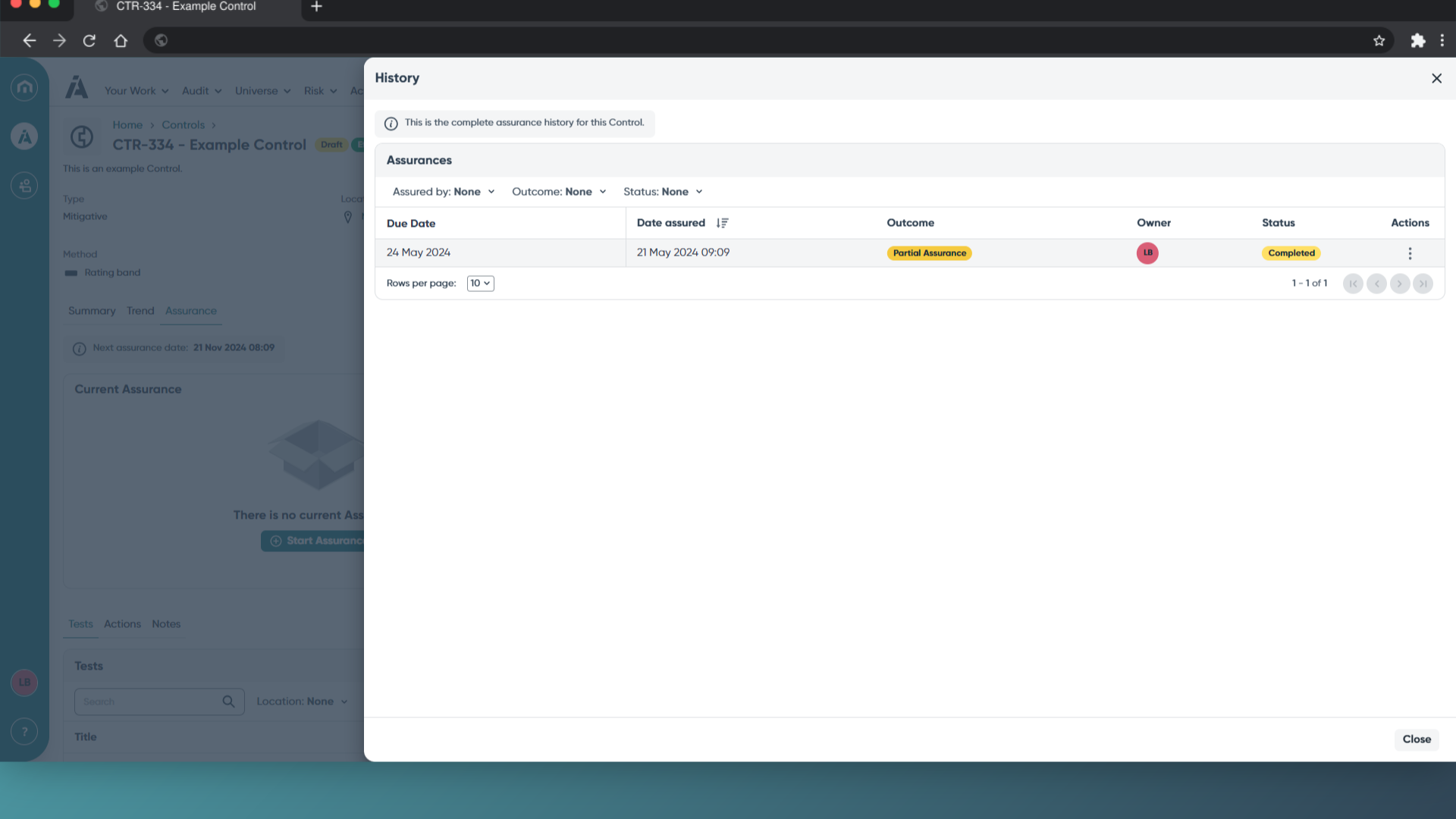
To view historical assurance data, click History. Here, you can see a list of all Assurances previously completed for this Control.