New article
Recently updated
Creating a Library Step

Who is this article for?Users who want to learn about creating a Library Step
Access to the Actions module required.
This guide will walk you through the process of creating a Library Step.
1.1 Creating a Library Step
1.1. Video
1.2. Steps
- Access the Audit module.
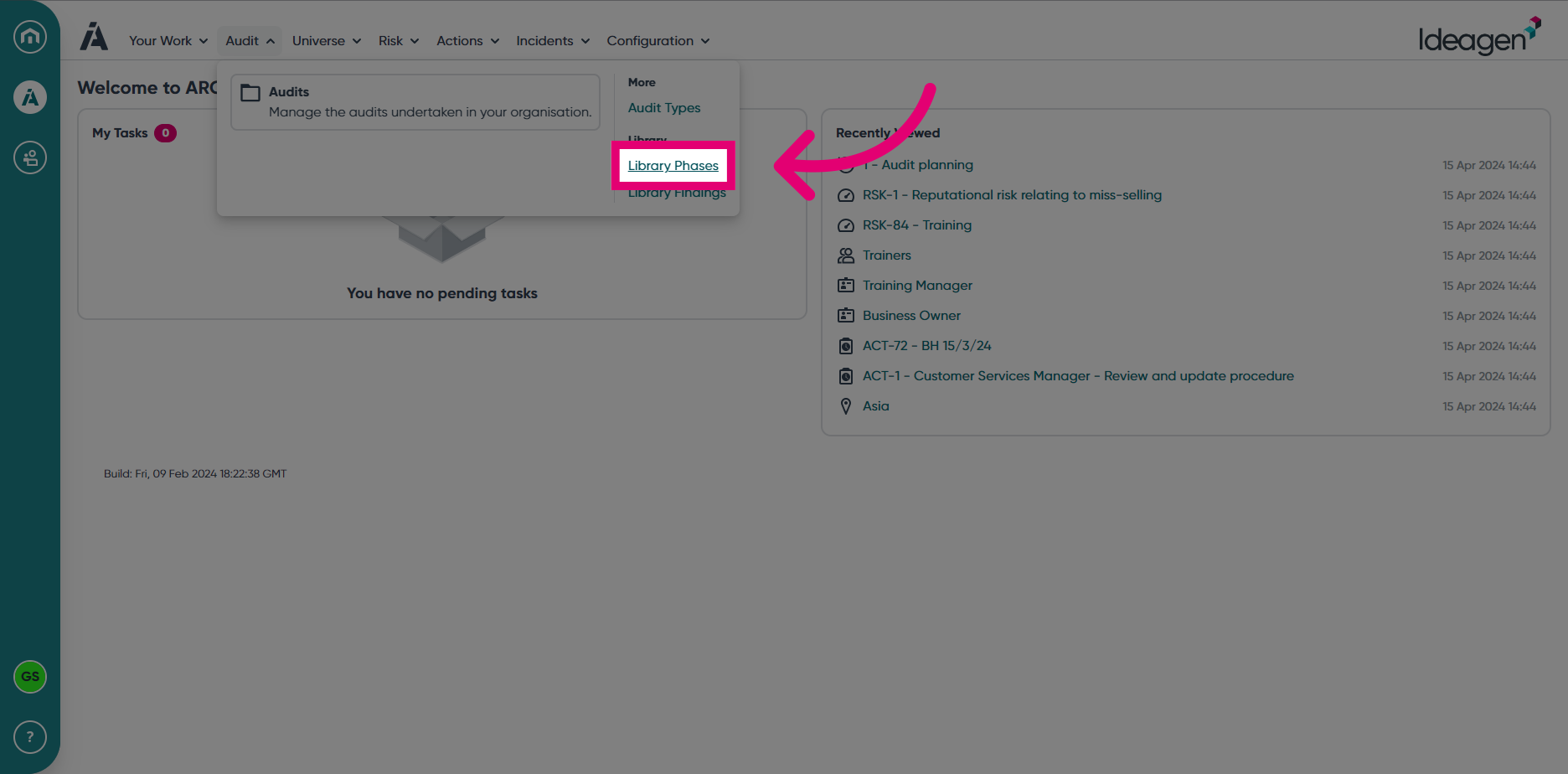
- Select Library Phases from the Audit module menu.
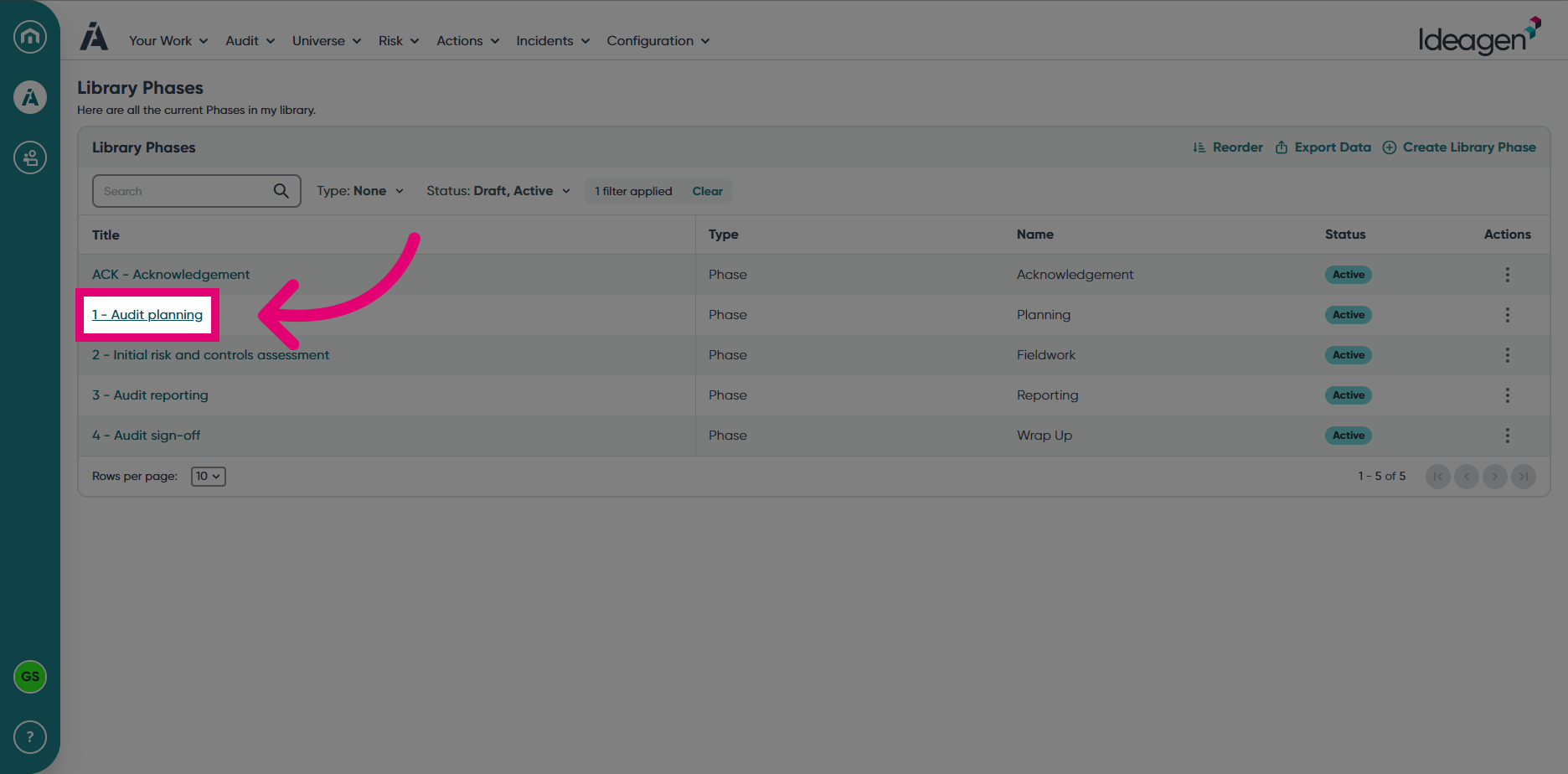
- Open a Phase by clicking on the Phase name.
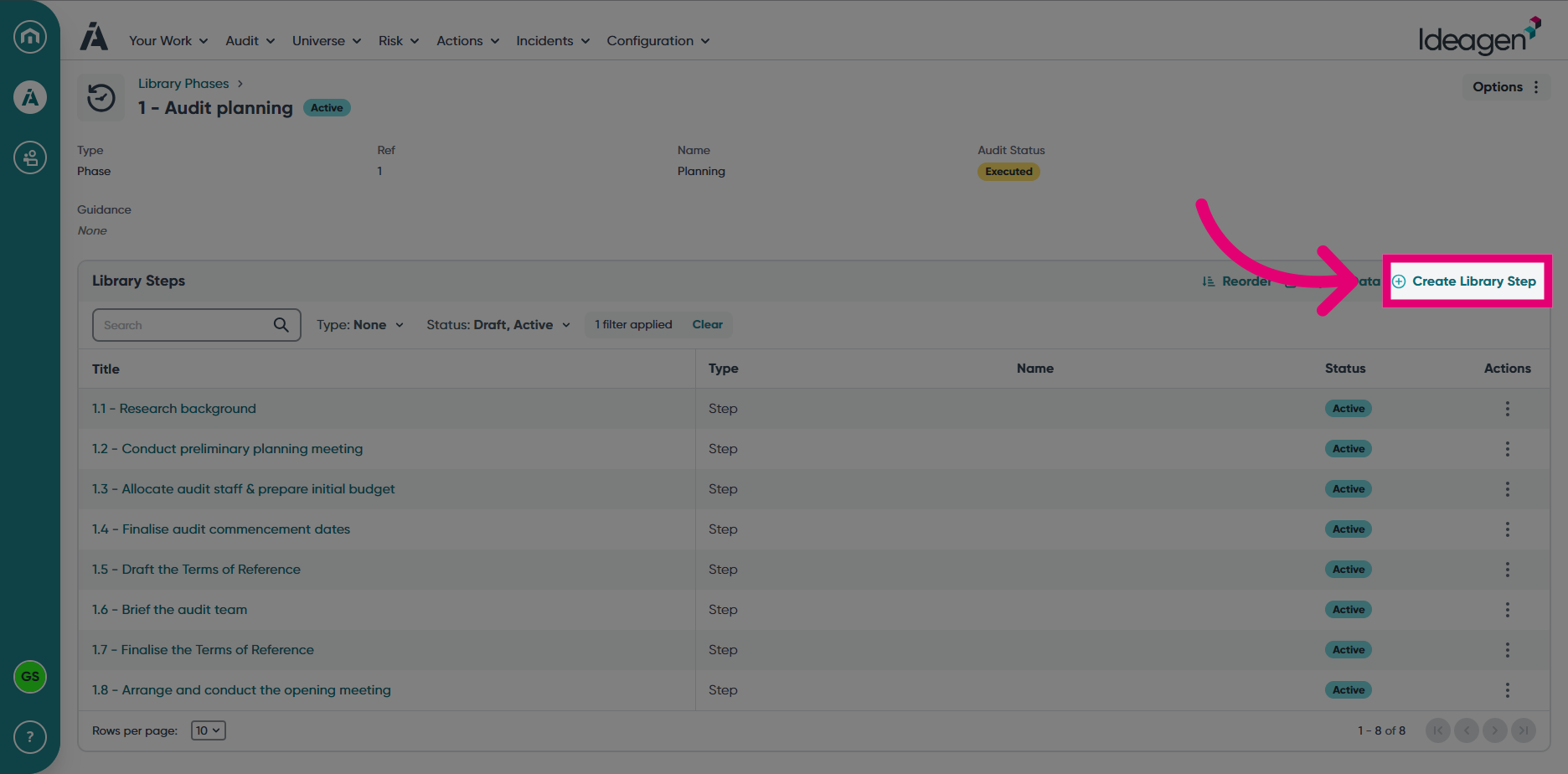
- Choose Create Library Step.
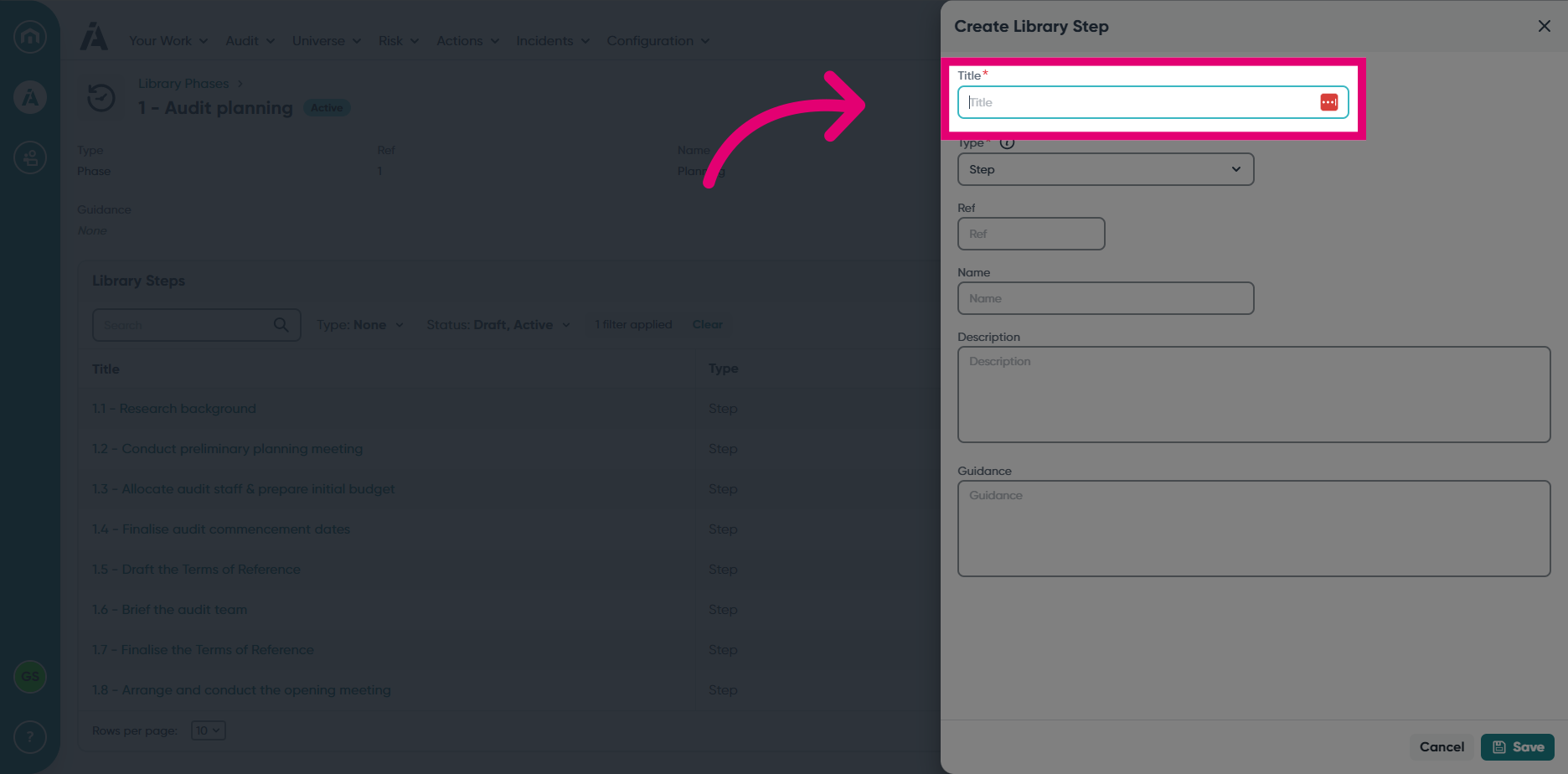
- Enter a Title.
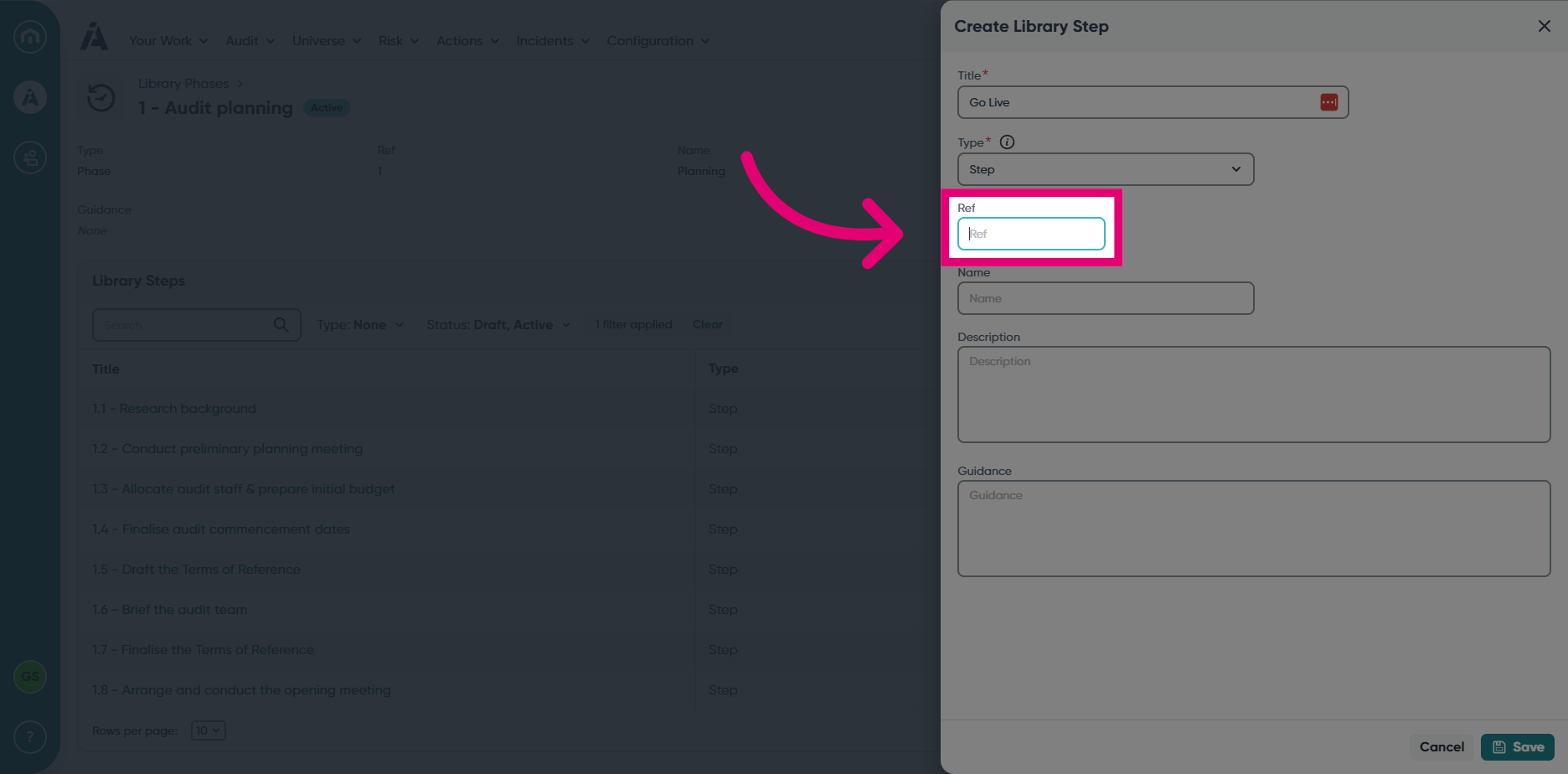
- Enter a reference in the Ref field.
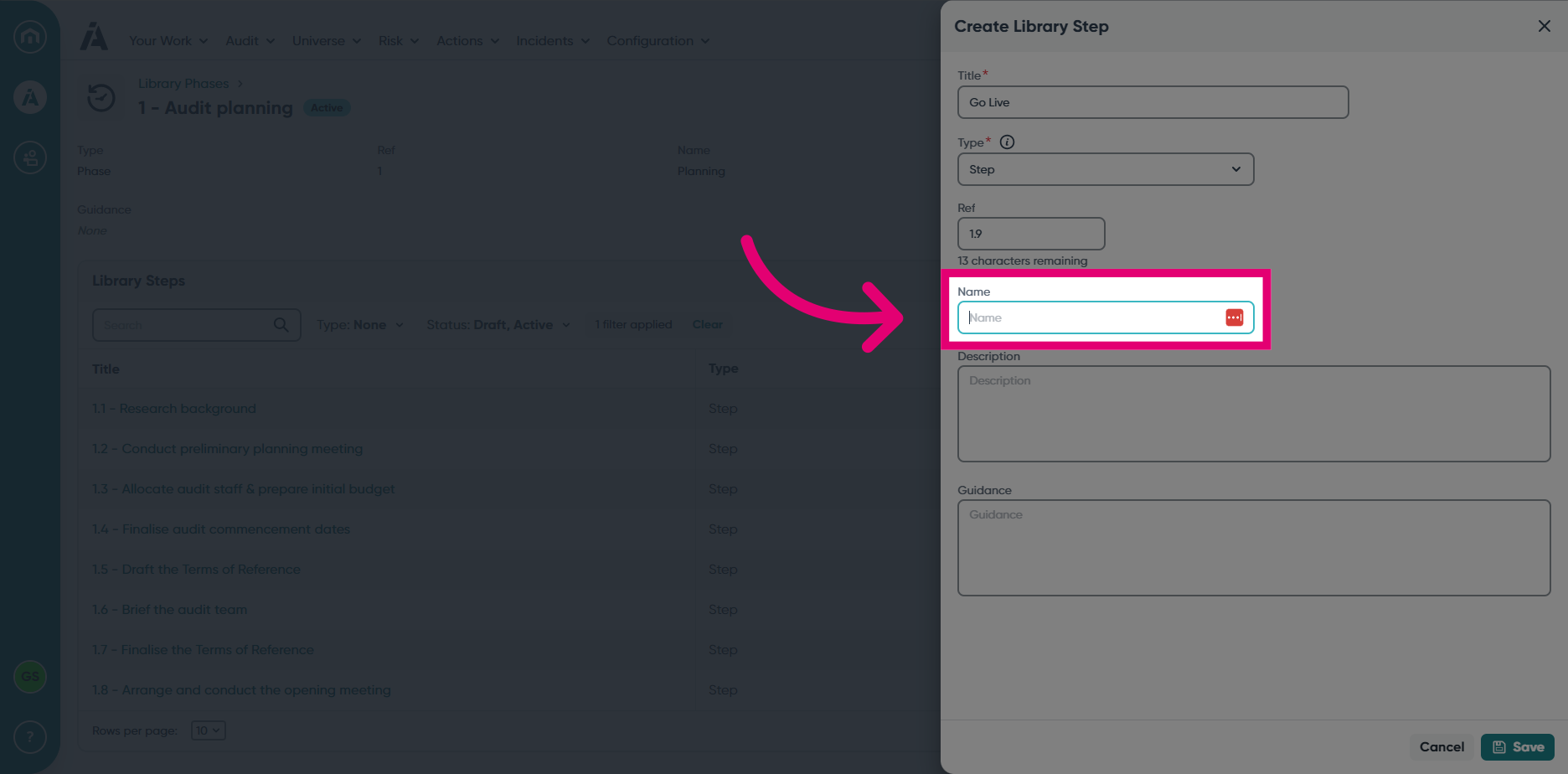
- Choose a name for the step and enter it in the Name field.
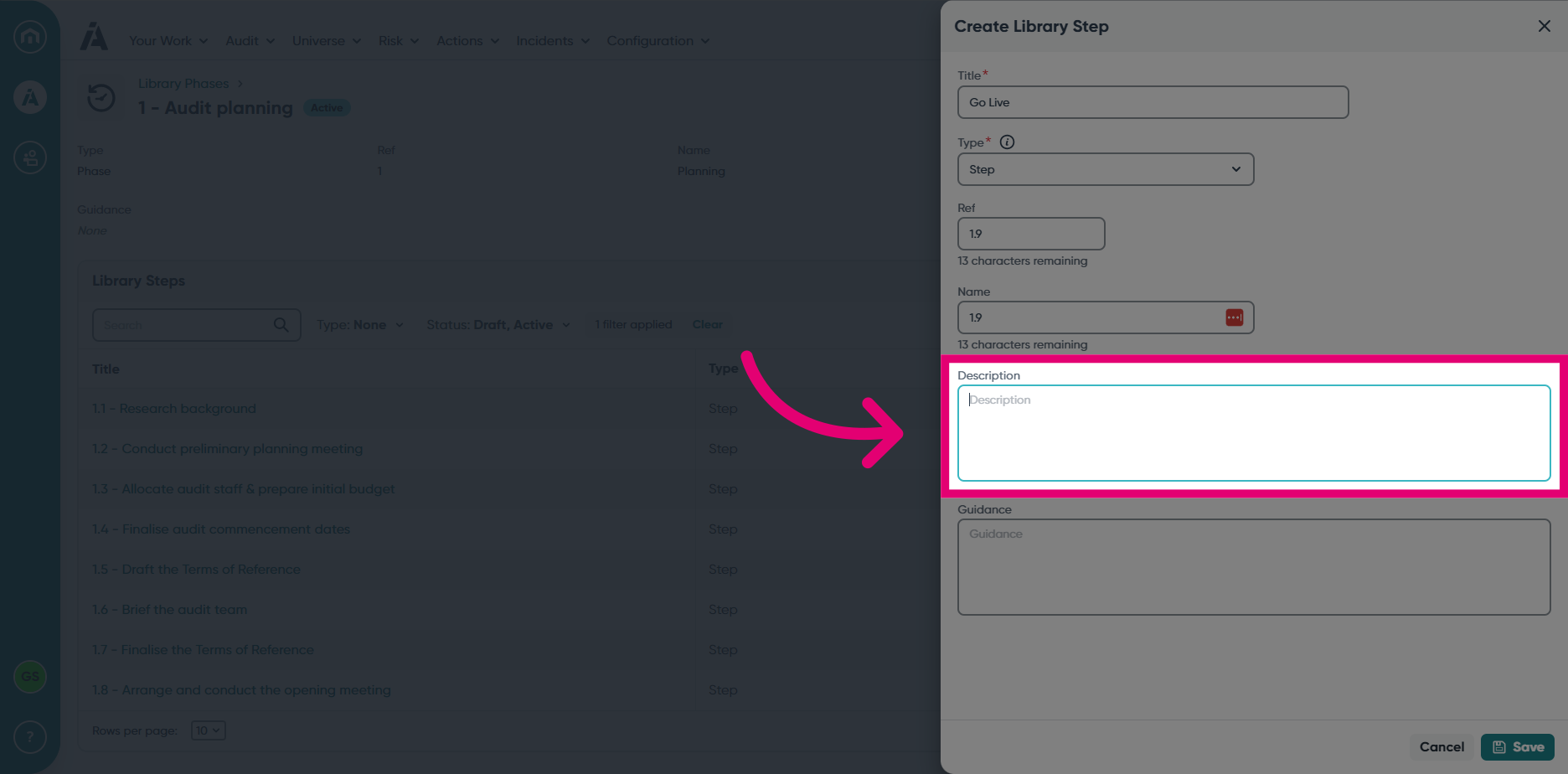
- Enter a Description.
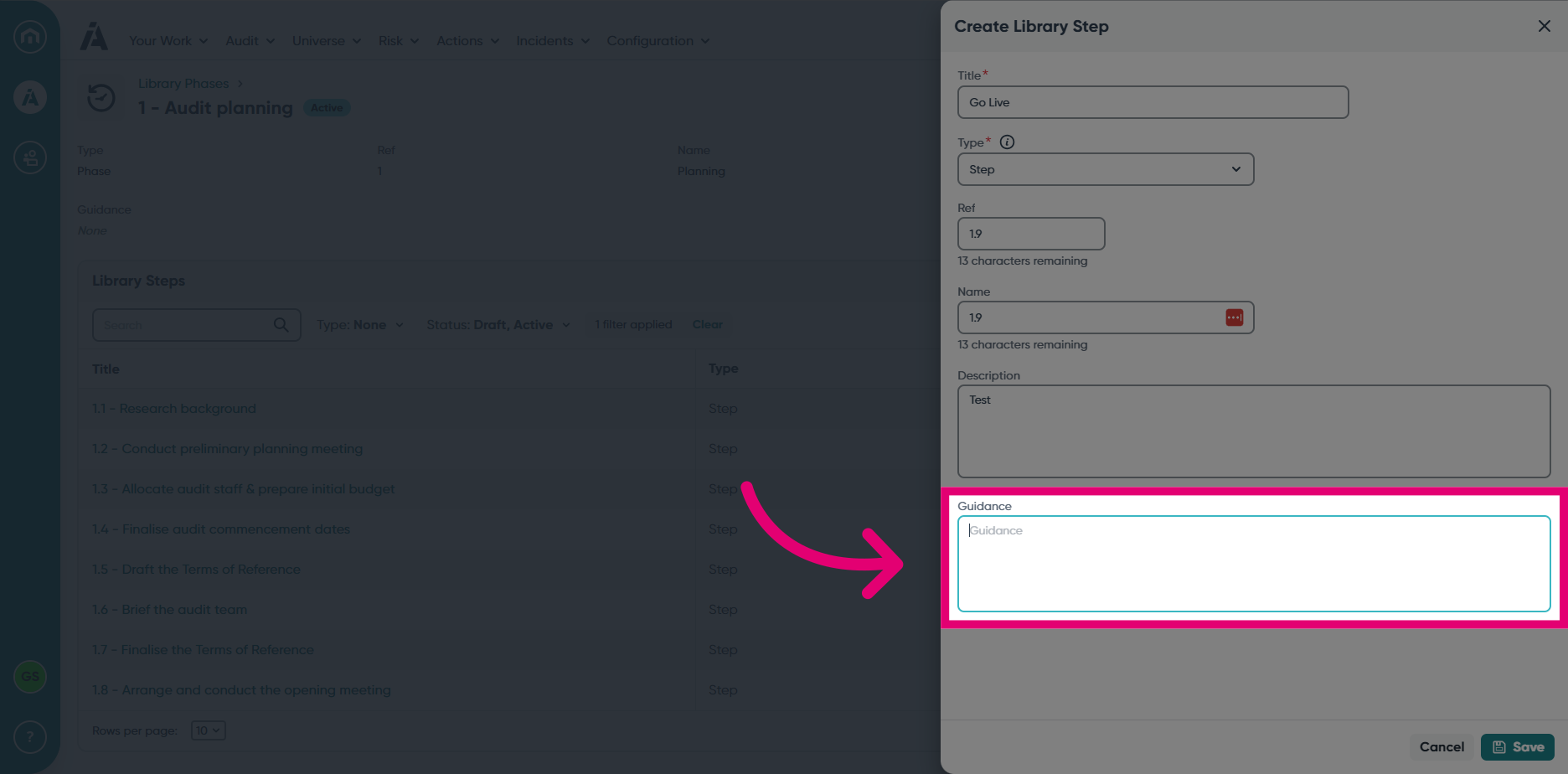
- Enter some Guidance.
- Click Save.
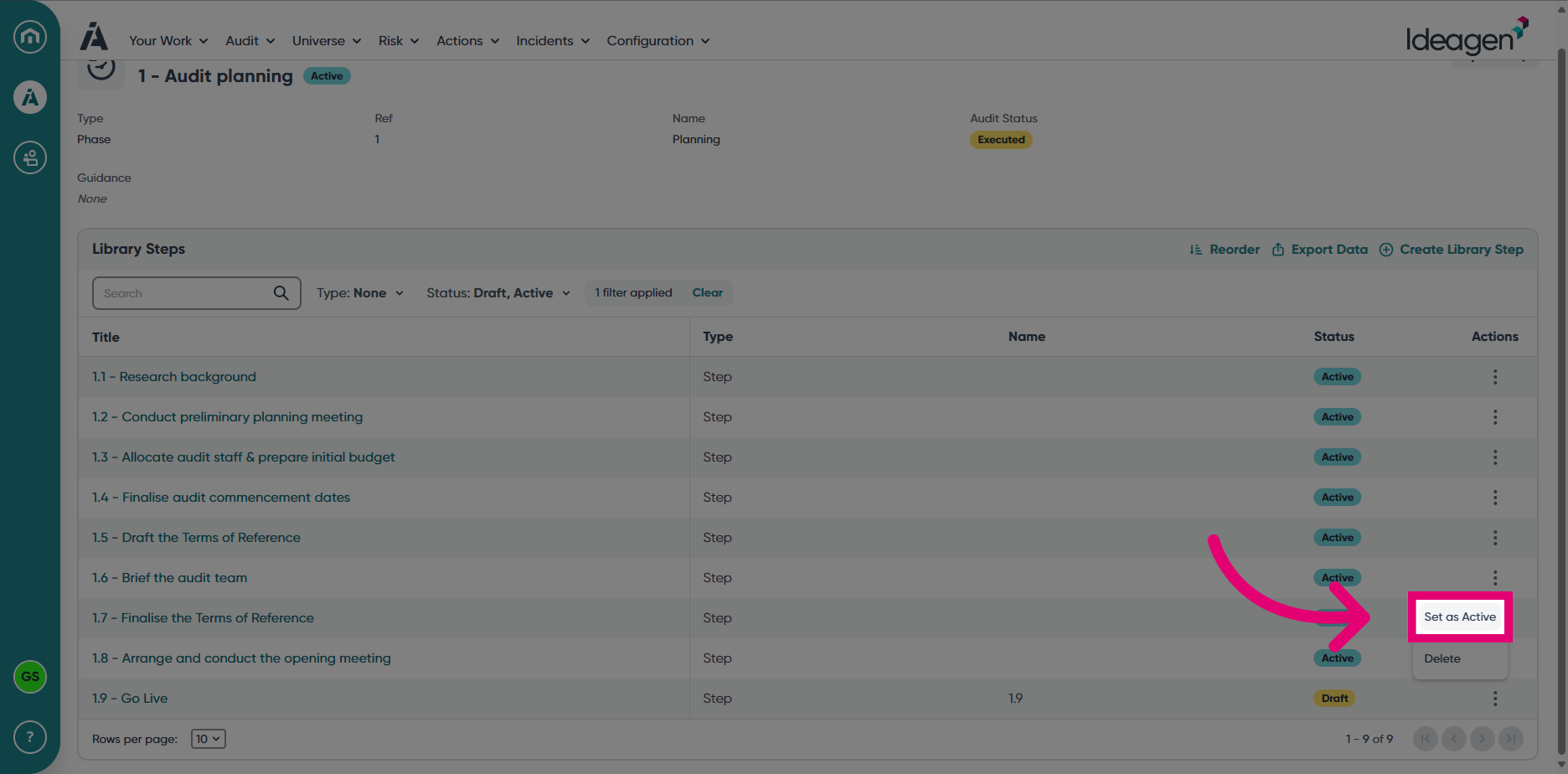
- To activate the Library Step, click on the Ellipses and choose Set as Active.